







Question: Hello, I need help with modifying this code to use fstream to read through an external file named cowFiles.txt , Open the source file, named
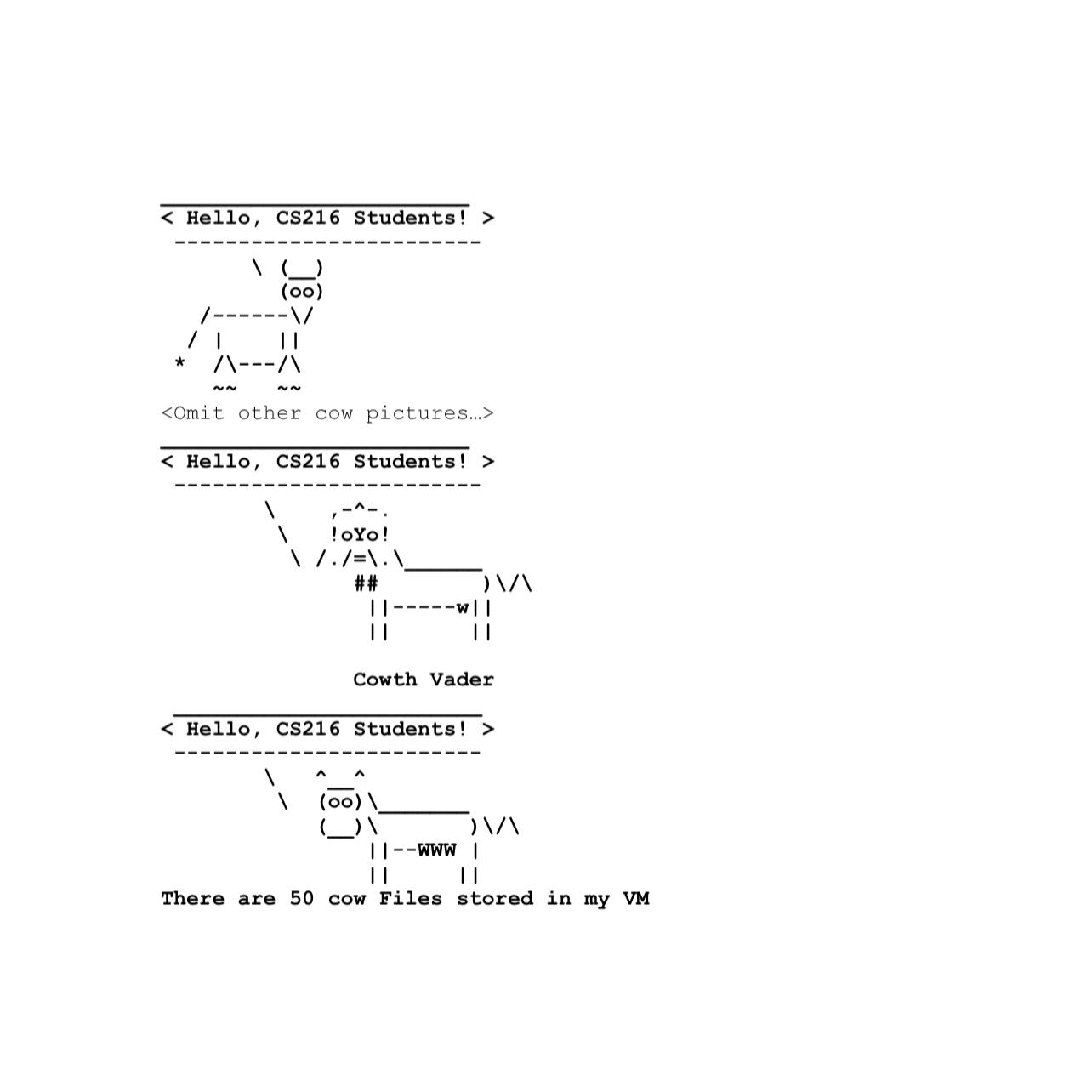
Hello, I need help with modifying this code to use fstream to read through an external file named cowFiles.txt Open the source file, named Labcpp with any editor you choose we are going to for now, you can use any editor you can find You can see that the program opens an input file to read data from each text line, however, the input file name is hardcoded, which means you cannot change the file name each time when you run this program. Now think about how to use command line arguments to pass the input file name as the argument instead of using hardcoded filename in the current source file, so that you can run your program in the following way:$ Lab cowFiles.Txt here picture of labcpp
iles
then display how many cow files have
been used
Author: your name
#include ;Hello;
Step by Step Solution
There are 3 Steps involved in it
1 Expert Approved Answer
Step: 1 Unlock

Question Has Been Solved by an Expert!
Get step-by-step solutions from verified subject matter experts
Step: 2 Unlock
Step: 3 Unlock
 Study Help