



Question: Hello, I need this lab complete. I have the results for week 2 lab so I can email you that. PayPal method friendly. Statistical Concepts:
Hello, I need this lab complete. I have the results for week 2 lab so I can email you that. PayPal method friendly.
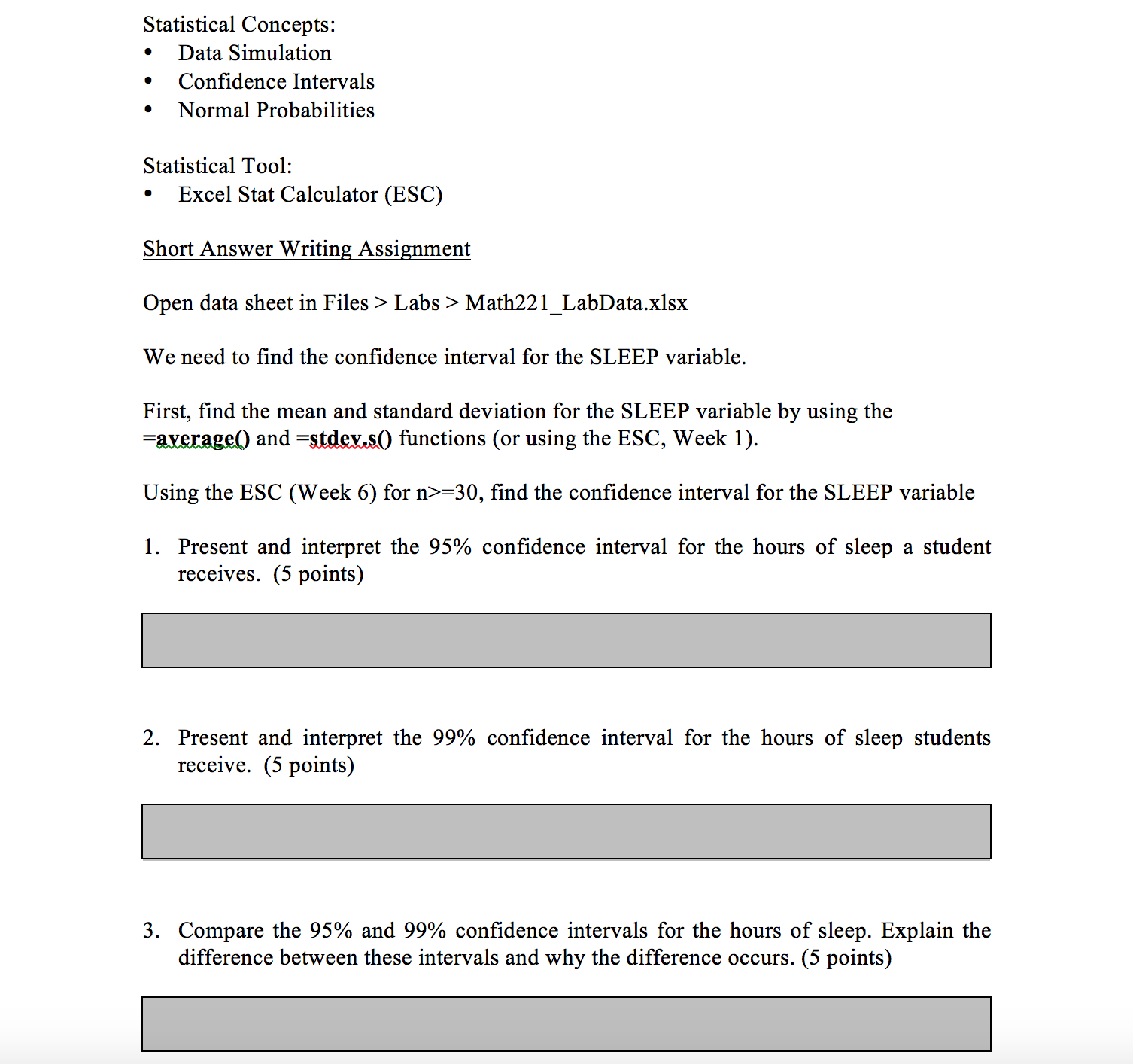
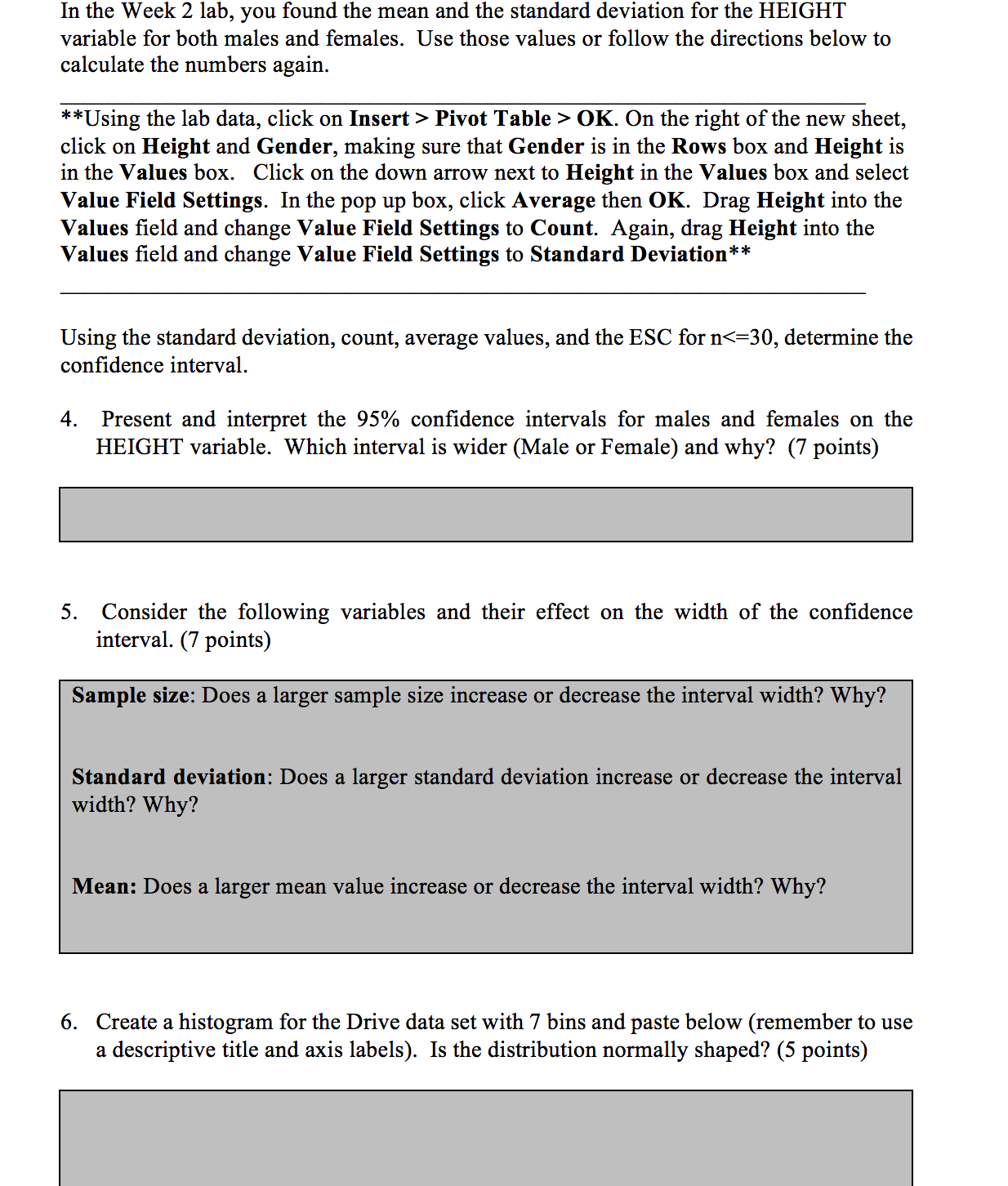
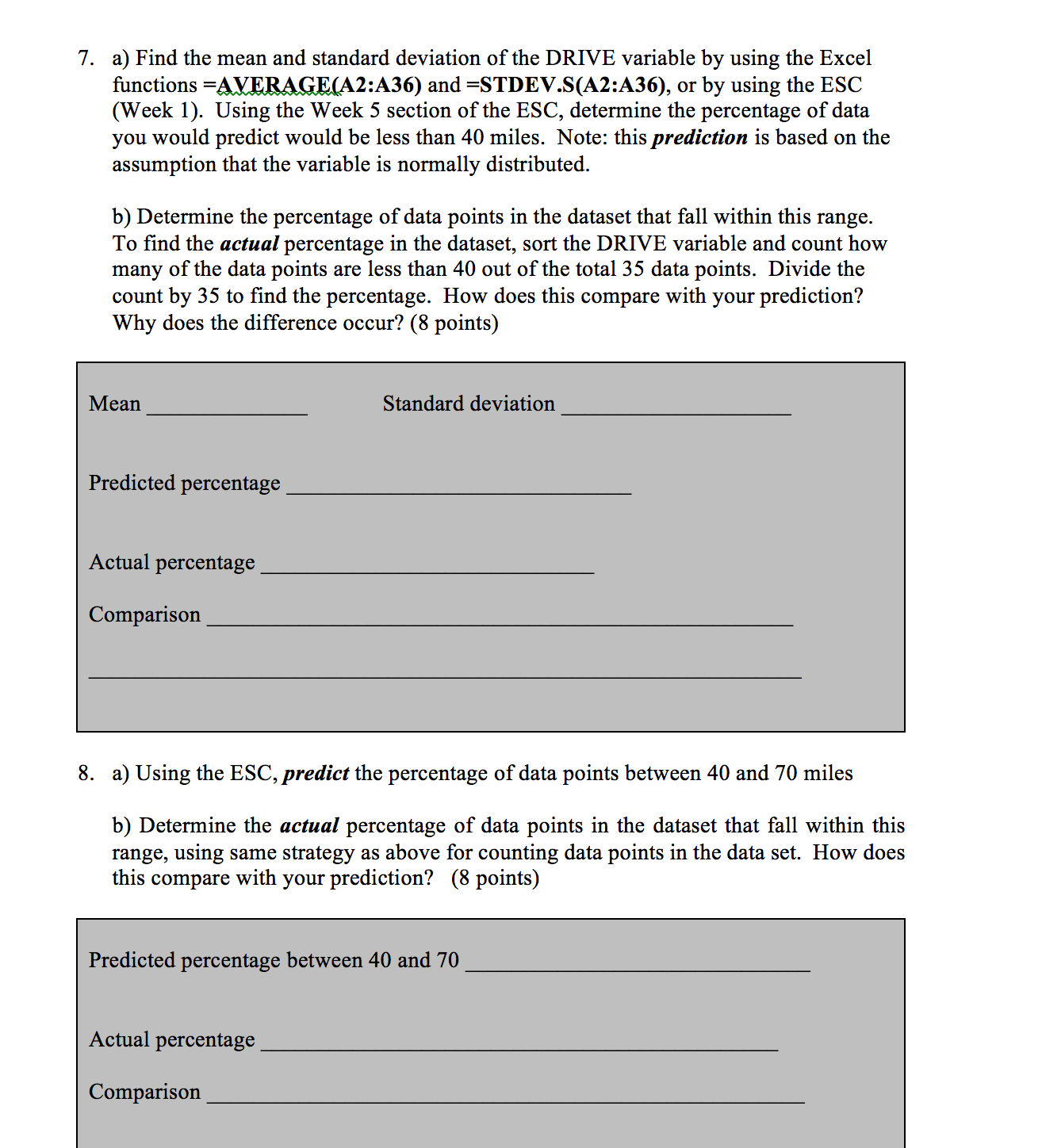
Statistical Concepts: ' Data Simulation ' Condence Intervals - Normal Probabilities Statistical Tool: - Excel Stat Calculator (ESC) Short Answer Writing Assigngent Open data sheet in Files > Labs > Math221_LabData.xlsx We need to nd the condence interval for the SLEEP variable. First, nd the mean and standard deviation for the SLEEP variable by using the =W0 and =stdgm0 functions (or using the ESC, Week 1). Using the ESC (Week 6) for n>=30, nd the condence interval for the SLEEP variable 1. Present and interpret the 95% condence interval for the hours of sleep a student receives. (5 points) 2. Present and interpret the 99% condence interval for the hours of sleep students receive. (5 points) 3. Compare the 95% and 99% condence intervals for the hours of sleep. Explain the difference between these intervals and why the difference occurs. (5 points) In the Week 2 lab, you found the mean and the standard deviation for the HEIGHT variable for both males and females. Use those values or follow the directions below to calculate the numbers again. "Using the lab data, click on Insert > Pivot Table > 0K. On the right of the new sheet, click on Height and Gender, making sure that Gender is in the Rows box and Height is in the Values box. Click on the down arrow next to Height in the Values box and select Value Field Settings. In the pop up box, click Average then 0K. Drag Height into the Values eld and change Value Field Settings to Count. Again, drag Height into the Values eld and change Value Field Settings to Standard Deviation\" Using the standard deviation, count, average values, and the ESC for n
Step by Step Solution
There are 3 Steps involved in it

Get step-by-step solutions from verified subject matter experts