







Question: Hello in C# please complete, Assignment 1 7 - 2 Work with a binary file In this exercise, you'll add code to an Inventory Maintenance
Hello in C# please complete, Assignment Work with a binary file
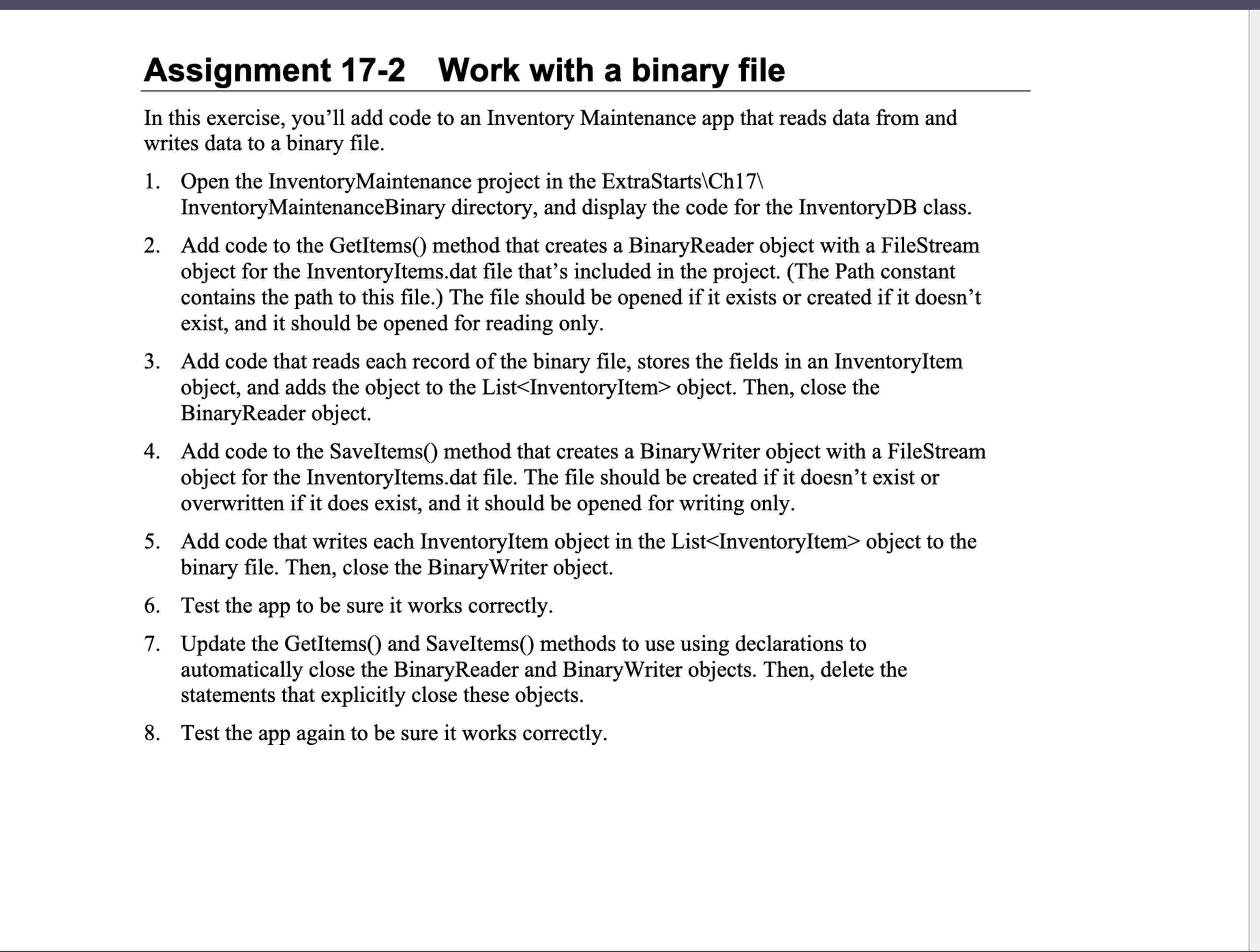
In this exercise, you'll add code to an Inventory Maintenance app that reads data from and writes data to a binary file.
Open the InventoryMaintenance project in the ExtraStartsCh backslash
InventoryMaintenanceBinary directory, and display the code for the InventoryDB class.
Add code to the GetItems method that creates a BinaryReader object with a FileStream object for the InventoryItems. dat file that's included in the project. The Path constant contains the path to this file. The file should be opened if it exists or created if it doesn't exist, and it should be opened for reading only.
Add code that reads each record of the binary file, stores the fields in an InventoryItem object, and adds the object to the List object. Then, close the BinaryReader object.
Add code to the SaveItems method that creates a BinaryWriter object with a FileStream object for the InventoryItems.dat file. The file should be created if it doesn't exist or overwritten if it does exist, and it should be opened for writing only.
Add code that writes each InventoryItem object in the List object to the binary file. Then, close the BinaryWriter object.
Test the app to be sure it works correctly.
Update the GetItems and SaveItems methods to use using declarations to automatically close the BinaryReader and BinaryWriter objects. Then, delete the statements that explicitly close these objects.
Test the app again to be sure it works correctly.
Step by Step Solution
There are 3 Steps involved in it
1 Expert Approved Answer
Step: 1 Unlock

Question Has Been Solved by an Expert!
Get step-by-step solutions from verified subject matter experts
Step: 2 Unlock
Step: 3 Unlock
 Study Help