







Question: Hello messages are exchanged between the OSPF routers to dynamically discover neighbors These messages include information or conditions that must be agreed on by OSPF
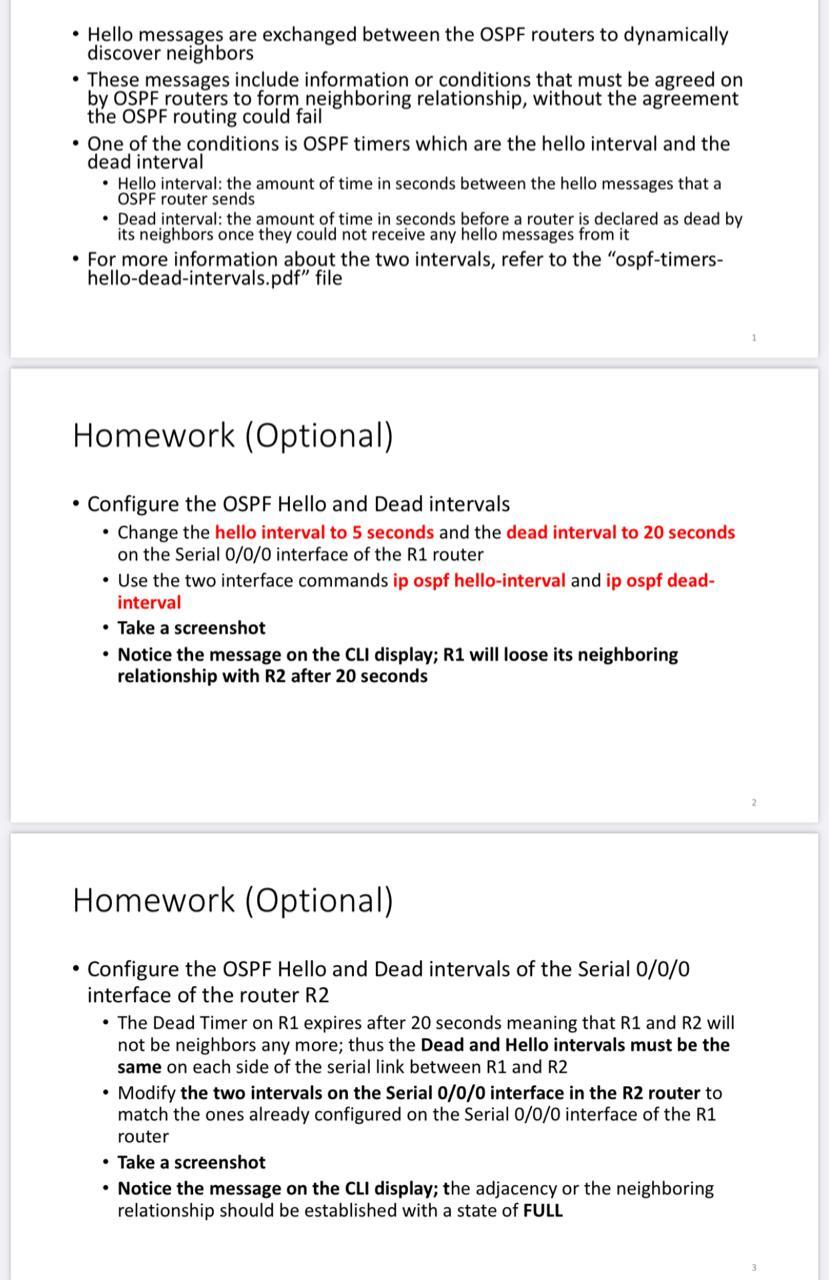
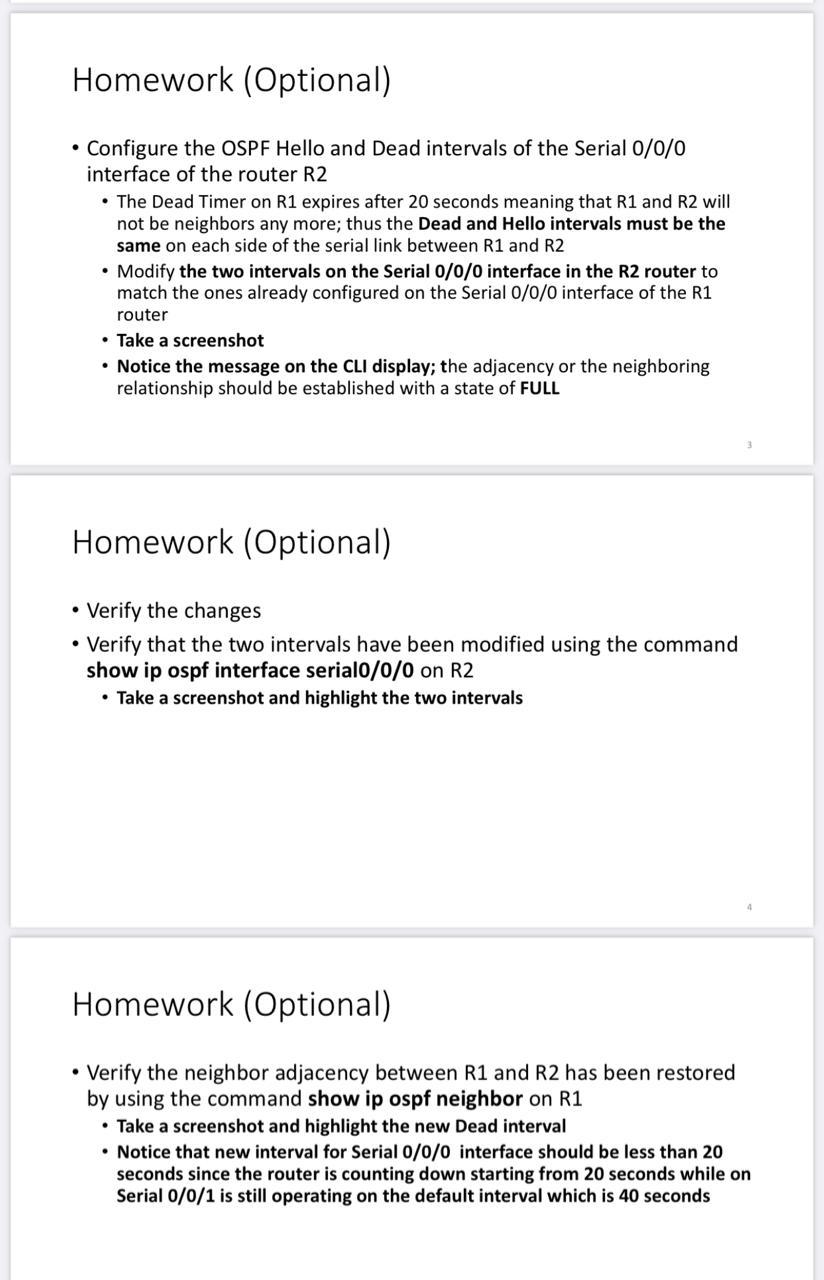
Hello messages are exchanged between the OSPF routers to dynamically discover neighbors These messages include information or conditions that must be agreed on by OSPF routers to form neighboring relationship, without the agreement the OSPF routing could fail One of the conditions is OSPF timers which are the hello interval and the dead interval Hello interval: the amount of time in seconds between the hello messages that a OSPF router sends Dead interval: the amount of time in seconds before a router is declared as dead by its neighbors once they could not receive any hello messages from it For more information about the two intervals, refer to the "ospf-timers- hello-dead-intervals.pdf" file Homework (Optional) Configure the OSPF Hello and Dead intervals Change the hello interval to 5 seconds and the dead interval to 20 seconds on the Serial 0/0/0 interface of the R1 router Use the two interface commands ip ospf hello-interval and ip ospf dead- interval Take a screenshot Notice the message on the CLI display; R1 will loose its neighboring relationship with R2 after 20 seconds Homework (Optional) Configure the OSPF Hello and Dead intervals of the Serial 0/0/0 interface of the router R2 The Dead Timer on R1 expires after 20 seconds meaning that R1 and R2 will not be neighbors any more; thus the Dead and Hello intervals must be the same on each side of the serial link between R1 and R2 Modify the two intervals on the Serial 0/0/0 interface in the R2 router to match the ones already configured on the Serial 0/0/0 interface of the R1 router Take a screenshot Notice the message on the CLI display; the adjacency or the neighboring relationship should be established with a state of FULL Homework (Optional) Configure the OSPF Hello and Dead intervals of the Serial 0/0/0 interface of the router R2 The Dead Timer on R1 expires after 20 seconds meaning that R1 and R2 will not be neighbors any more; thus the Dead and Hello intervals must be the same on each side of the serial link between R1 and R2 Modify the two intervals on the Serial 0/0/0 interface in the R2 router to match the ones already configured on the Serial 0/0/0 interface of the R1 router Take a screenshot Notice the message on the CLI display; the adjacency or the neighboring relationship should be established with a state of FULL Homework (Optional) Verify the changes Verify that the two intervals have been modified using the command show ip ospf interface serial0/0/0 on R2 Take a screenshot and highlight the two intervals Homework (Optional) Verify the neighbor adjacency between R1 and R2 has been restored by using the command show ip ospf neighbor on R1 Take a screenshot and highlight the new Dead interval Notice that new interval for Serial 0/0/0 interface should be less than 20 seconds since the router is counting down starting from 20 seconds while on Serial 0/0/1 is still operating on the default interval which is 40 seconds
Step by Step Solution
There are 3 Steps involved in it

Get step-by-step solutions from verified subject matter experts
 Study Help