







Question: Help explain how to do step by step scripts in R Studio: Our task is to create a script that will analyze the 'presidents' dataset
Help explain how to do step by step scripts in R Studio:
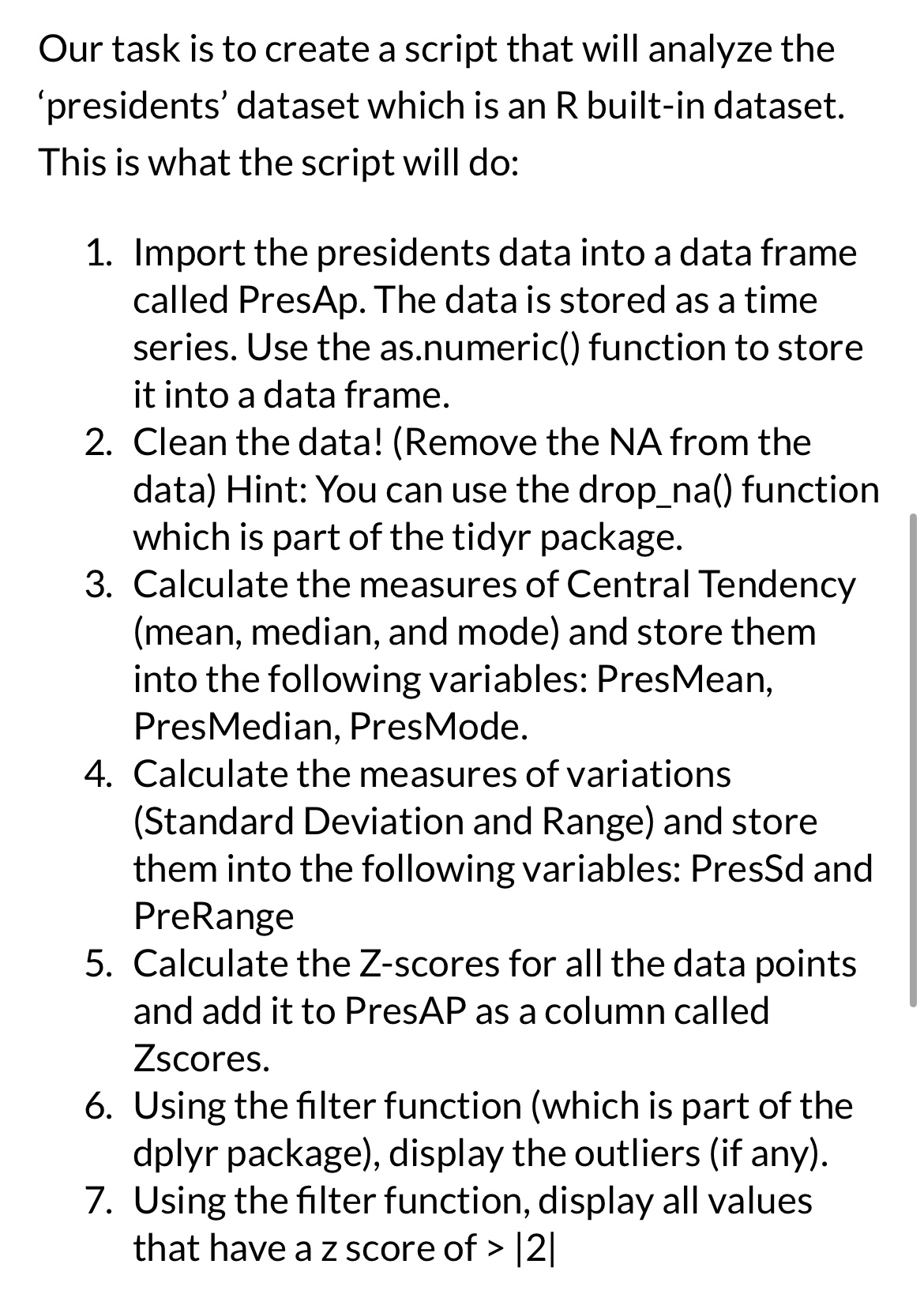
Our task is to create a script that will analyze the 'presidents' dataset which is an R builtin dataset. This is what the script will do:
Import the presidents data into a data frame called PresAp. The data is stored as a time series. Use the asnumeric function to store it into a data frame.
Clean the data! Remove the NA from the data Hint: You can use the dropna function which is part of the tidyr package.
Calculate the measures of Central Tendency mean median, and mode and store them into the following variables: PresMean, PresMedian, PresMode.
Calculate the measures of variations Standard Deviation and Range and store them into the following variables: PresSd and PreRange
Calculate the Zscores for all the data points and add it to PresAP as a column called Zscores.
Using the filter function which is part of the dplyr package display the outliers if any
Using the filter function, display all values that have a z score of
Step by Step Solution
There are 3 Steps involved in it
1 Expert Approved Answer
Step: 1 Unlock

Question Has Been Solved by an Expert!
Get step-by-step solutions from verified subject matter experts
Step: 2 Unlock
Step: 3 Unlock
 Study Help