







Question: Help me code the MATLAB script fot exercise below. ( Answer part 1, 2 and 3 please ) Pics are shown below relating to the
Help me code the MATLAB script fot exercise below. ( Answer part 1, 2 and 3 please ) Pics are shown below relating to the questions and all other pics below are for reference. Thank you and will Rate you the best.
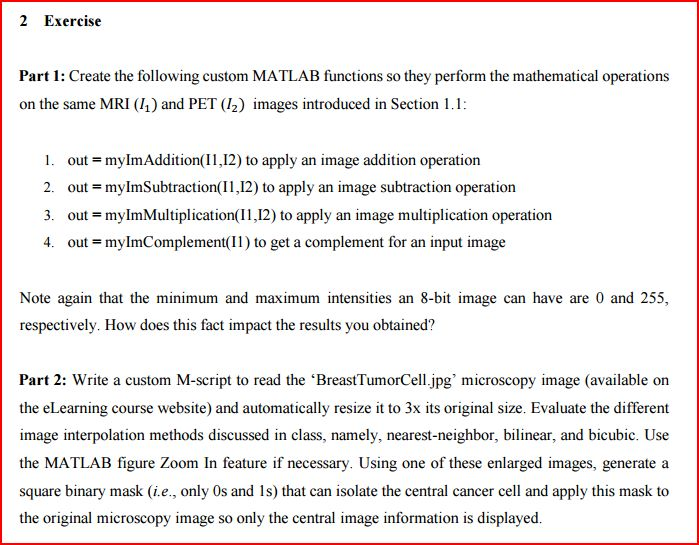
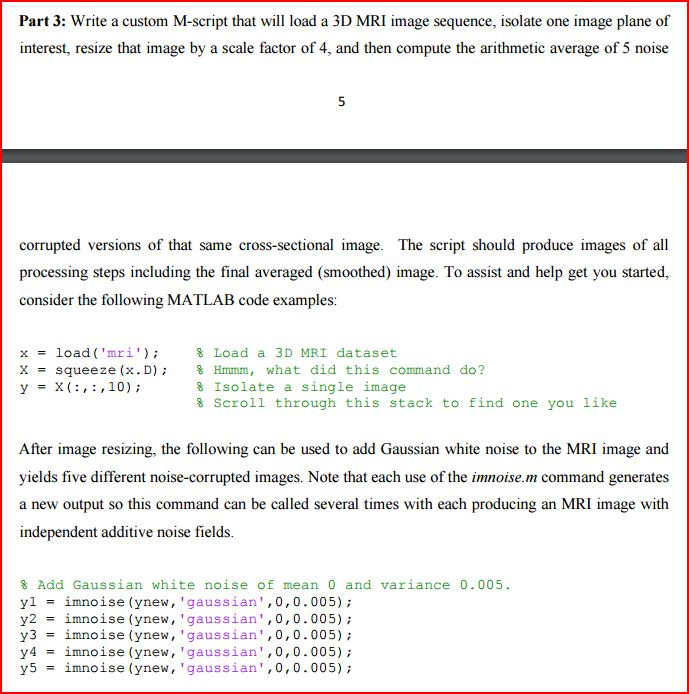
Shown below are the medical images that needs to be used to answer the exercises.
1) BodyMRI.png

2) BodyMRI_noise1.png
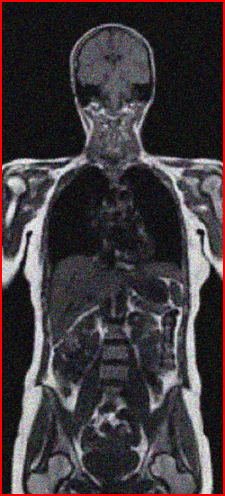
3) BodyMRI_noise2.png
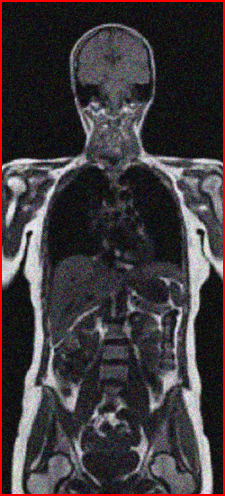
4) BodyMRI_noise3.png
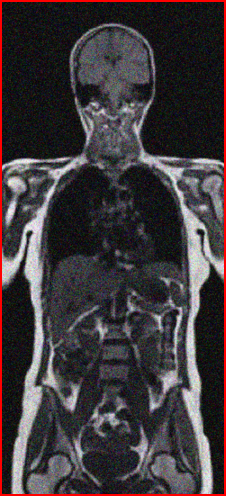
5) BodyMRI_noise4.png
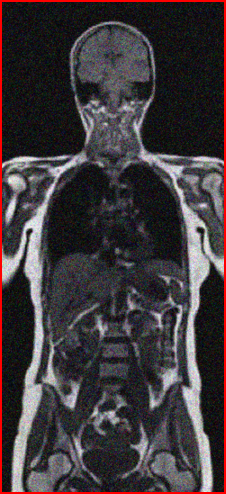
6) BodyMRI_noise5.png
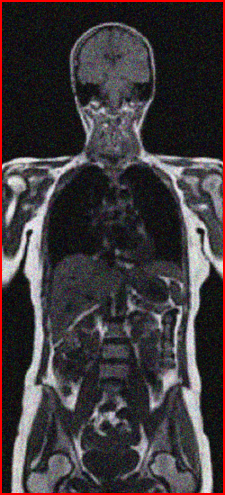
7) BodyPET.png
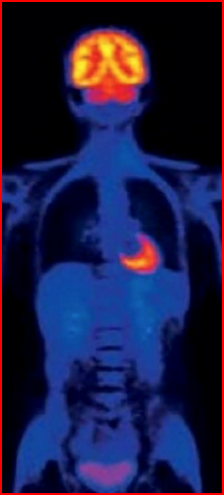
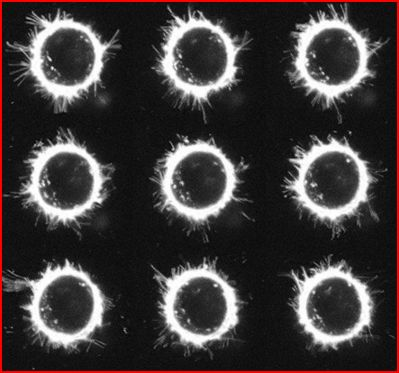
8) BreastTumorCell.jpg
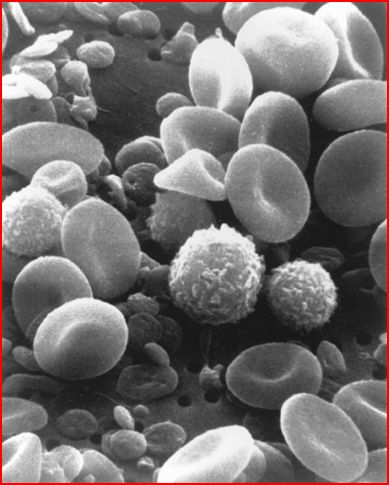
9) RBC.jpg
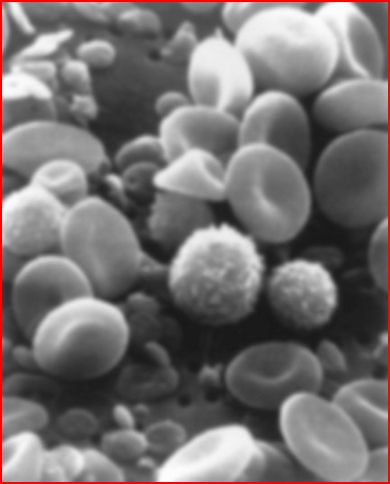
10) RBC_blurry.jpg
Given below is worksheet containing all the matlab commands if you get stuck or want to use it. Please refer to the sheets below for any questions on how to do this.
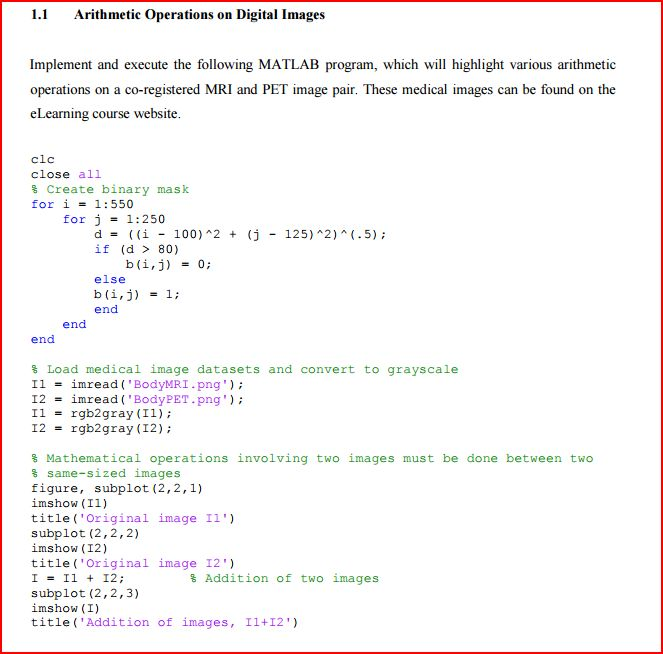
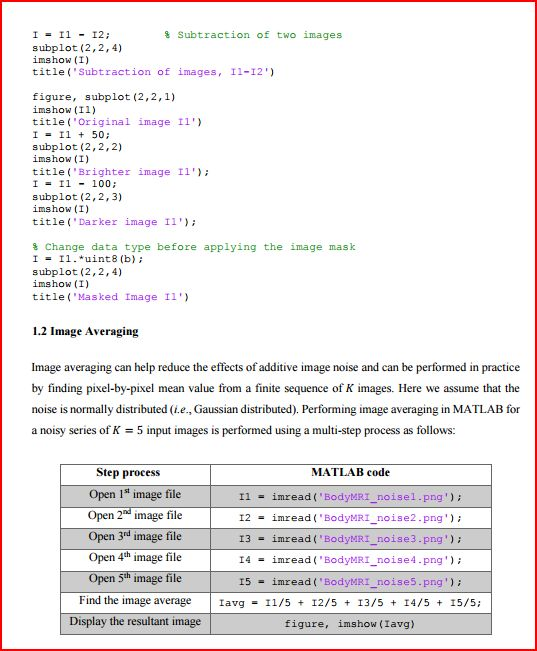
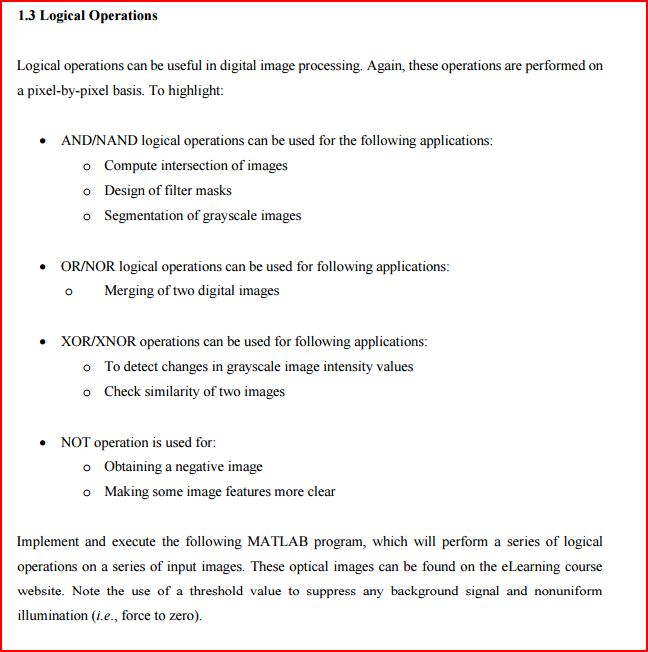
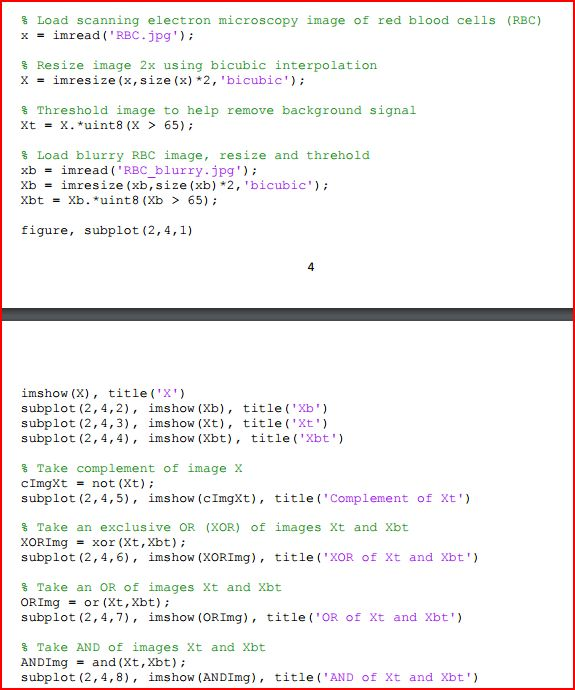
2 Exercise Part 1: Create the following custom MATLAB functions so they perform the mathematical operations on the same MRI (1) and PET (12) images introduced in Section 1.1: 1. out mylmAddition(2) to apply an image addition operation 2. out mylmSubtraction(I1,12) to apply an image subtraction operation 3. out myImMultiplication(I1,12) to apply an image multiplication operation 4. out mylmComplement(1) to get a complement for an input image Note again that the minimum and maximum intensities an 8-bi image can have are 0 and 255, respectively. How does this fact impact the results you obtained? Part 2: Write a custom M-script to read the 'BreastTumorCell.jpg' microscopy image (available on the eLearning course website) and automatically resize it to 3x its original size. Evaluate the different image interpolation methods discussed in class, namely, nearest-neighbor, bilinear, and bicubic. Use the MATLAB figure Zoom In feature if necessary. Using one of these enlarged images, generate a square binary mask (i.e., only 0s and 1s) that can isolate the central cancer cell and apply this mask to the original microscopy image so only the central image information is displayed. 2 Exercise Part 1: Create the following custom MATLAB functions so they perform the mathematical operations on the same MRI (1) and PET (12) images introduced in Section 1.1: 1. out mylmAddition(2) to apply an image addition operation 2. out mylmSubtraction(I1,12) to apply an image subtraction operation 3. out myImMultiplication(I1,12) to apply an image multiplication operation 4. out mylmComplement(1) to get a complement for an input image Note again that the minimum and maximum intensities an 8-bi image can have are 0 and 255, respectively. How does this fact impact the results you obtained? Part 2: Write a custom M-script to read the 'BreastTumorCell.jpg' microscopy image (available on the eLearning course website) and automatically resize it to 3x its original size. Evaluate the different image interpolation methods discussed in class, namely, nearest-neighbor, bilinear, and bicubic. Use the MATLAB figure Zoom In feature if necessary. Using one of these enlarged images, generate a square binary mask (i.e., only 0s and 1s) that can isolate the central cancer cell and apply this mask to the original microscopy image so only the central image information is displayed
Step by Step Solution
There are 3 Steps involved in it

Get step-by-step solutions from verified subject matter experts
 Study Help