







Question: Help me on the Node.js Challenge! Node.js Challenge: Professional README Generator When creating an open source project on GitHub, it's important to have a high-quality
Help me on the Node.js Challenge!
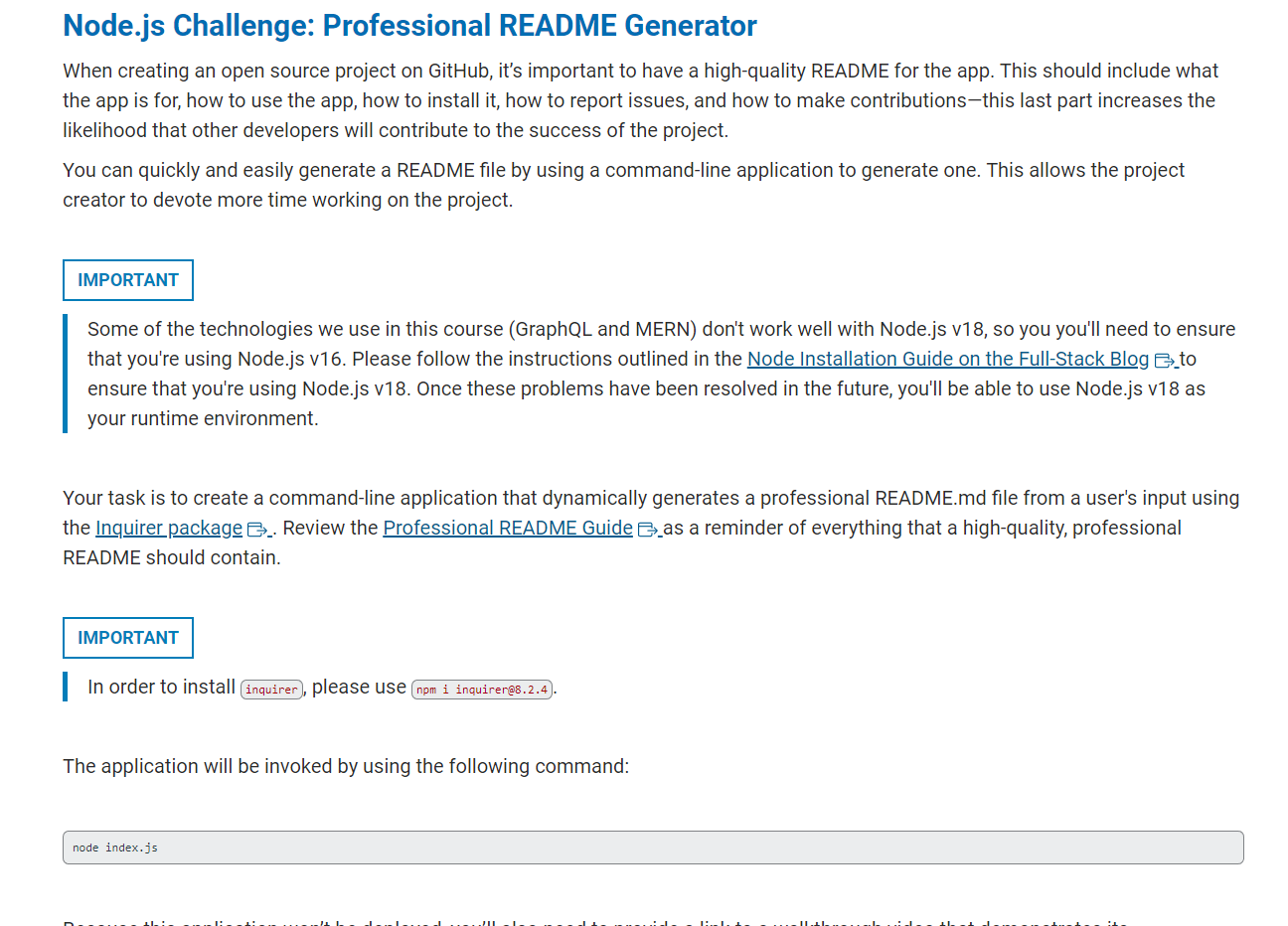
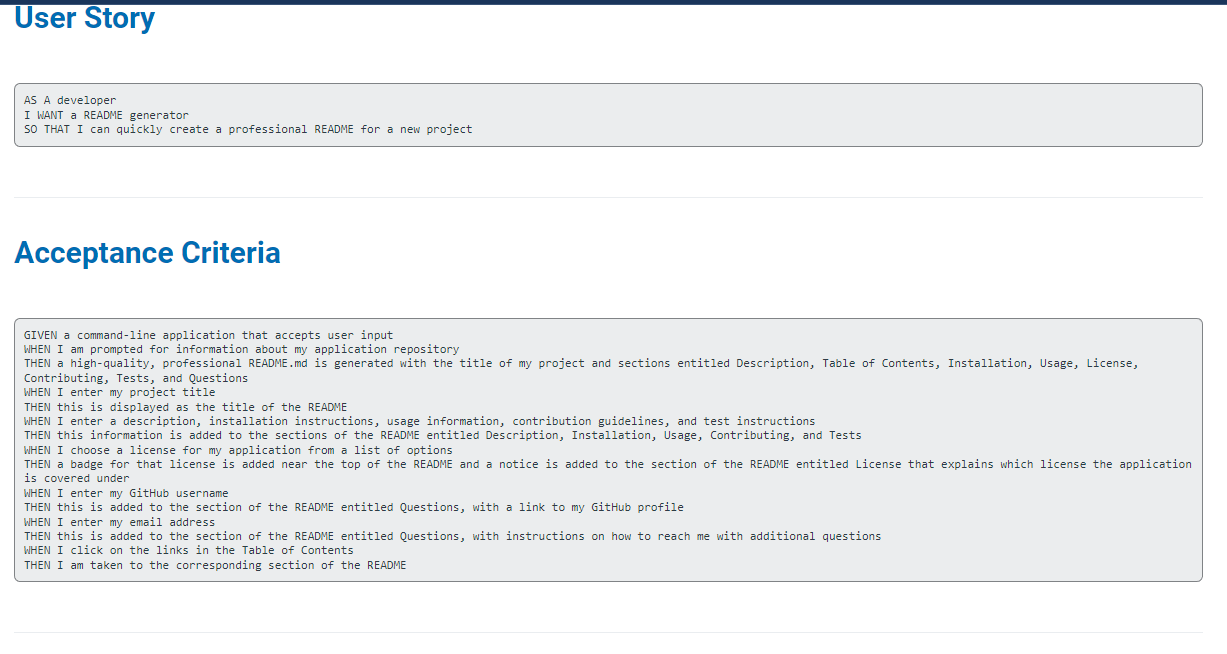
Node.js Challenge: Professional README Generator When creating an open source project on GitHub, it's important to have a high-quality README for the app. This should include what the app is for, how to use the app, how to install it, how to report issues, and how to make contributions-this last part increases the likelihood that other developers will contribute to the success of the project. You can quickly and easily generate a README file by using a command-line application to generate one. This allows the project creator to devote more time working on the project. Some of the technologies we use in this course (GraphQL and MERN) don't work well with Node.js v18, so you you'll need to ensure that you're using Node.js v16. Please follow the instructions outlined in the Node Installation Guide on the Full-Stack Blog 3 to ensure that you're using Node.js v18. Once these problems have been resolved in the future, you'll be able to use Node.js v18 as your runtime environment. Your task is to create a command-line application that dynamically generates a professional README.md file from a user's input using the Inquirer package . Review the Professional README Guide Gas a reminder of everything that a high-quality, professional README should contain. In order to install please use The application will be invoked by using the following command: AS A developer I WANT a README generator SO THAT I can quickly create a professional README for a new project Acceptance Criteria GIVEN a command-line application that accepts user input WHEN I am prompted for information about my application repository Contributing, Tests, and Questions WHEN I enter my project title THEN this is displayed as the title of the README WHEN I enter a description, installation instructions, usage information, contribution guidelines, and test instructions THEN this information is added to the sections of the README entitled Description, Installation, Usage, Contributing, and Tests WHEN I choose a license for my application from a list of options is covered under WHEN I enter my Github username THEN this is added to the section of the README entitled Questions, with a link to my GitHub profile WHEN I enter my email address THEN this is added to the section of the README entitled Questions, with instructions on how to reach me with additional questions WHEN I click on the links in the Table of Contents THEN I am taken to the corresponding section of the README
Step by Step Solution
There are 3 Steps involved in it

Get step-by-step solutions from verified subject matter experts
 Study Help