







Question: help please What does the image below on the Quick Access Toolbar enable you to do? Select one: a. Display a list of shortcut keystrokes
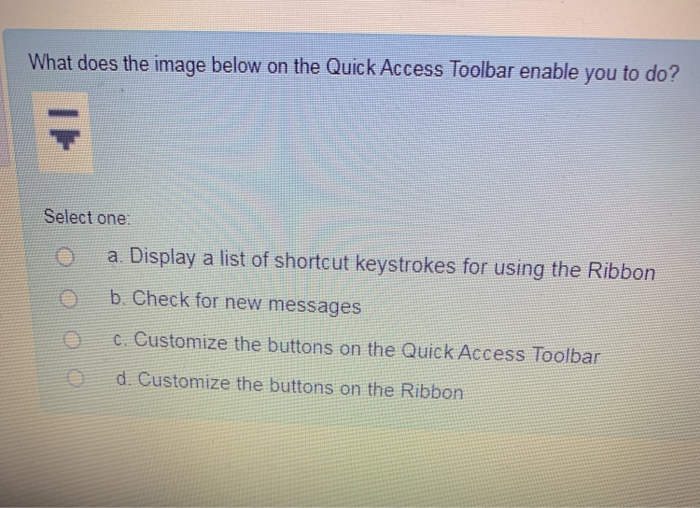
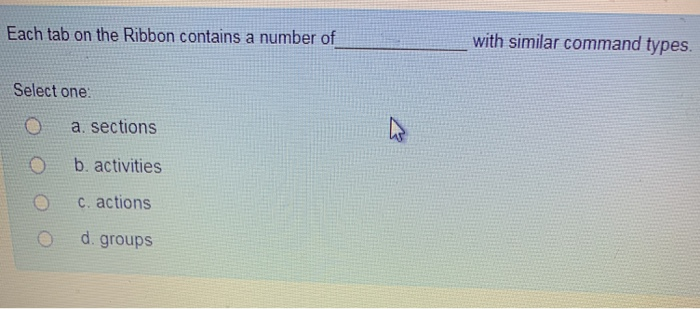
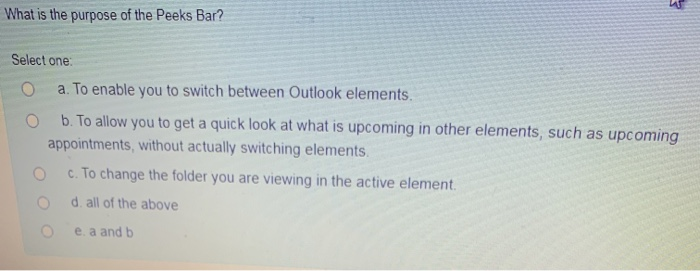
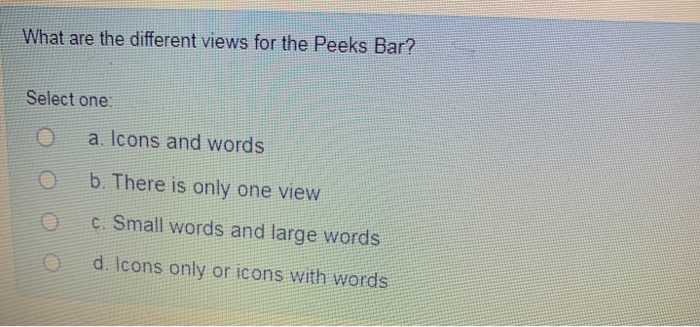
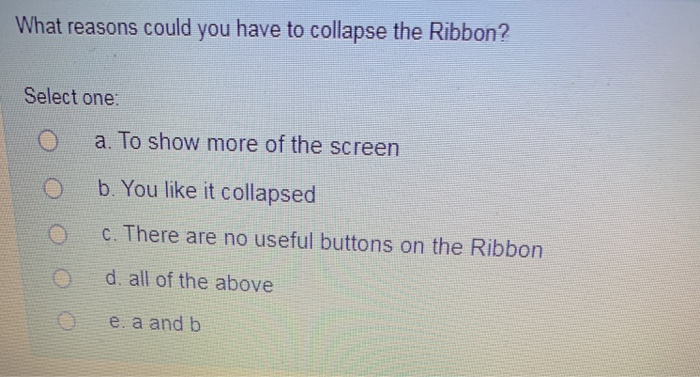
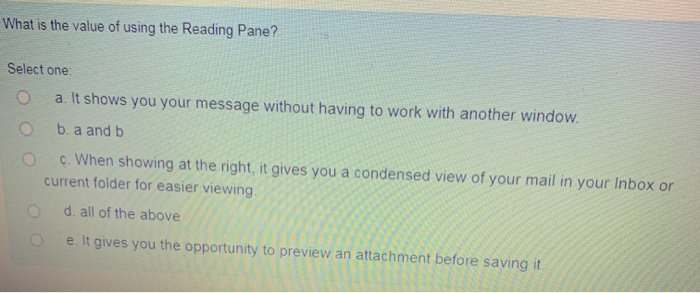
What does the image below on the Quick Access Toolbar enable you to do? Select one: a. Display a list of shortcut keystrokes for using the Ribbon b. Check for new messages c. Customize the buttons on the Quick Access Toolbar d. Customize the buttons on the Ribbon Each tab on the Ribbon contains a number of with similar command types. Select one: a. sections b. activities c. actions d. groups What is the purpose of the Peeks Bar? Select one: a. To enable you to switch between Outlook elements. b. To allow you to get a quick look at what is upcoming in other elements, such as upcoming appointments, without actually switching elements. c. To change the folder you are viewing in the active element. d. all of the above O e. a and b What are the different views for the Peeks Bar? Select one: a. Icons and words b. There is only one view c. Small words and large words d. Icons only or icons with words What reasons could you have to collapse the Ribbon? Select one: a. To show more of the screen b. You like it collapsed c. There are no useful buttons on the Ribbon d. all of the above e. a and b What is the value of using the Reading Pane? Select one: a. It shows you your message without having to work with another window. b. a and b c. When showing at the right, it gives you a condensed view of your mail in your Inbox or current folder for easier viewing. d. all of the above e. It gives you the opportunity to preview an attachment before saving it
Step by Step Solution
There are 3 Steps involved in it

Get step-by-step solutions from verified subject matter experts
 Study Help