







Question: Help with the codes Engr1732 Lab 9 CLc Programming for the ArtvinouNO Microcontroller The circuit diagrams for each problem, along with the corresponding Arduino code,
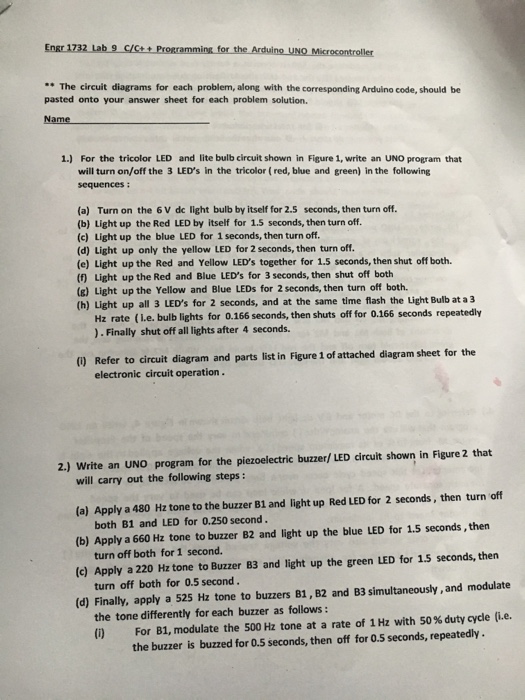
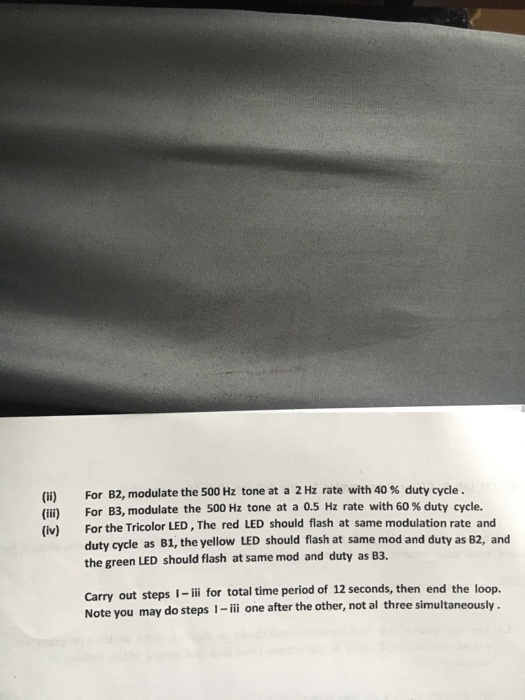
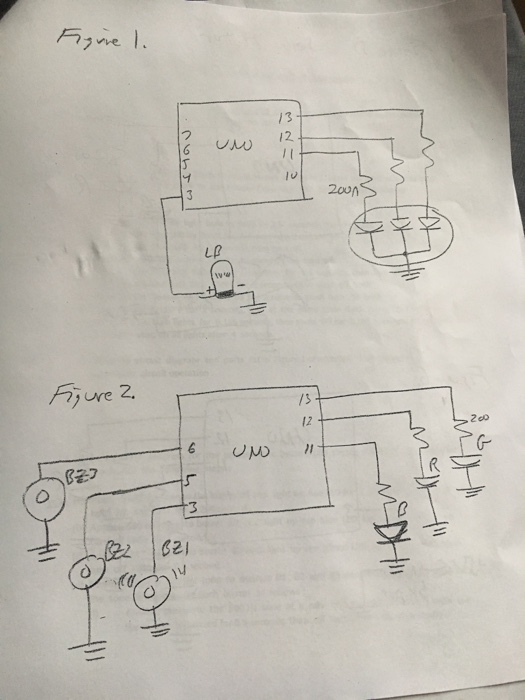
Engr1732 Lab 9 CLc Programming for the ArtvinouNO Microcontroller The circuit diagrams for each problem, along with the corresponding Arduino code, should be pasted onto your answer sheet for each problem solution. 1) For the tricolor LED and lite bulb circuit shown in Figure 1, write an UNO program that will turn on/off the 3 LED's in the tricolor (red, blue and green) in the following sequences (a) Turn on the 6 v dc light bulb by itself for 2.5 seconds, then turn off. (b) Light up the Red LED by itself for 1.5 seconds, then turn off (c) Light up the blue LED for 1 seconds, then turn off. (d) Light up only the yellow LED for 2 seconds, then turn off. (e) Light up the Red and Yellow LED's together for 1.5 seconds, then shut off both. (f Light up the Red and Blue LED's for 3 seconds, then shut off both (g) Light up the Yellow and Blue LEDs for 2 seconds, then turn off both. (h) Light up all 3 LED's for 2 seconds, and at the same time flash the Light Bulb at a 3 Hz rate (Le. bulb lights for 0.166 seconds, then shuts off for o.166 seconds repeatedly Finally shut off all lights after 4 seconds. Refer to circuit diagram and parts list in Figure 1 of attached diagram sheet for the electronic circuit operation. 2.) write an UNO program for the piezoelectric buzzer/LED circuit shown in Figure 2 that will carry out the following steps: (a) Apply a 480 Hz tone to the buzzer B1 and light up Red LED for 2 seconds, then turn off both B1 and LED for 0.250 second. blue LED for 1.5 seconds, then (b) Apply a 660 Hz tone to buzzer B2 and light up the turn off both for 1 second. turn off both for 0.5 second. modulate (d) Finally, apply a 525 Hz tone to buzzers B1, B2 and B3 simultaneously, and the tone differently for each buzzer as follows: with 50 duty cycle (i.e. (i) For B1, modulate the 500 Hz tone at a rate of 1 Hz the buzzer is buzzed for 0.5 seconds, then off for 0.5 seconds, repeatedly
Step by Step Solution
There are 3 Steps involved in it

Get step-by-step solutions from verified subject matter experts
 Study Help