







Question: Here is a good tutorial for getting started with SQLite http://www.tutorialspoint.com/salite/salite java.htm e For this assignment you can use SQLite OR MySQL There are numerous
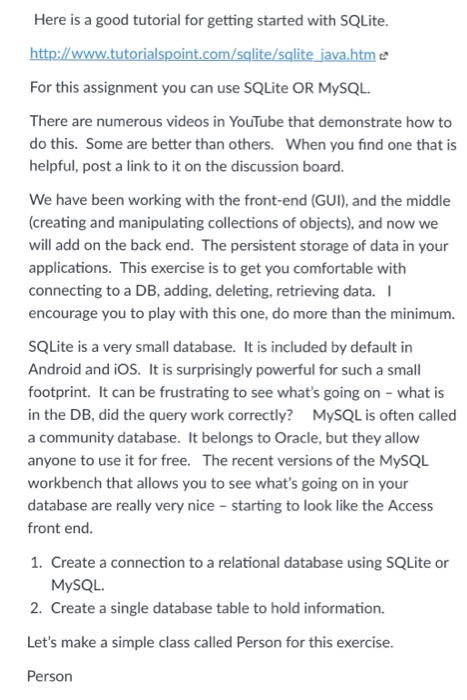
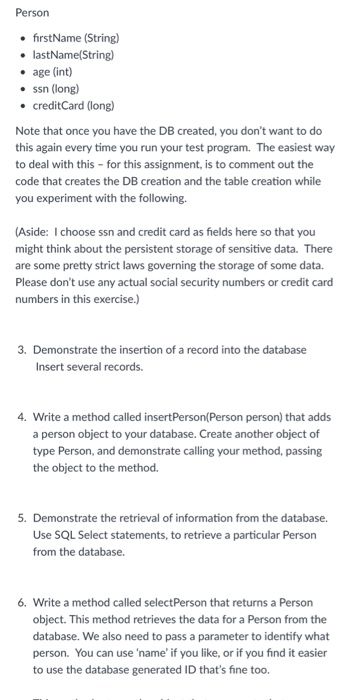
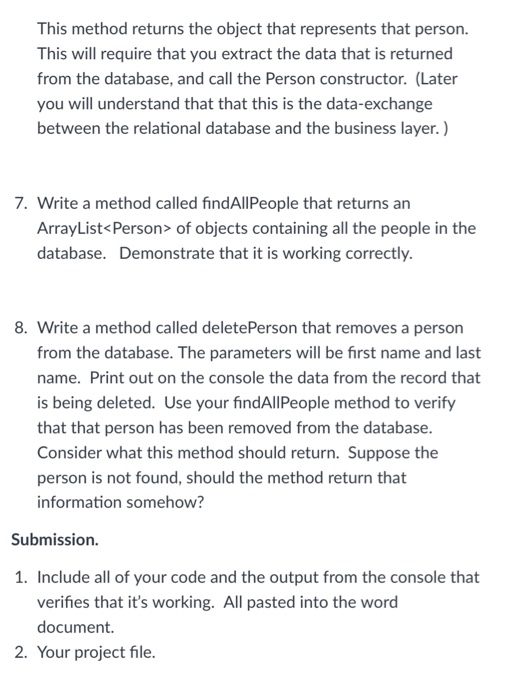
Here is a good tutorial for getting started with SQLite http://www.tutorialspoint.com/salite/salite java.htm e For this assignment you can use SQLite OR MySQL There are numerous videos in YouTube that demonstrate how to do this. Some are better than others. When you find one that is helpful, post a link to it on the discussion board. We have been working with the front-end (GUI), and the middle (creating and manipulating collections of objects), and now we will add on the back end. The persistent storage of data in your applications. This exercise is to get you comfortable with connecting to a DB, adding, deleting, retrieving data. I encourage you to play with this one, do more than the minimum. SQLite is a very small database. It is included by default in Android and iOS. It is surprisingly powerful for such a small footprint. It can be frustrating to see what's going on - what is in the DB, did the query work correctly? MySQL is often called a community database. It belongs to Oracle, but they allow anyone to use it for free. The recent versions of the MySQL workbench that allows you to see what's going on in your database are really very nice starting to look like the Access front end. 1. Create a connection to a relational database using SQLite or MySQL. 2. Create a single database table to hold information. Let's make a simple class called Person for this exercise. Person Here is a good tutorial for getting started with SQLite http://www.tutorialspoint.com/salite/salite java.htm e For this assignment you can use SQLite OR MySQL There are numerous videos in YouTube that demonstrate how to do this. Some are better than others. When you find one that is helpful, post a link to it on the discussion board. We have been working with the front-end (GUI), and the middle (creating and manipulating collections of objects), and now we will add on the back end. The persistent storage of data in your applications. This exercise is to get you comfortable with connecting to a DB, adding, deleting, retrieving data. I encourage you to play with this one, do more than the minimum. SQLite is a very small database. It is included by default in Android and iOS. It is surprisingly powerful for such a small footprint. It can be frustrating to see what's going on - what is in the DB, did the query work correctly? MySQL is often called a community database. It belongs to Oracle, but they allow anyone to use it for free. The recent versions of the MySQL workbench that allows you to see what's going on in your database are really very nice starting to look like the Access front end. 1. Create a connection to a relational database using SQLite or MySQL. 2. Create a single database table to hold information. Let's make a simple class called Person for this exercise. Person
Step by Step Solution
There are 3 Steps involved in it

Get step-by-step solutions from verified subject matter experts
 Study Help