



Question: Here is an example of what your table should look like: A B Insurance Frequency Blue Cross Blue { Type the number of those that
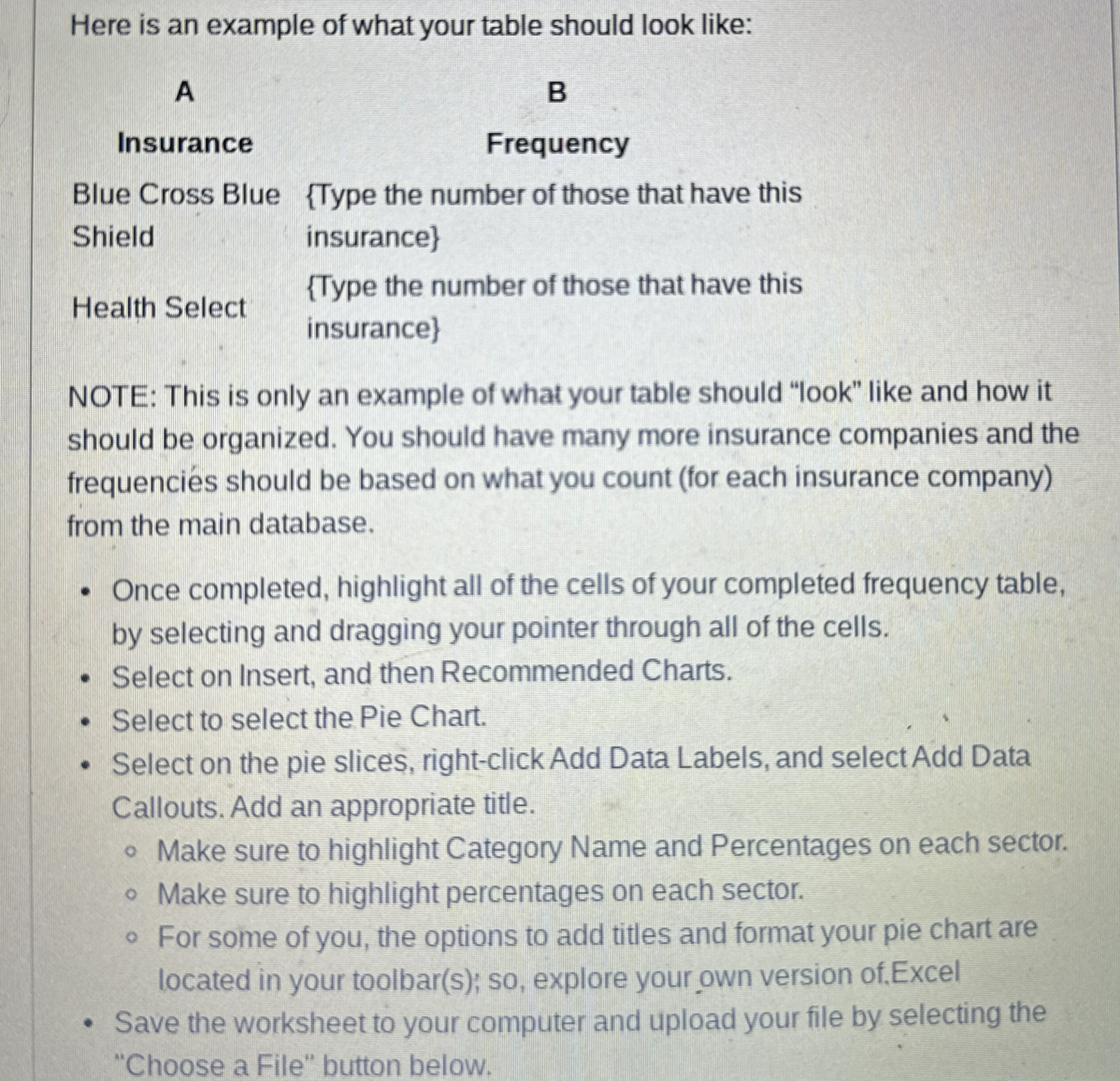
Here is an example of what your table should look like:
A
B
Insurance
Frequency
Blue Cross Blue Type the number of those that have this
Shield
insurance
Health Select
Type the number of those that have this
insurance
NOTE: This is only an example of what your table should "look" like and how it
should be organized. You should have many more insurance companies and the
frequencies should be based on what you count for each insurance company
from the main database.
Once completed, highlight all of the cells of your completed frequency table,
by selecting and dragging your pointer through all of the cells.
Select on Insert, and then Recommended Charts.
Select to select the Pie Chart.
Select on the pie slices, rightclick Add Data Labels, and select Add Data
Callouts. Add an appropriate title.
Make sure to highlight Category Name and Percentages on each sector.
Make sure to highlight percentages on each sector.
For some of you, the options to add titles and format your pie chart are
located in your toolbars; so explore your own version ofExcel
Save the worksheet to your computer and upload your file by selecting the
"Choose a File" button below.
Step by Step Solution
There are 3 Steps involved in it
1 Expert Approved Answer
Step: 1 Unlock

Question Has Been Solved by an Expert!
Get step-by-step solutions from verified subject matter experts
Step: 2 Unlock
Step: 3 Unlock