







Question: here. This screenshot has been made before any graph has been entered. Choosing the Help button should pop up a the result as a sequence
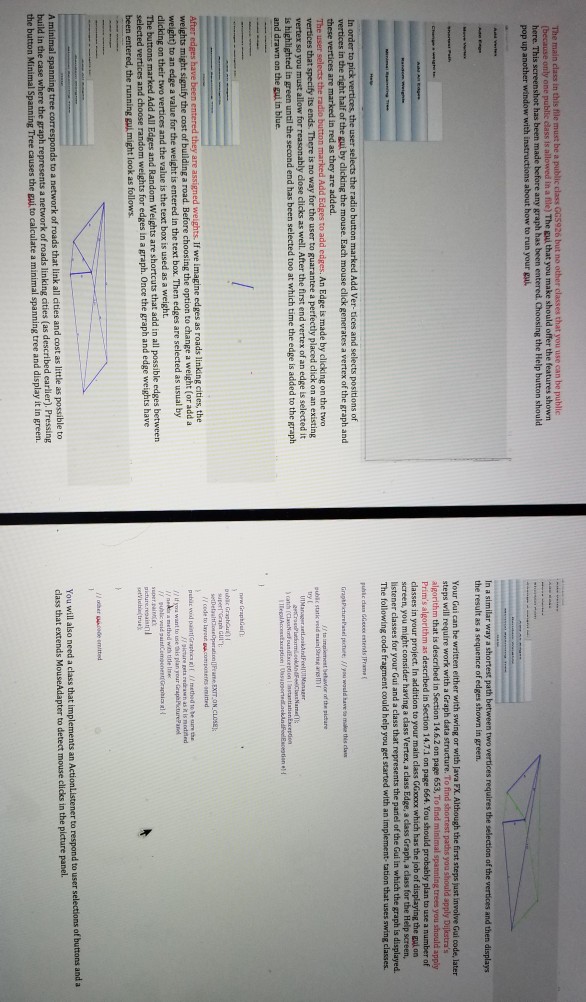
here. This screenshot has been made before any graph has been entered. Choosing the Help button should pop up a the result as a sequence of edges shown in green. Your Gui can he written either with swing or with Java FX. Although the first steps just involve Gui code, later 14.7.1 on page 664. You should p plan to use a number of the gui on screen, you might c r having a class The following code fragment could help you get started with an implement tation that uses swing classes. s of s in the right half of the gui by clicking the mouse. Each mouse click generates a vertex of the graph and GraptPicturePanel pcture. f/you would have do make this clas are marked in red as they are added. nf the pictare subic statik veid mainlStrisg arssm for reasonably dlose clicks as well. After the first end vertex of an edge is selected it in green until the second end has been selected too at which time the edge is added to the graph vertex so you must allow new GrapbGn cost of choosing the option to change a weight (or add a is entered in the text box. Then edges are selected as usual by clicking on their two vertices and the value is the text box is used as a weight. selected vertices and choose random weights for edges in a graph. Once the graph and edge weights have Add All Edges and Weights are shortcuts that add in all possible edges between You will also need a class that class that extends MouseAdapter to detect mouse clicks in the picture pa build in the case where the the button Minimal Spanning of roads linking cities (as described earlier). Pressing Tree causes the gui to calculate a minimal spanning tree and display it in green. here. This screenshot has been made before any graph has been entered. Choosing the Help button should pop up a the result as a sequence of edges shown in green. Your Gui can he written either with swing or with Java FX. Although the first steps just involve Gui code, later 14.7.1 on page 664. You should p plan to use a number of the gui on screen, you might c r having a class The following code fragment could help you get started with an implement tation that uses swing classes. s of s in the right half of the gui by clicking the mouse. Each mouse click generates a vertex of the graph and GraptPicturePanel pcture. f/you would have do make this clas are marked in red as they are added. nf the pictare subic statik veid mainlStrisg arssm for reasonably dlose clicks as well. After the first end vertex of an edge is selected it in green until the second end has been selected too at which time the edge is added to the graph vertex so you must allow new GrapbGn cost of choosing the option to change a weight (or add a is entered in the text box. Then edges are selected as usual by clicking on their two vertices and the value is the text box is used as a weight. selected vertices and choose random weights for edges in a graph. Once the graph and edge weights have Add All Edges and Weights are shortcuts that add in all possible edges between You will also need a class that class that extends MouseAdapter to detect mouse clicks in the picture pa build in the case where the the button Minimal Spanning of roads linking cities (as described earlier). Pressing Tree causes the gui to calculate a minimal spanning tree and display it in green
Step by Step Solution
There are 3 Steps involved in it

Get step-by-step solutions from verified subject matter experts
 Study Help