







Question: HI i need help with this code C++ ( the zip file is the pictures below) Phase 2 or WHAT AM I FREAKING SUPPOSED TO
HI i need help with this code C++ ( the zip file is the pictures below)
Phase 2
or
WHAT AM I FREAKING
SUPPOSED TO DO!!!
You already have a car class that you can use to make a car, you used a menu to control it, turn left, etc use that class!
Download the file track_data.7z, unzip it
Find the file Track_Data1.txt
Make a new cpp file, this will be your main driver
Make a car in that file
Connect to Track_Data1.txt and read the first two values, these are your
Cars CURRENT location (X,Y).
Read in the next two numbers, these are your cars Destination!! (Dx, Dy)
RECOMMENDATION: add Dx and Dy to the private data of your car.
You have a function goforward, but instead of just 1, make it goforward(spd) where spd is the SPEED of your car. (this should be less than 10)
Set your cars initial face = 2
Move your car a distance = the speed of your car along that path towards your destination! (think of the bottom blue line in the track image)
///later add in some little randomness. But you can skip it for now
Check, is your car about at the destination, if it is..stop (for now)
If not, move it again.
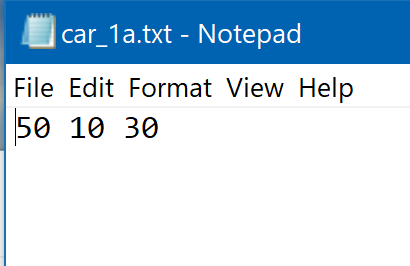
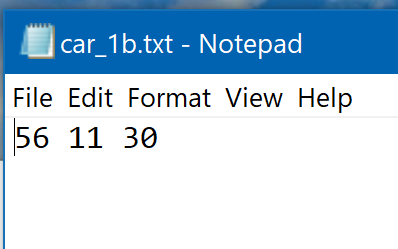
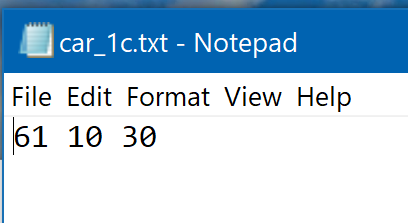
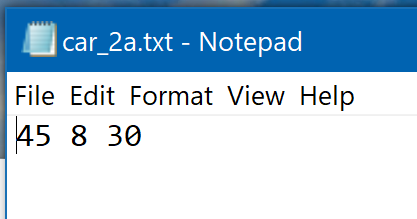
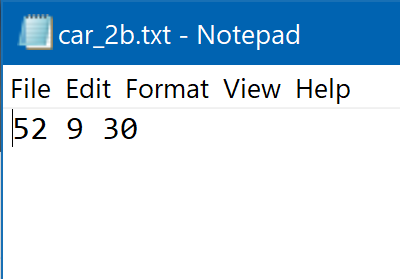
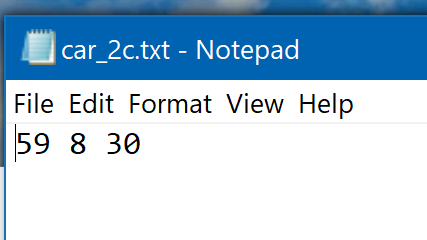
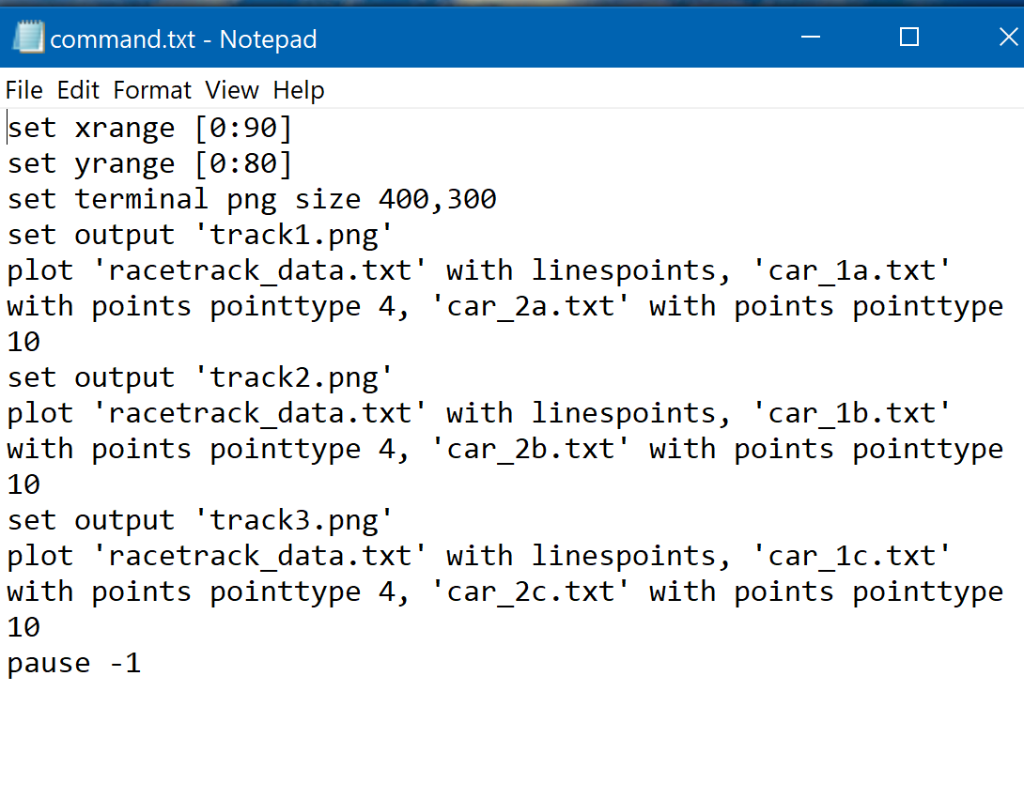
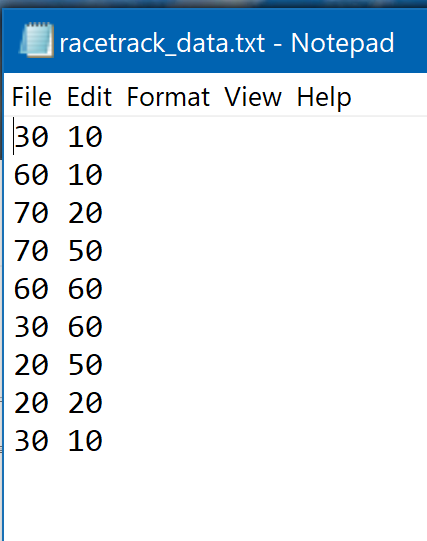
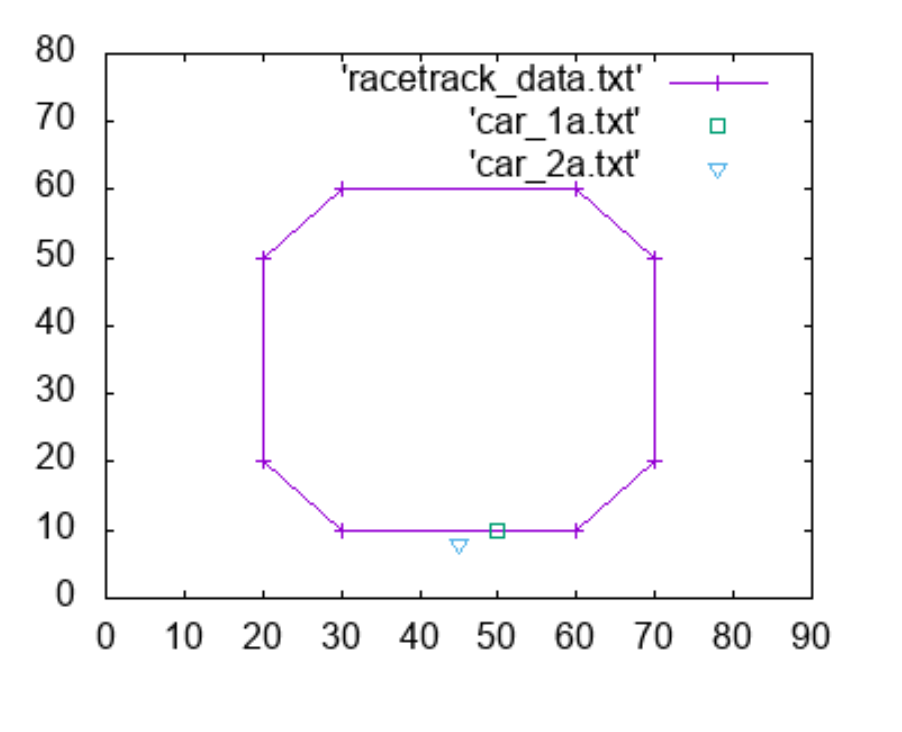
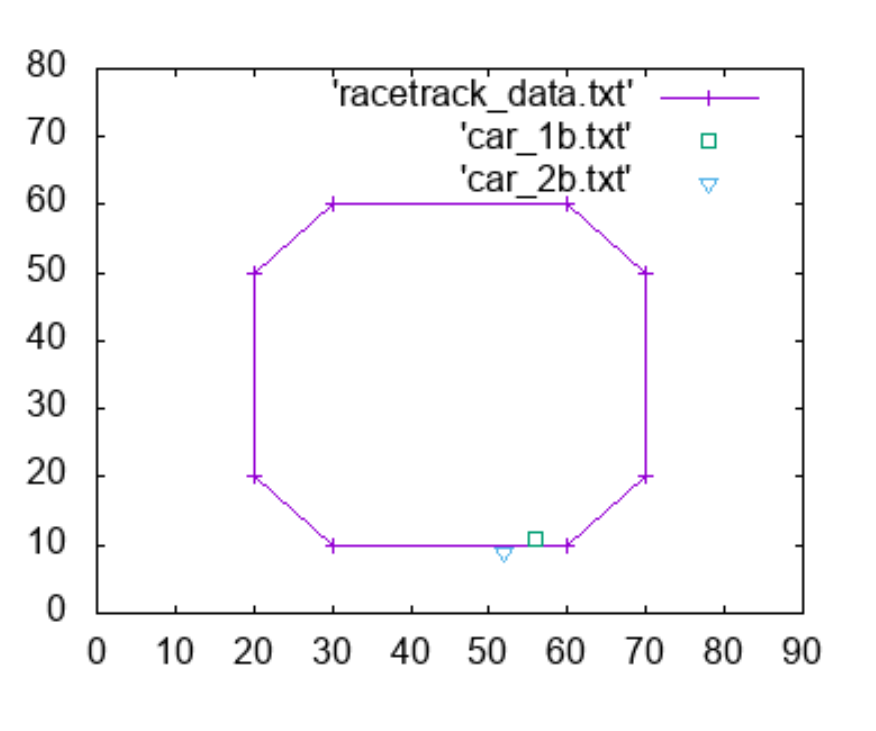
car_1a.txt - Notepad File Edit Format View Help 50 10 30 car_1b.txt - Notepad File Edit Format View Help 56 11 30 car_1c.txt - Notepad File Edit Format View Help 61 10 30 car_2a.txt - Notepad File Edit Format View Help 45 8 30 car_2b.txt - Notepacd File Edit Format View Help 52 9 30 car_2c.txt - Notepad File Edit Format View Help 59 8 30 command.txt-Notepad File Edit Format View Help set xrange [0:90] set yrange [0:80] set terminal png size 400, 300 set output 'track1.png' plot 'racetrack_data.txt' with linespoints, 'car 1a.txt with points pointtype 4, 'car_2a.txt' with points pointtype 10 set output 'track2.png' plot 'racetrack_data.txt' with linespoints, "car_1b.txt" with points pointtype 4, 'car_2b.txt' with points pointtype 10 set output 'track3.png plot 'racetrack_data.txt' with linespoints, "car_1c.txt' with points pointtype 4, 'car_2c.txt' with points pointtype 10 pause -1 racetrack data.txt - Notepad File Edit Format View Help 30 10 60 10 70 20 70 50 60 60 30 60 20 50 20 20 30 10 80 70 60 50 40 30 20 10 'racetrack data.txt' 'car_1a.txt 'car, 2.txt 0 10 20 30 40 50 60 70 80 90 80 70 60 50 40 30 20 10 racetrack data.txt 'car 1b.txt 'car 2b.txt 0 10 20 30 40 50 60 70 8090 car_1a.txt - Notepad File Edit Format View Help 50 10 30 car_1b.txt - Notepad File Edit Format View Help 56 11 30 car_1c.txt - Notepad File Edit Format View Help 61 10 30 car_2a.txt - Notepad File Edit Format View Help 45 8 30 car_2b.txt - Notepacd File Edit Format View Help 52 9 30 car_2c.txt - Notepad File Edit Format View Help 59 8 30 command.txt-Notepad File Edit Format View Help set xrange [0:90] set yrange [0:80] set terminal png size 400, 300 set output 'track1.png' plot 'racetrack_data.txt' with linespoints, 'car 1a.txt with points pointtype 4, 'car_2a.txt' with points pointtype 10 set output 'track2.png' plot 'racetrack_data.txt' with linespoints, "car_1b.txt" with points pointtype 4, 'car_2b.txt' with points pointtype 10 set output 'track3.png plot 'racetrack_data.txt' with linespoints, "car_1c.txt' with points pointtype 4, 'car_2c.txt' with points pointtype 10 pause -1 racetrack data.txt - Notepad File Edit Format View Help 30 10 60 10 70 20 70 50 60 60 30 60 20 50 20 20 30 10 80 70 60 50 40 30 20 10 'racetrack data.txt' 'car_1a.txt 'car, 2.txt 0 10 20 30 40 50 60 70 80 90 80 70 60 50 40 30 20 10 racetrack data.txt 'car 1b.txt 'car 2b.txt 0 10 20 30 40 50 60 70 8090
Step by Step Solution
There are 3 Steps involved in it

Get step-by-step solutions from verified subject matter experts
 Study Help