







Question: Hi, so I am building a website (HTML, CSS, JS) and I noticed that the background has a lot more space than its content. Meaning
Hi, so I am building a website (HTML, CSS, JS) and I noticed that the background has a lot more space than its content. Meaning the scroll bar (left-to-right scrollbar) at the bottom of the page is visible. So, I am able to scroll right and see the extra space on the website. I don't need that extra space. I only want to be able to scroll (up & down). How do I get rid of it? Please see an example of what I mean? [Also, I don't know if this has anything to do with it but I used JavaScript to fill in the table's contents]
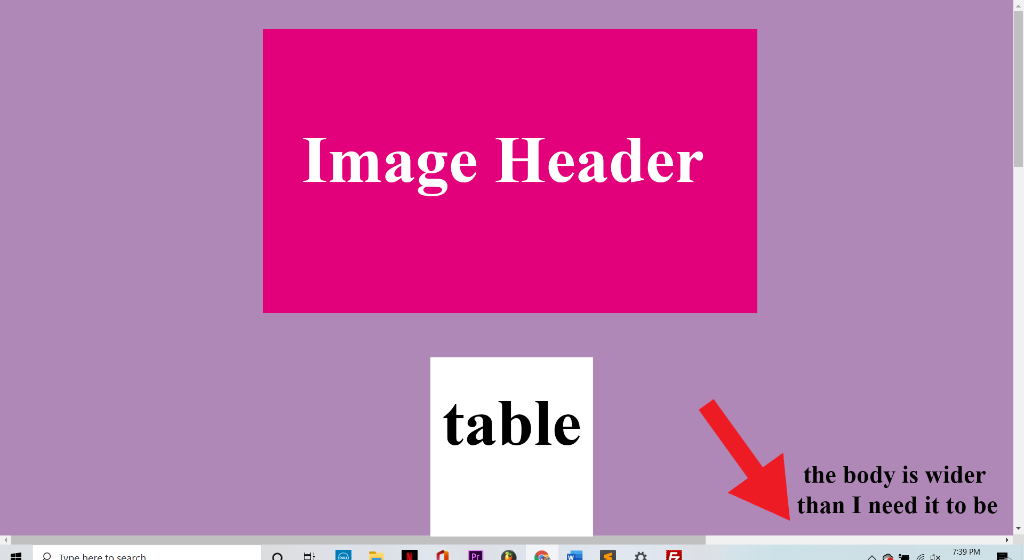
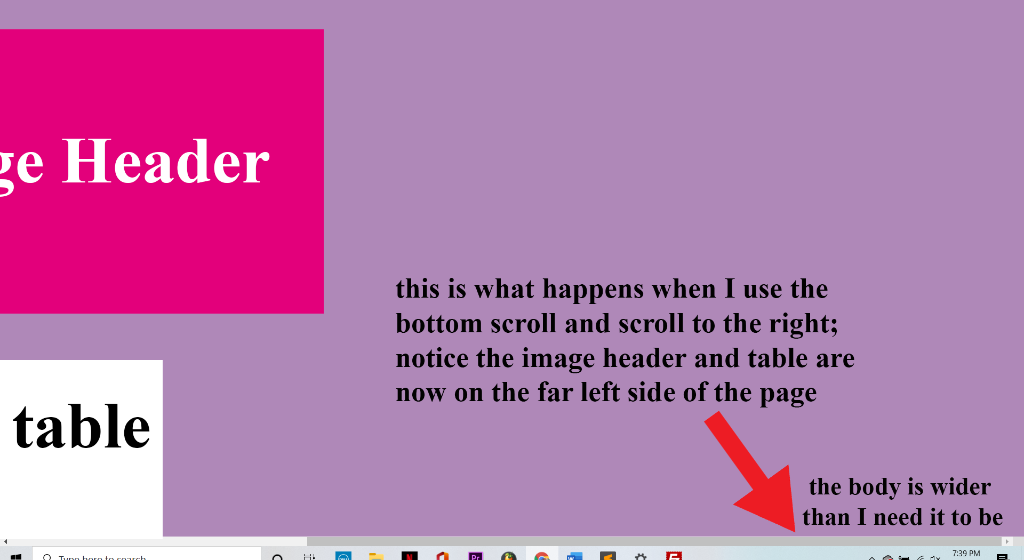
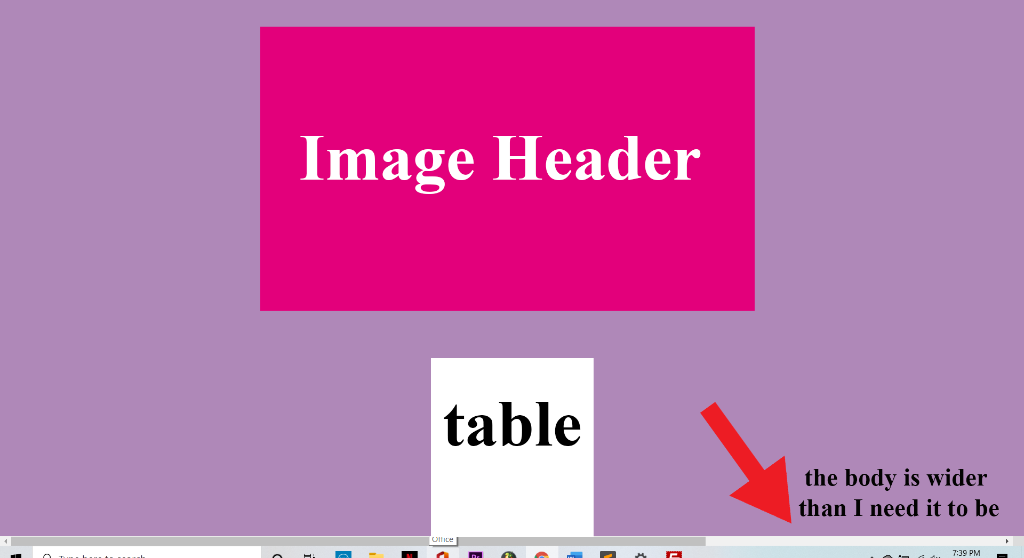
I even find that the picture banner heading for another one of my websites does not span across the web page fully; there is an empty space, so the background color is visible (please see an example of what I mean below).
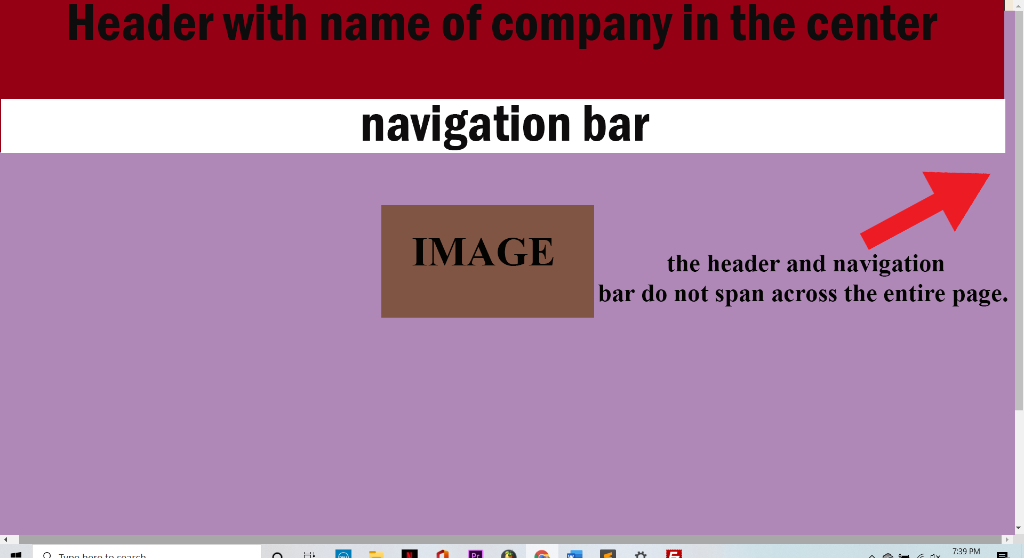
So, I am basically having issues with filling out spaces on my web pages and/or getting rid of the unnecessary spaces on my web pages.
Really need your help.
Thank you!
Image Header table the body is wider than I need it to be Tyne here to search 7:39 PM ge Header this is what happens when I use the bottom scroll and scroll to the right; notice the image header and table are now on the far left side of the page table the body is wider than I need it to be in touch A E 7:29 PM Image Header table the body is wider than I need it to be 7:39 PM Header with name of company in the center navigation bar IMAGE the header and navigation bar do not span across the entire page. Turunen touch a 7:29 PM Pe Aa A E E
Step by Step Solution
There are 3 Steps involved in it

Get step-by-step solutions from verified subject matter experts
 Study Help