







Question: Hi there, please assist with this python program. Please complete the other functions for me, i am stuck. import random obstacle_list = [] def create_obstacle
![functions for me, i am stuck. import random obstacle_list = [] def](https://s3.amazonaws.com/si.experts.images/answers/2024/09/66e16eb504df1_97266e16eb4993ec.jpg)
![create_obstacle(): global obstacle_list num_of_obstacles = random.randint(0,11) if num_of_obstacles == 0: return []](https://s3.amazonaws.com/si.experts.images/answers/2024/09/66e16eb5957ba_97366e16eb53b333.jpg)
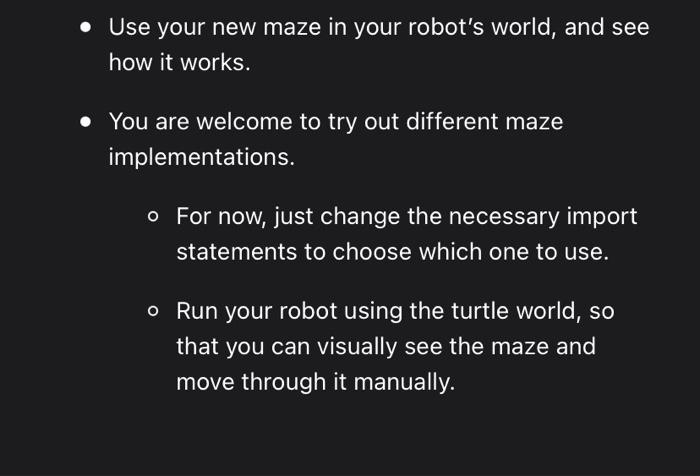
Goal The goal is to build a "Maze-runner special edition" of your Toy Robot. You must basically be able to select from a list of available obstacle modules, and then get your robot to navigate through this maze of obstacles. The various obstacle modules will be provided by your team members. What you will program You will work from your Toy Robot 4 codebase and add to that. - Create a new obstacles.py module that generates obstacles. - It must keep the same functions (i.e. interface) as now, but you can change the implementation to create a designed maze (i.e. you determine the positions of each obstacle) or you can bring in some other way of creating a randomized maze. Find a manual way to navigate through the various obstacle modules. Implement a maze-runner module that must be able to solve all the obstacle modules provided by the various team members STEP 1 Implement new Obstacles module Please use your solution for the Toy Robot 4 exercise as starting point for this problem. First you need to implement your very own module, based on the obstacles.py module from the previous exercise, but with a better approach to generating obstacles so that it creates a kind of maze that is more difficult to navigate through. - First create a new package maze by creating it as a sub-directory. - Move your existing obstacles.py to that package, and update your existing code so that it imports obstacles from the maze package. - Now add a new module to the maze package with the same functions as in obstacles.py. - Use a descriptive filename for your maze code, e.g. the_worlds_most_crazy_maze.py - Change the implementation of the functions in your new module to create the obstacles in an interesting way. - First just create a few obstacles by hand and try that in your robot.py to see how it renders. Evolve using random obstacles, hard coded obstacles (for a hand-designed maze), or even look at interesting approaches like procedural generation - Use your new maze in your robot's world, and see how it works. - You are welcome to try out different maze implementations. - For now, just change the necessary import statements to choose which one to use. - Run your robot using the turtle world, so that you can visually see the maze and move through it manually
Step by Step Solution
There are 3 Steps involved in it

Get step-by-step solutions from verified subject matter experts
 Study Help