







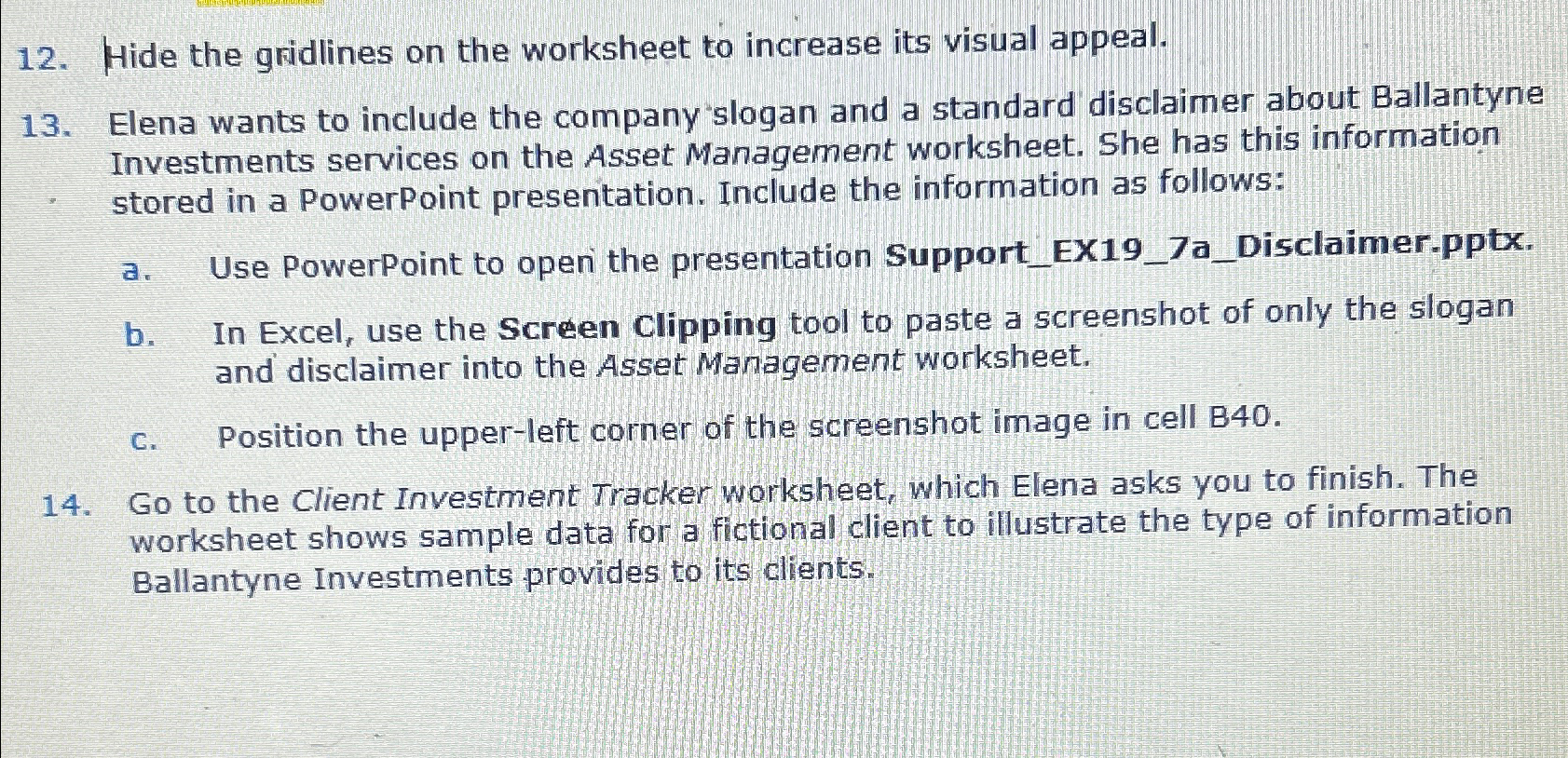
Question: Hide the gridlines on the worksheet to increase its visual appeal. Elena wants to include the company slogan and a standard disclaimer about Ballantyne Investments
Hide the gridlines on the worksheet to increase its visual appeal.
Elena wants to include the company "slogan and a standard disclaimer about Ballantyne Investments services on the Asset Management worksheet. She has this information stored in a PowerPoint presentation. Include the information as follows:
a Use PowerPoint to open the presentation SupportEXaDisclaimer.pptx
b In Excel, use the Screen Clipping tool to paste a screenshot of only the slogan and disclaimer into the Asset Management worksheet.
c Position the upperleft corner of the screenshot image in cell B
Go to the Client Investment Tracker worksheet, which Elena asks you to finish. The worksheet shows sample data for a fictional client to illustrate the type of information Ballantyne Investments provides to its clients.
Step by Step Solution
There are 3 Steps involved in it
1 Expert Approved Answer
Step: 1 Unlock

Question Has Been Solved by an Expert!
Get step-by-step solutions from verified subject matter experts
Step: 2 Unlock
Step: 3 Unlock
 Study Help