







Question: Hit the Objective: To create a video game using a piezo buzzer ( speaker ) , an OLED I 2 C display and a joystick
Hit the
Objective:
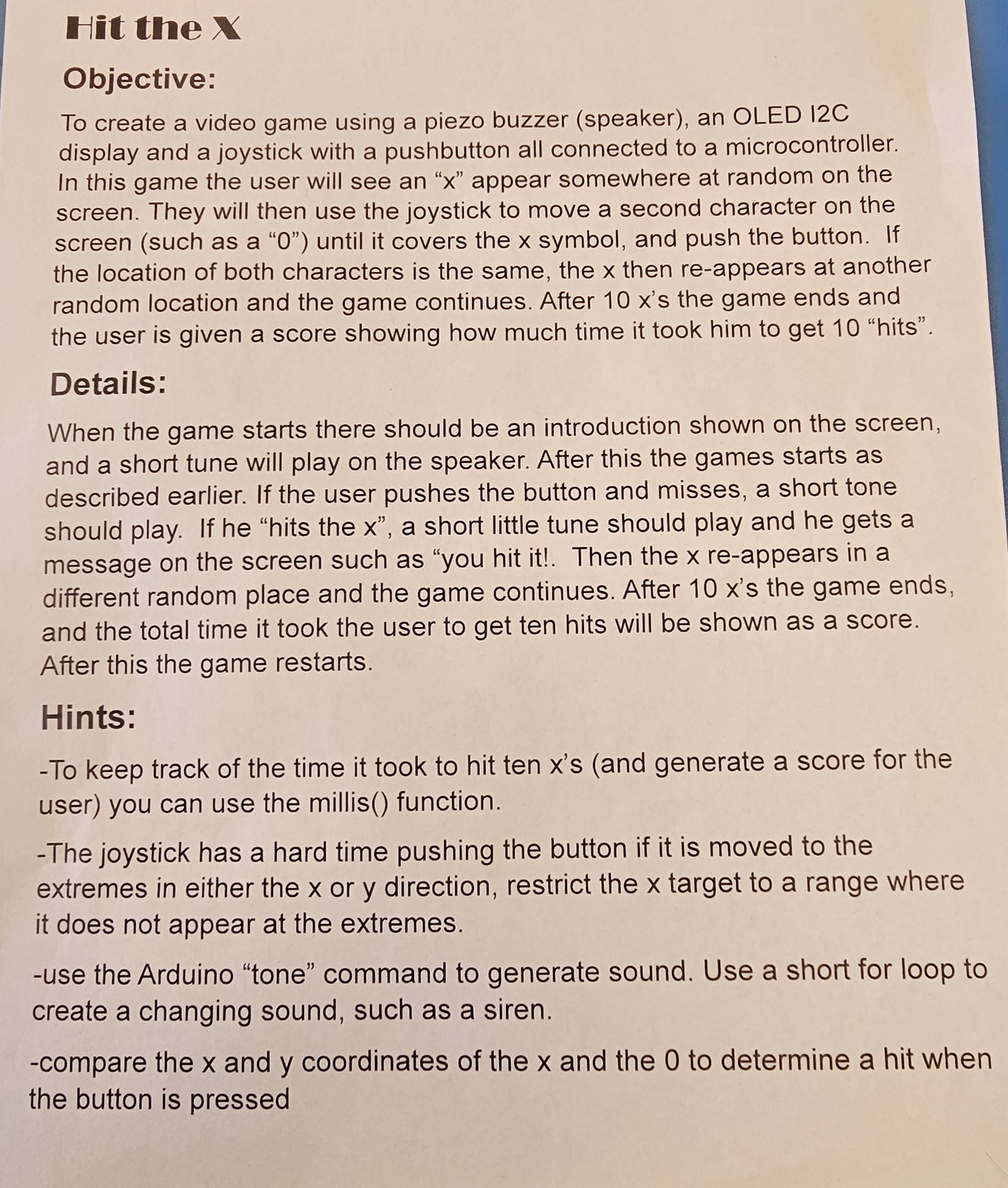
To create a video game using a piezo buzzer speaker an OLED IC
display and a joystick with a pushbutton all connected to a microcontroller.
In this game the user will see an appear somewhere at random on the
screen. They will then use the joystick to move a second character on the
screen such as a until it covers the symbol, and push the button. If
the location of both characters is the same, the then reappears at another
random location and the game continues. After s the game ends and
the user is given a score showing how much time it took him to get "hits".
Details:
When the game starts there should be an introduction shown on the screen,
and a short tune will play on the speaker. After this the games starts as
described earlier. If the user pushes the button and misses, a short tone
should play. If he "hits the a short little tune should play and he gets a
message on the screen such as "you hit it Then the reappears in a
different random place and the game continues. After s the game ends,
and the total time it took the user to get ten hits will be shown as a score.
After this the game restarts.
Hints:
To keep track of the time it took to hit ten xs and generate a score for the
user you can use the millis function.
The joystick has a hard time pushing the button if it is moved to the
extremes in either the or direction, restrict the target to a range where
it does not appear at the extremes.
use the Arduino "tone" command to generate sound. Use a short for loop to
create a changing sound, such as a siren.
compare the and coordinates of the and the to determine a hit when
the button is pressed
Step by Step Solution
There are 3 Steps involved in it
1 Expert Approved Answer
Step: 1 Unlock

Question Has Been Solved by an Expert!
Get step-by-step solutions from verified subject matter experts
Step: 2 Unlock
Step: 3 Unlock
 Study Help