







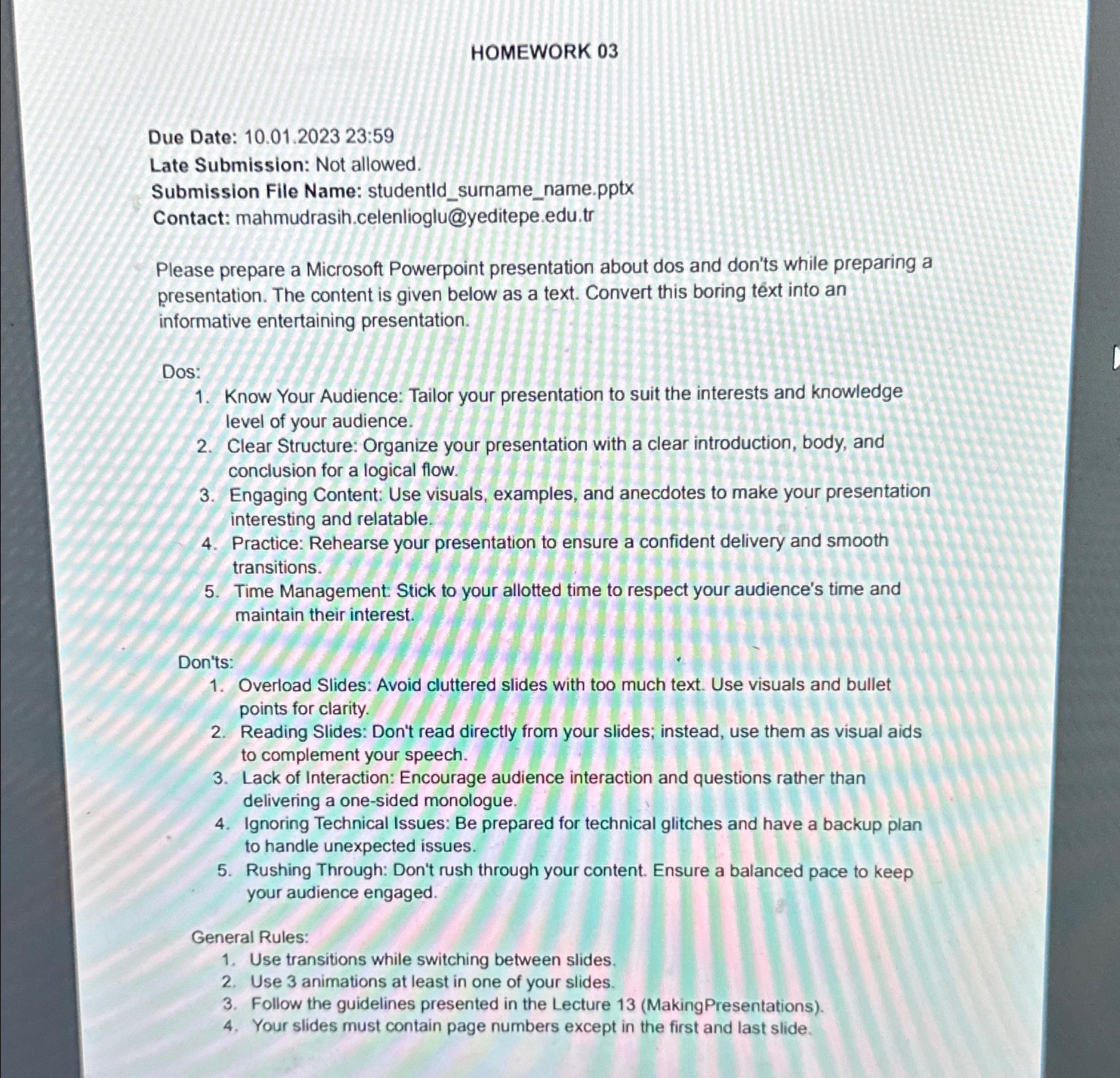
Question: HOMEWORK 0 3 Due Date: 1 0 . 0 1 . 2 0 2 3 2 3 : 5 9 Late Submission: Not allowed. Submission
HOMEWORK
Due Date: :
Late Submission: Not allowed.
Submission File Name: studentldsumamename.pptx
Contact:
mahmudrasih.celenlioglu@yeditepe.edu.tr
Please prepare a Microsoft Powerpoint presentation about dos and don'ts while preparing a presentation. The content is given below as a text. Convert this boring text into an informative entertaining presentation.
Dos:
Know Your Audience: Tailor your presentation to suit the interests and knowledge level of your audience.
Clear Structure: Organize your presentation with a clear introduction, body, and conclusion for a logical flow.
Engaging Content: Use visuals, examples, and anecdotes to make your presentation interesting and relatable.
Practice: Rehearse your presentation to ensure a confident delivery and smooth transitions.
Time Management Stick to your allotted time to respect your audience's time and maintain their interest.
Don'ts:
Overload Slides: Avoid cluttered slides with too much text. Use visuals and bullet points for clarity.
Reading Slides: Don't read directly from your slides; instead, use them as visual aids to complement your speech.
Lack of Interaction: Encourage audience interaction and questions rather than delivering a onesided monologue.
Ignoring Technical Issues: Be prepared for technical glitches and have a backup plan to handle unexpected issues.
Rushing Through: Don't rush through your content. Ensure a balanced pace to keep your audience engaged.
General Rules:
Use transitions while switching between slides.
Use animations at least in one of your slides.
Follow the guidelines presented in the Lecture MakingPresentations
Your slides must contain page numbers except in the first and last slide.
Step by Step Solution
There are 3 Steps involved in it
1 Expert Approved Answer
Step: 1 Unlock

Question Has Been Solved by an Expert!
Get step-by-step solutions from verified subject matter experts
Step: 2 Unlock
Step: 3 Unlock
 Study Help