







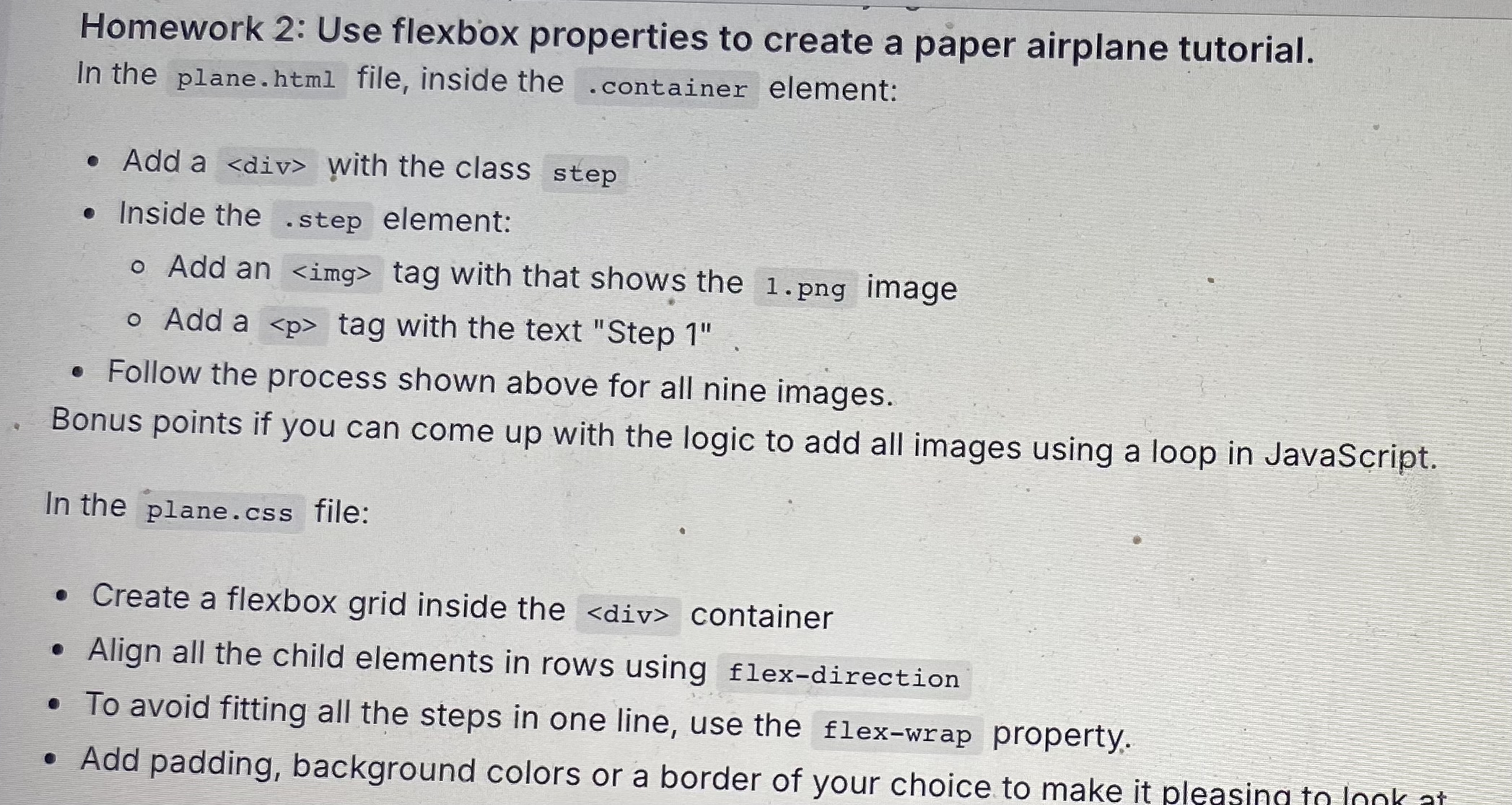
Question: Homework 2 : Use flexbox properties to create a paper airplane tutorial. In the plane.html file, inside the element: Add a with the class step
Homework : Use flexbox properties to create a paper airplane tutorial.
In the plane.html file, inside the element:
Add a with the class step
Inside the element:
Add an tag with that shows the png image
Add a tag with the text "Step
Follow the process shown above for all nine images.
Bonus points if you can come up with the logic to add all images using a loop in JavaScript.
In the file:
Create a flexbox grid inside the container
Align all the child elements in rows using flexdirection
To avoid fitting all the steps in one line, use the flexwrap property.
Add padding, background colors or a border of your choice to make it
Step by Step Solution
There are 3 Steps involved in it
1 Expert Approved Answer
Step: 1 Unlock

Question Has Been Solved by an Expert!
Get step-by-step solutions from verified subject matter experts
Step: 2 Unlock
Step: 3 Unlock
 Study Help