







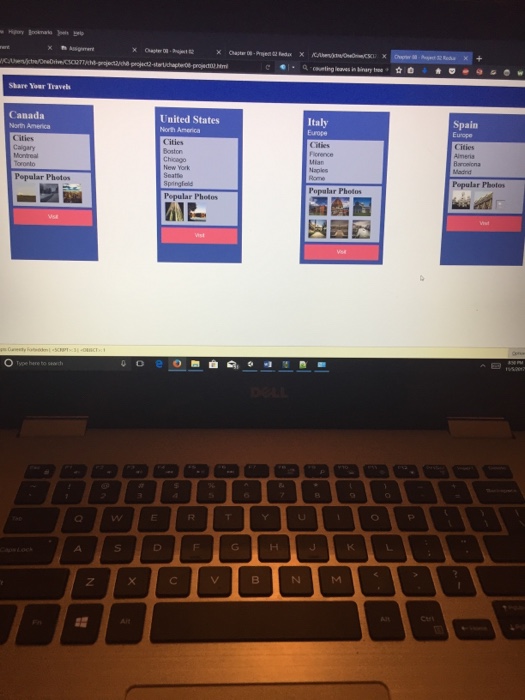
Question: How can I correctly change these three functions (through replacing the document.write statements with DOM functions) to produce the same output as follows in the
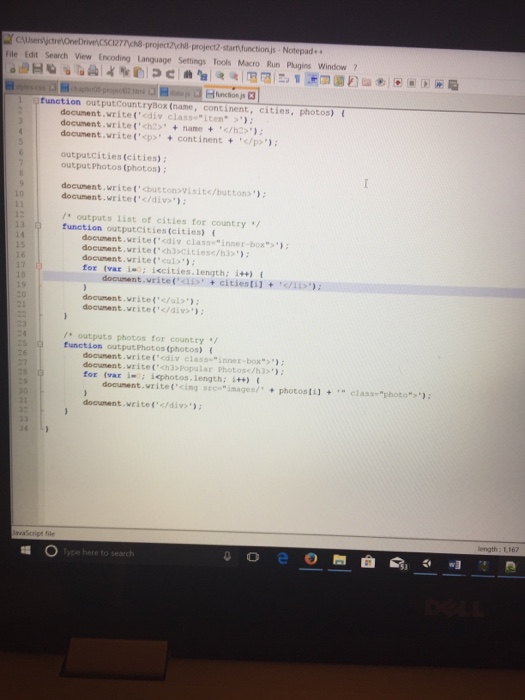 How can I correctly change these three functions (through replacing the document.write statements with DOM functions) to produce the same output as follows in the following picture.
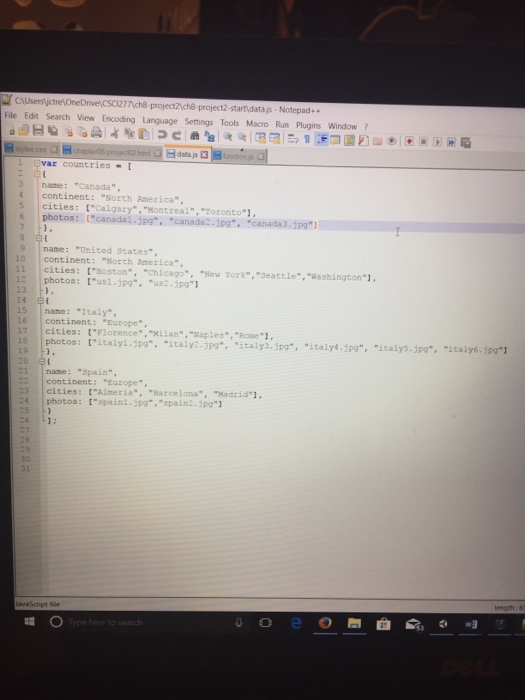
  The following is the data.js file which will remain the same and the html file and styles.css will also remain the same.
  Here is the html if you need it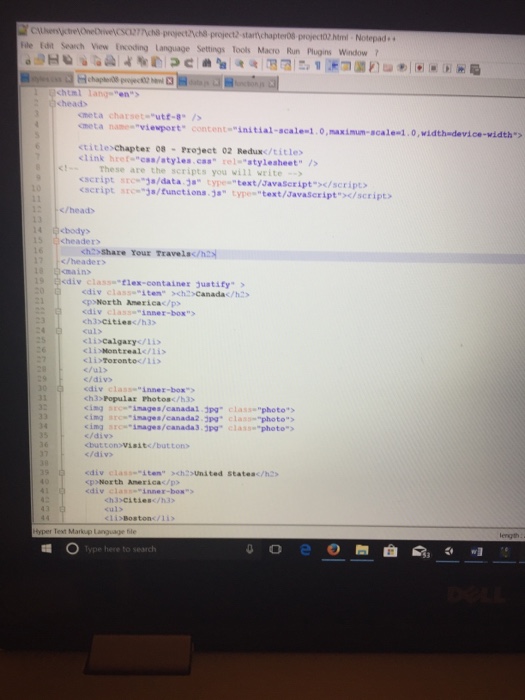
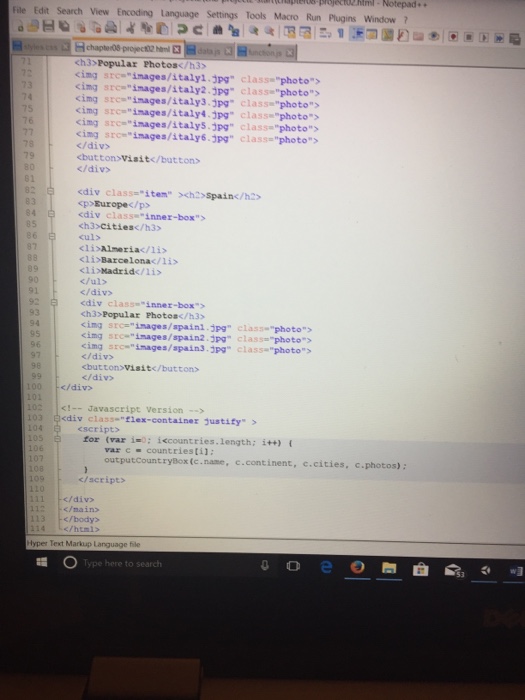 These two middle pics of the html should be switched to see correct order(4 total html pics) top and bottom are in correct order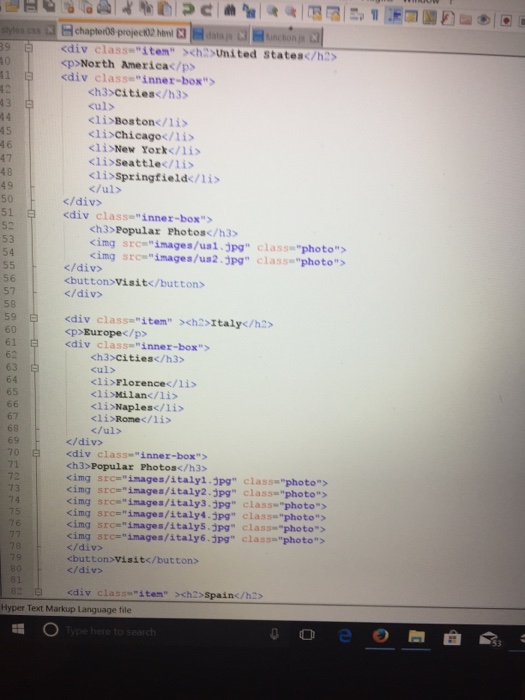
Tnch8 project2ychl project2-start functionjs Notepad File Edit Search View Encoding Language Settings Tools Macro Run Plugins Window? function outputCountryBox (name, continent , cities, photos) { document.write('
outputcities (cities): output Photos (photos): docunent.write('buttomvisite/buttons' document.write('div /* outputs list of cities for country function outputci ties (cities) 13 14 15 ( document.write('cdiv class "inner-box">' document.write('ch3citiesc/h3>' docunent.vrite("culs') for (var i. ; iPopular photos'); for (var i iephotos.length: i++) docunent.vrite(cing src jmages/+photosti]+class"photo"> docunent.vrite(cidiv' ype here to searc
Step by Step Solution
There are 3 Steps involved in it
1 Expert Approved Answer
Step: 1 Unlock

Question Has Been Solved by an Expert!
Get step-by-step solutions from verified subject matter experts
Step: 2 Unlock
Step: 3 Unlock
 Study Help