







Question: How can the user access SupportAssist On-board Diagnostics? (Select 2) Use a bootable USB key with SupportAssist | On-board Diagnostics Press one-time boot menu F12
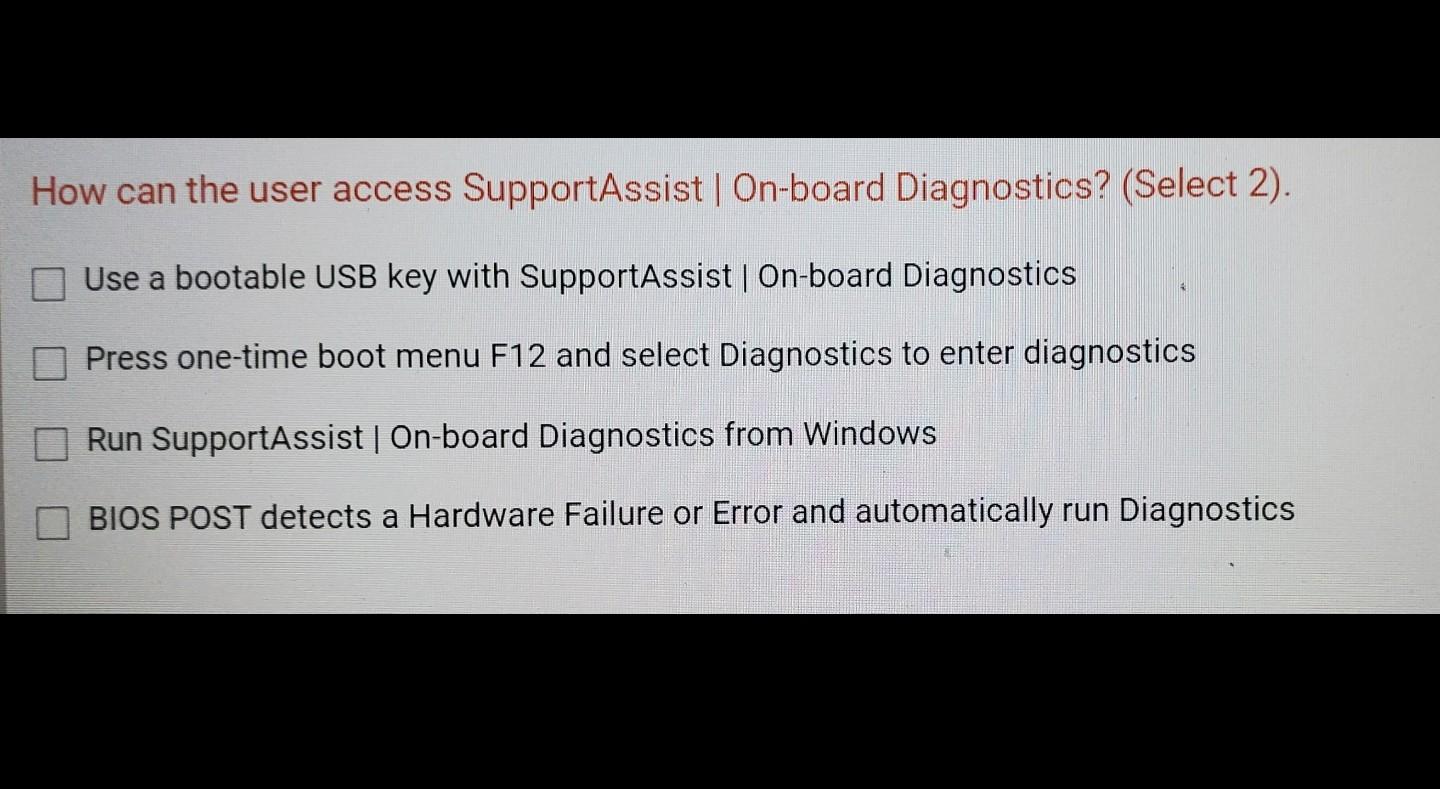
How can the user access SupportAssist On-board Diagnostics? (Select 2) Use a bootable USB key with SupportAssist | On-board Diagnostics Press one-time boot menu F12 and select Diagnostics to enter diagnostics Run SupportAssist | On-board Diagnostics from Windows BIOS POST detects a Hardware Failure or Error and automatically run Diagnostics
Step by Step Solution
There are 3 Steps involved in it
1 Expert Approved Answer
Step: 1 Unlock

Question Has Been Solved by an Expert!
Get step-by-step solutions from verified subject matter experts
Step: 2 Unlock
Step: 3 Unlock
 Study Help