Question: How can you quickly import contacts into Outlook? Select one: O File Tab, Open & Export O Insert Tab, People group, Open & Export O
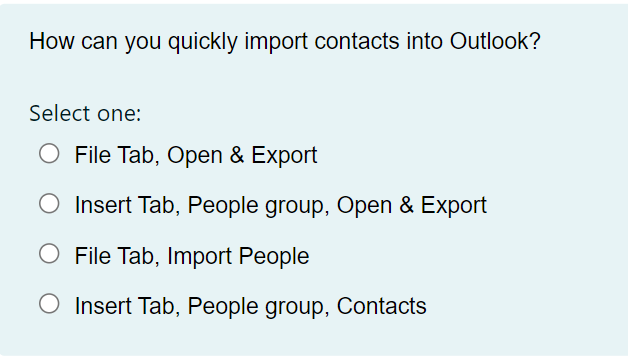

How can you quickly import contacts into Outlook?How can you quickly import contacts into Outlook?How can you quickly import contacts into Outlook?How can you quickly import contacts into Outlook?How can you quickly import contacts into Outlook?How can you quickly import contacts into Outlook?How can you quickly import contacts into Outlook?How can you quickly import contacts into Outlook?How can you quickly import contacts into Outlook?How can you quickly import contacts into Outlook?
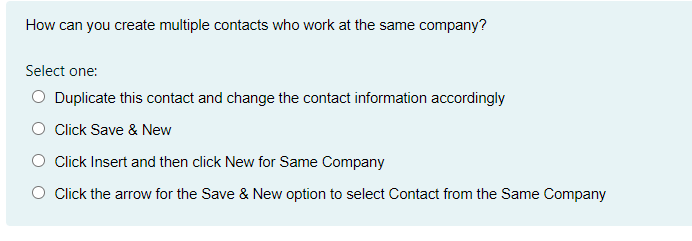
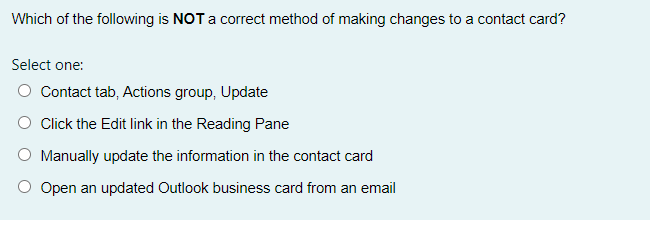
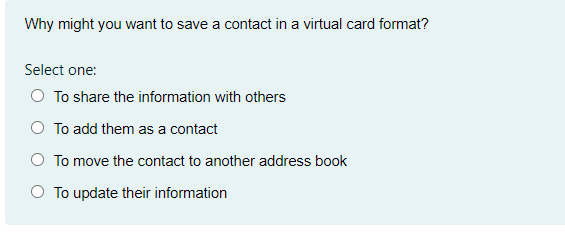
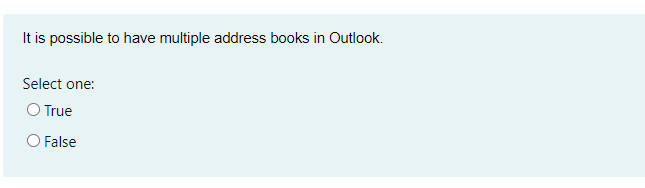
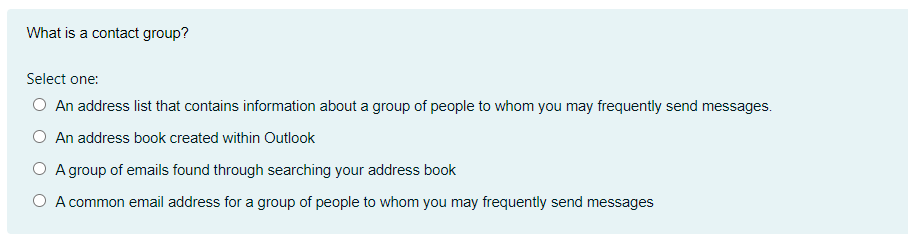
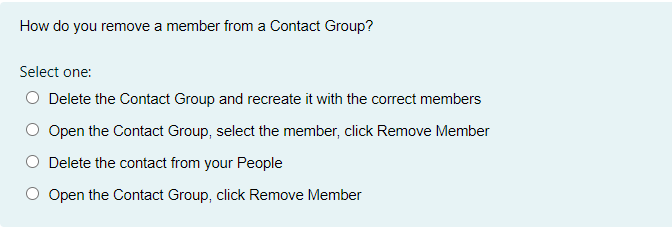
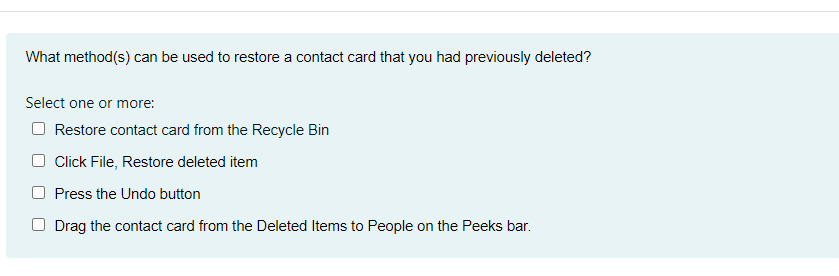
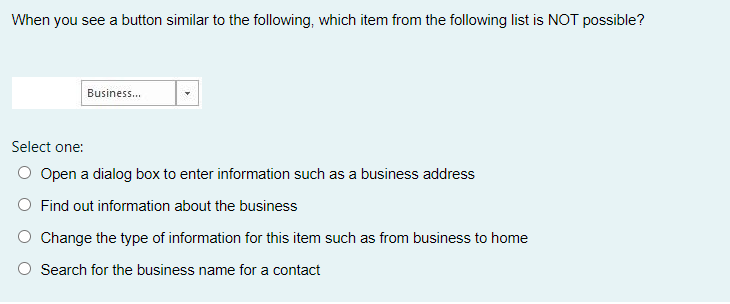
How can you quickly import contacts into Outlook? Select one: O File Tab, Open & Export O Insert Tab, People group, Open & Export O File Tab, Import People O Insert Tab, People group, ContactsWhich of the following is not a layout for printing your contacts? Select one: O Phonebook Style O Memo Style O Card Style O Small Booklet StyleWhen you see a button similar to the following which item from the following list is NOT possible? Select one: Q Open a dialog box to enter information such as a business address O Find out information about the business O Change the type of information for this item such as from business to home O Search for the business name for a contact How can you create multiple contacts who work at the same com pany? Select one: Q Duplicate this contact and change the contact information accordingly.r O Click Save 8: New O Click Insert and then click New for Same Company O Click the arrow for the Save 8; New option to select Contact from the Same Company Which of the following is NOT a correct method of making changes to a contact card? Select one: O Contact tab, Actions group, Update O Click the Edit link in the Reading Pane O Manually update the information in the contact card O Open an updated Outlook business card from an emailisn't-I'm:r might you 1want to save a contact in a virtual card format? Select one: C) To share the information with others C) To add them as a contact C) To move the contact to another address book C) To update their information It is possible to have multiple address books in Outlook. Select one: True O FalseWhat is a contact group? Select one: O An address list that contains information about a group of people to whom you may frequently send messages. O An address book created within Outlook O A group of emails found through searching your address book O A common email address for a group of people to whom you may frequently send messagesHow do you remove a member from a Contact Group? Select one: C) Delete the Contact Group and recreate it with the oorrect members O Open the Contact Group. select the member. click Remove Member O Delete the contact from your People O Open the Contact Group. click Remove Member What method(s) can be used to restore a contact card that you had previously deleted? Select one or more: O Restore contact card from the Recycle Bin Click File, Restore deleted item Press the Undo button Drag the contact card from the Deleted Items to People on the Peeks bar
Step by Step Solution

There are 3 Steps involved in it

1 Expert Approved Answer
Step: 1 Unlock blur-text-image
Question Has Been Solved by an Expert!

Get step-by-step solutions from verified subject matter experts

Step: 2 Unlock
Step: 3 Unlock

Students Have Also Explored These Related General Management Questions!