







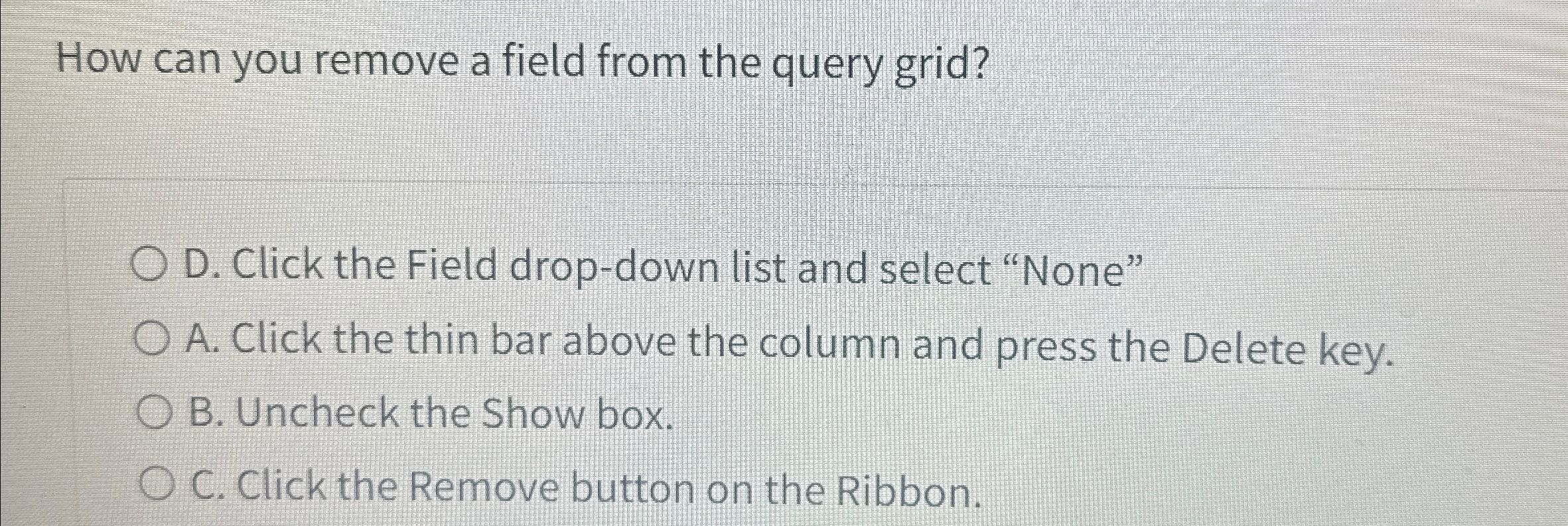
Question: How can you remove a field from the query grid? D . Click the Field drop - down list and select None A . Click
How can you remove a field from the query grid?
D Click the Field dropdown list and select "None"
A Click the thin bar above the column and press the Delete key.
B Uncheck the Show box.
C Click the Remove button on the Ribbon.
Step by Step Solution
There are 3 Steps involved in it
1 Expert Approved Answer
Step: 1 Unlock

Question Has Been Solved by an Expert!
Get step-by-step solutions from verified subject matter experts
Step: 2 Unlock
Step: 3 Unlock
 Study Help