







Question: How do i do this in a C file on command prompt or putty? Your task is to write a simple international currency converter. The
How do i do this in a C file on command prompt or putty?
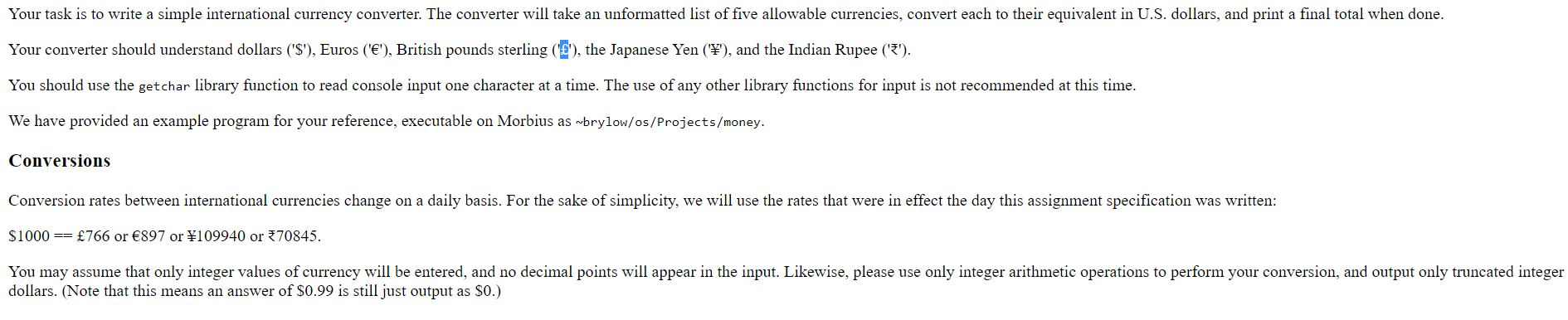
Your task is to write a simple international currency converter. The converter will take an unformatted list of five allowable currencies, convert each to their equivalent in U.S. dollars, and print a final total when done. Your converter should understand dollars ('$'), Euros (''), British pounds sterling (''), the Japanese Yen (), and the Indian Rupee ('*'). You should use the getchar library function to read console input one character at a time. The use of any other library functions for input is not recommended at this time. We have provided an example program for your reference, executable on Morbius as brylow/os/Projects/money. Conversions Conversion rates between international currencies change on a daily basis. For the sake of simplicity, we will use the rates that were in effect the day this assignment specification was written: $1000 == 766 or 897 or \109940 or 370845. You may assume that only integer values of currency will be entered, and no decimal points will appear in the input. Likewise, please use only integer arithmetic operations to perform your conversion, and output only truncated integer dollars. (Note that this means an answer of $0.99 is still just output as $0.)
Step by Step Solution
There are 3 Steps involved in it

Get step-by-step solutions from verified subject matter experts
 Study Help