







Question: How do I do this in Python? Please post a screenshot of your code so I can understand it better! Write the function called custom_blue_filter
How do I do this in Python? Please post a screenshot of your code so I can understand it better!
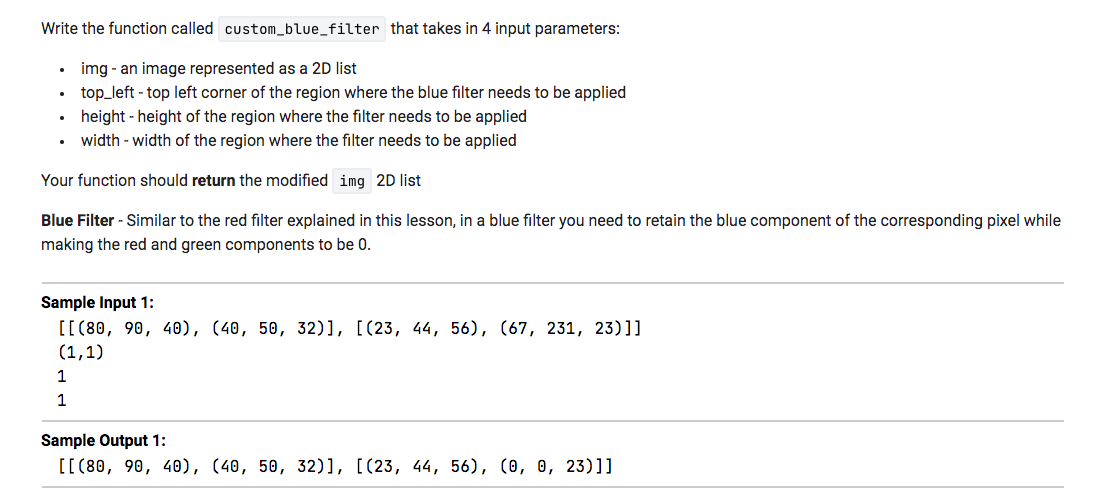
Write the function called custom_blue_filter that takes in 4 input parameters: img - an image represented as a 2D list top_left - top left corner of the region where the blue filter needs to be applied height - height of the region where the filter needs to be applied width - width of the region where the filter needs to be applied Your function should return the modified img 2D list Blue Filter - Similar to the red filter explained in this lesson, in a blue filter you need to retain the blue component of the corresponding pixel while making the red and green components to be 0. Sample Input 1: [[(80, 90, 40), (40, 50, 32)], [(23, 44, 56), (67, 231, 23)]] (1,1) 1 1 Sample Output 1: [[(80, 90, 40), (40, 50, 32)], [(23, 44, 56), (0, 0, 23)]]
Step by Step Solution
There are 3 Steps involved in it

Get step-by-step solutions from verified subject matter experts
 Study Help