







Question: How do I fix prior submission section? Create a PivotTable to show the 1 0 states in which the insurance companies are making the best
How do I fix prior submission section?
Create a PivotTable to show the states in which the insurance companies are making the best ROI.
Place the PivotTable on the BestROI worksheet.
Use a calculated field named "BestInsROI"without the quotes Hint: ROI is minus the ratio of insurances losses to premiums. The ratio is calculated as Insurance companies losses divided by Car Insurance Premiums. Note that the Car Insurance Premiums $ field contains the average premium for all customers in each state.
Display the values as a percentage with one decimal place.
Show the states where insurance companies are making the best ROI.
Sort the PivotTable from largest to smallest.
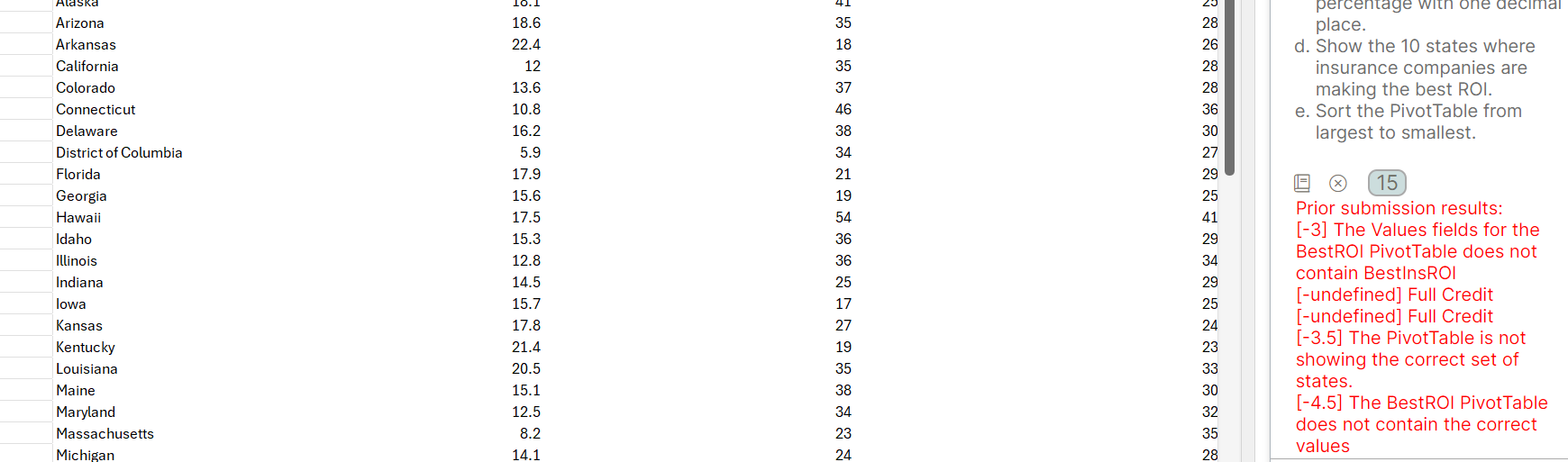
Prior submission results:
The Values fields for the BestROI PivotTable does not contain BestInsROI
undefined Full Credit
undefined Full Credit
The PivotTable is not showing the correct set of states.
The BestROI PivotTable does not contain the correct values
Step by Step Solution
There are 3 Steps involved in it
1 Expert Approved Answer
Step: 1 Unlock

Question Has Been Solved by an Expert!
Get step-by-step solutions from verified subject matter experts
Step: 2 Unlock
Step: 3 Unlock
 Study Help