







Question: How do I solve this in Python? I've already posted this question twice and I guess it was being auto detected or something because I
How do I solve this in Python? I've already posted this question twice and I guess it was being auto detected or something because I received the same exact answer that just gave me a program in Java when I specifically said that it had to be in Python
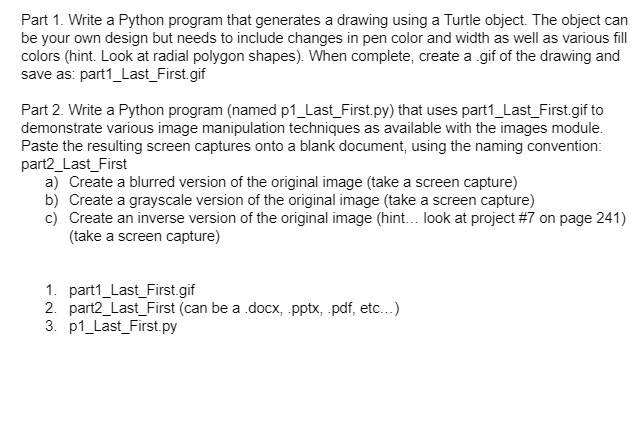
Part 1. Write a Python program that generates a drawing using a Turtle object. The object can be your own design but needs to include changes in pen color and width as well as various fill colors (hint. Look at radial polygon shapes). When complete, create a .gif of the drawing and save as: part1_Last_First.gif Part 2. Write a Python program (named p1_Last_First.py) that uses part1_Last_First.gif to demonstrate various image manipulation techniques as available with the images module. Paste the resulting screen captures onto a blank document, using the naming convention: part2_Last_First a) Create a blurred version of the original image (take a screen capture) b) Create a grayscale version of the original image (take a screen capture) c) Create an inverse version of the original image (hint... look at project #7 on page 241) (take a screen capture) 1. part1_Last_First.gif 2. part2_Last_First (can be a docx, .pptx, .pdf, etc...) 3. P1_Last_First.py
Step by Step Solution
There are 3 Steps involved in it

Get step-by-step solutions from verified subject matter experts
 Study Help