







Question: How do you create a macro in Access? Use the Macro Wizard to select a task to perform. Use the macro recorder to record your
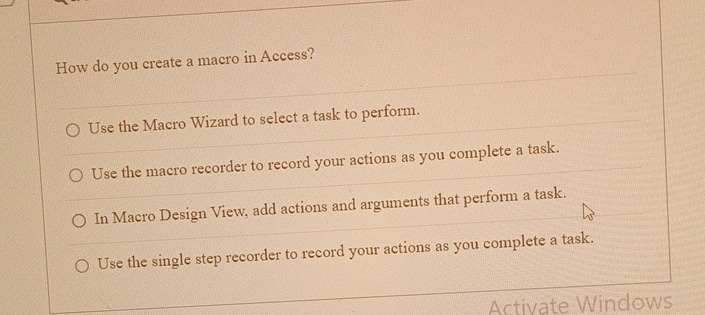
How do you create a macro in Access?
Use the Macro Wizard to select a task to perform.
Use the macro recorder to record your actions as you complete a task.
In Macro Design View, add actions and arguments that perform a task.
Use the single step recorder to record your actions as you complete a task.
Activate Windows
Step by Step Solution
There are 3 Steps involved in it
1 Expert Approved Answer
Step: 1 Unlock

Question Has Been Solved by an Expert!
Get step-by-step solutions from verified subject matter experts
Step: 2 Unlock
Step: 3 Unlock
 Study Help