







Question: How do you delete a custom theme? Right - click the custom theme on the Themes drop - down menu, and select Delete from the
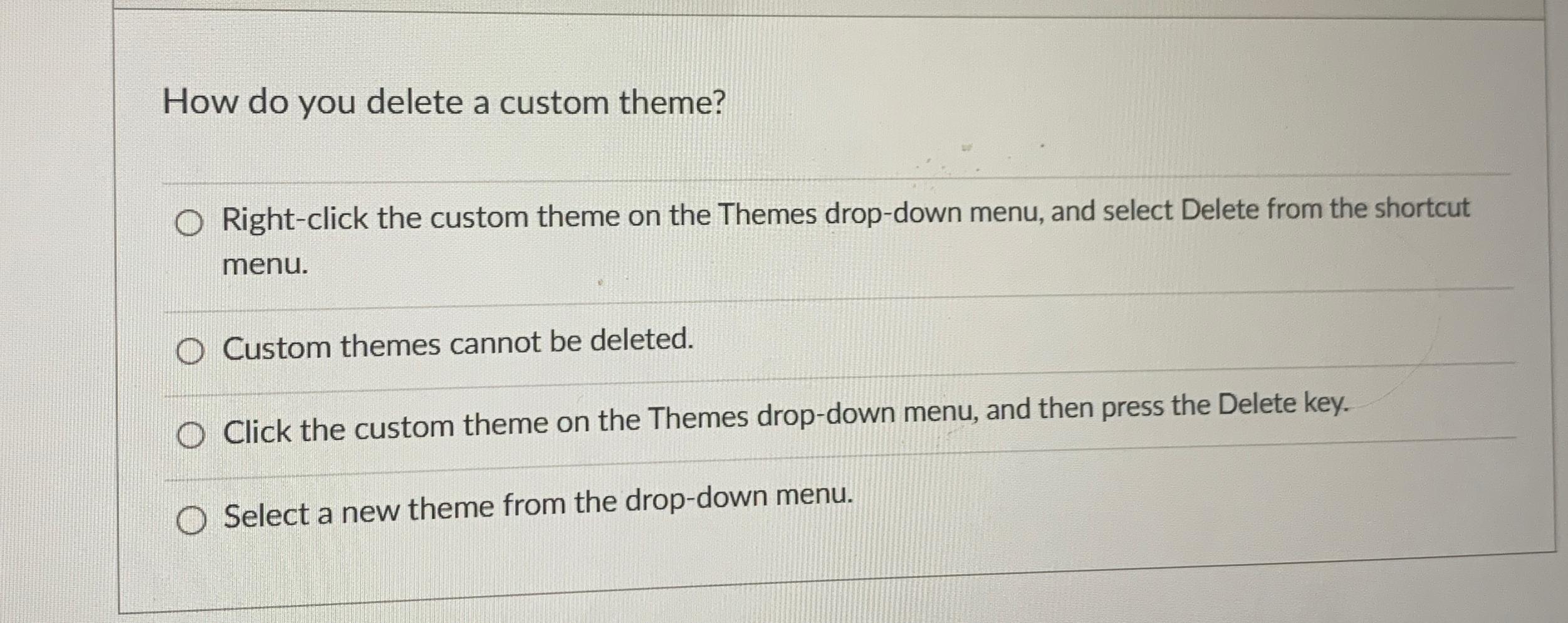
How do you delete a custom theme?
Rightclick the custom theme on the Themes dropdown menu, and select Delete from the shortcut menu.
Custom themes cannot be deleted.
Click the custom theme on the Themes dropdown menu, and then press the Delete key.
Select a new theme from the dropdown menu.
Step by Step Solution
There are 3 Steps involved in it
1 Expert Approved Answer
Step: 1 Unlock

Question Has Been Solved by an Expert!
Get step-by-step solutions from verified subject matter experts
Step: 2 Unlock
Step: 3 Unlock
 Study Help