







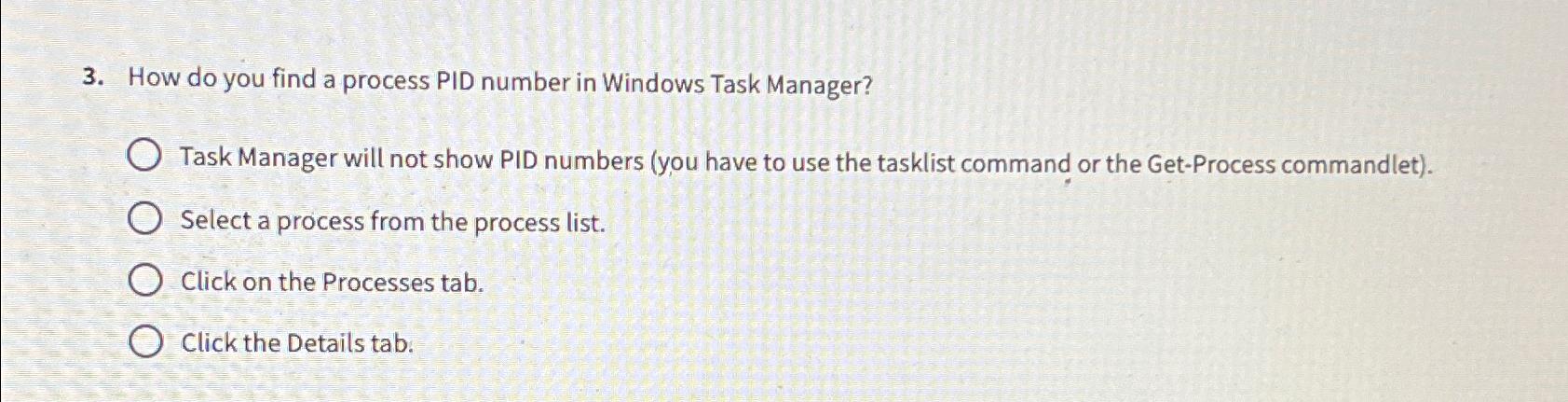
Question: How do you find a process PID number in Windows Task Manager? Task Manager will not show PID numbers ( you have to use the
How do you find a process PID number in Windows Task Manager?
Task Manager will not show PID numbers you have to use the tasklist command or the GetProcess commandlet
Select a process from the process list.
Click on the Processes tab.
Click the Details tab.
Step by Step Solution
There are 3 Steps involved in it
1 Expert Approved Answer
Step: 1 Unlock

Question Has Been Solved by an Expert!
Get step-by-step solutions from verified subject matter experts
Step: 2 Unlock
Step: 3 Unlock
 Study Help