



Question: How do you leave the Slide Master area? Change to the View ribbon tab, then click Exit Master View. Change to the Design ribbon tab,
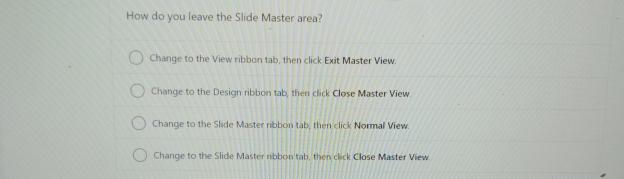
How do you leave the Slide Master area?
Change to the View ribbon tab, then click Exit Master View.
Change to the Design ribbon tab, then click Close Master View
Change fo theStide Master ribbon taby then click Normal View.
Change to the Slide Master nbbon tab, then click Close Master View
Step by Step Solution
There are 3 Steps involved in it
1 Expert Approved Answer
Step: 1 Unlock

Question Has Been Solved by an Expert!
Get step-by-step solutions from verified subject matter experts
Step: 2 Unlock
Step: 3 Unlock