







Question: How do you move to the previous endnote reference number in your document? Double - click the current endnote Hover your cursor over the current
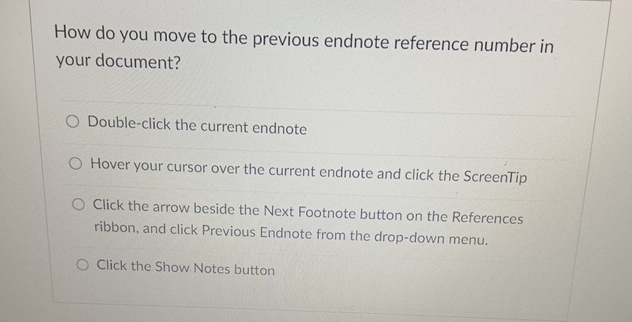
How do you move to the previous endnote reference number in your document?
Doubleclick the current endnote
Hover your cursor over the current endnote and click the ScreenTip
Click the arrow beside the Next Footnote button on the References ribbon, and click Previous Endnote from the dropdown menu.
Click the Show Notes button
Step by Step Solution
There are 3 Steps involved in it
1 Expert Approved Answer
Step: 1 Unlock

Question Has Been Solved by an Expert!
Get step-by-step solutions from verified subject matter experts
Step: 2 Unlock
Step: 3 Unlock
 Study Help