







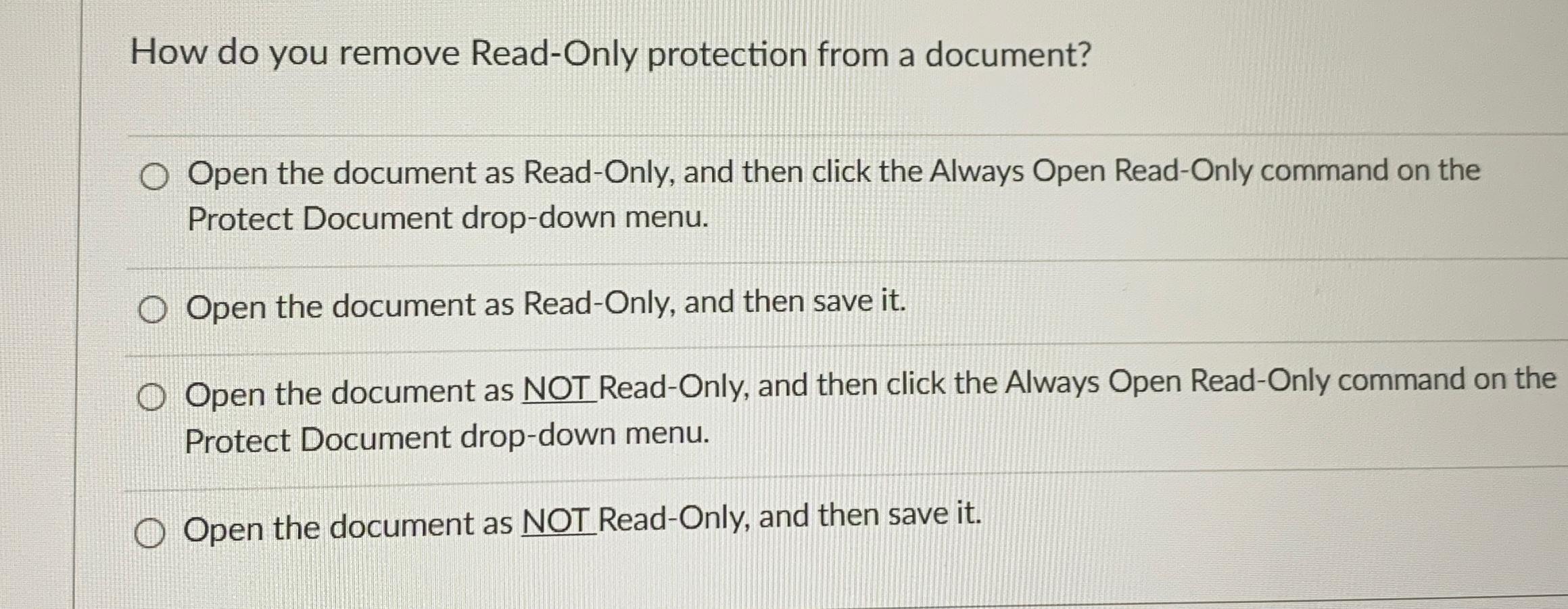
Question: How do you remove Read - Only protection from a document? Open the document as Read - Only, and then click the Always Open Read
How do you remove ReadOnly protection from a document?
Open the document as ReadOnly, and then click the Always Open ReadOnly command on the Protect Document dropdown menu.
Open the document as ReadOnly, and then save it
Open the document as NOT ReadOnly, and then click the Always Open ReadOnly command on the Protect Document dropdown menu.
Open the document as NOT ReadOnly, and then save it
Step by Step Solution
There are 3 Steps involved in it
1 Expert Approved Answer
Step: 1 Unlock

Question Has Been Solved by an Expert!
Get step-by-step solutions from verified subject matter experts
Step: 2 Unlock
Step: 3 Unlock
 Study Help