







Question: How do you set a breakpoint in Eclipse? double click on the margin on the left side of the source code view. right-click on the
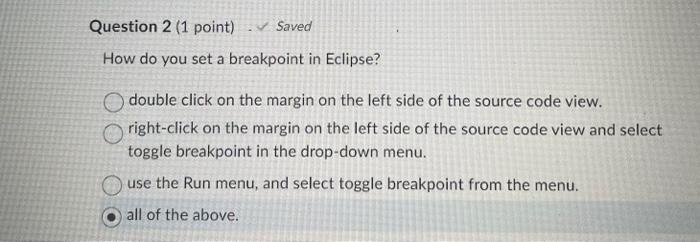
How do you set a breakpoint in Eclipse? double click on the margin on the left side of the source code view. right-click on the margin on the left side of the source code view and select toggle breakpoint in the drop-down menu. use the Run menu, and select toggle breakpoint from the menu. all of the above
Step by Step Solution
There are 3 Steps involved in it
1 Expert Approved Answer
Step: 1 Unlock

Question Has Been Solved by an Expert!
Get step-by-step solutions from verified subject matter experts
Step: 2 Unlock
Step: 3 Unlock
 Study Help