



Question: How do you set up each account in QuickBooks? Add New Account: Choose Account Type x Choose one account type and click Continue. Categorize money
How do you set up each account in QuickBooks? 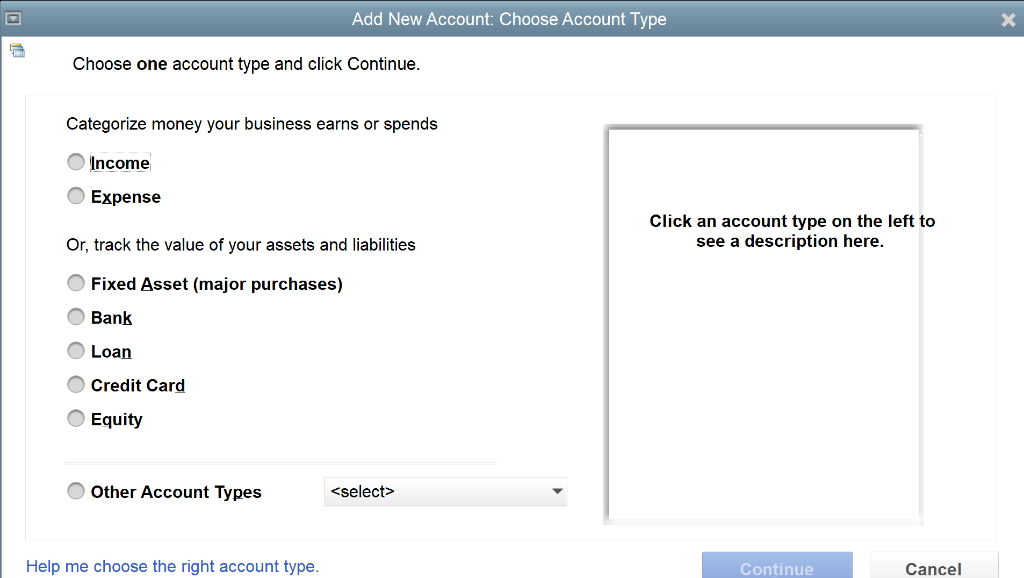
Add New Account: Choose Account Type x Choose one account type and click Continue. Categorize money your business earns or spends Income Expense Click an account type on the left to see a description here. Or, track the value of your assets and liabilities Fixed Asset (major purchases) Bank O O O C Loan Credit Card Equity Other Account Types
Step by Step Solution
There are 3 Steps involved in it
1 Expert Approved Answer
Step: 1 Unlock

Question Has Been Solved by an Expert!
Get step-by-step solutions from verified subject matter experts
Step: 2 Unlock
Step: 3 Unlock