







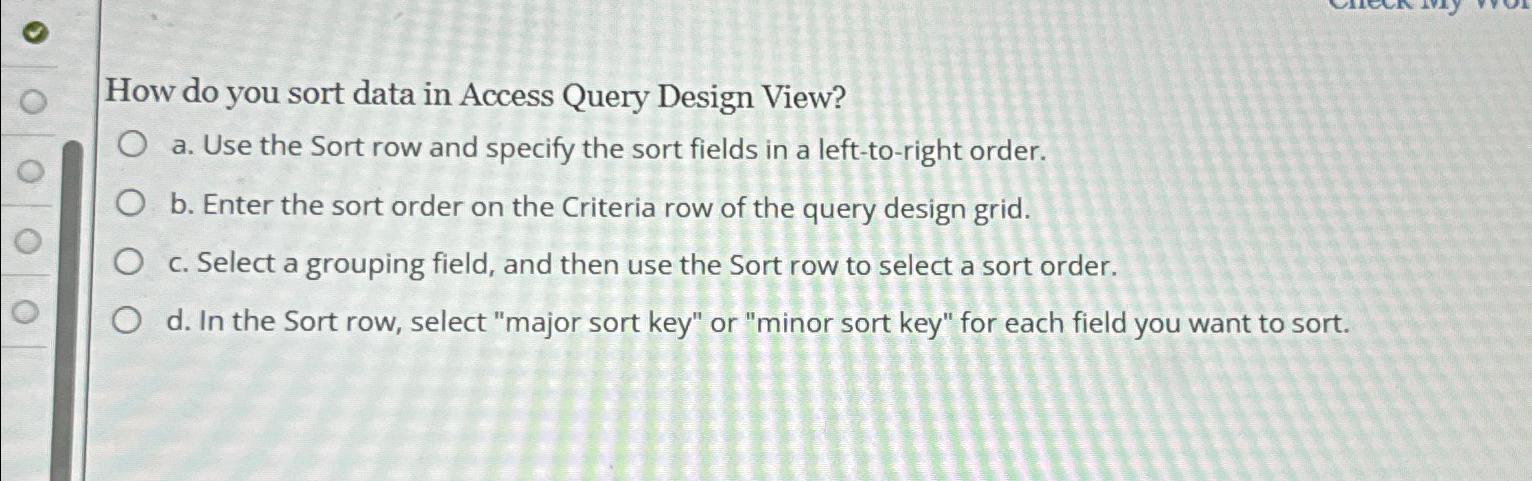
Question: How do you sort data in Access Query Design View? a . Use the Sort row and specify the sort fields in a left -
How do you sort data in Access Query Design View?
a Use the Sort row and specify the sort fields in a lefttoright order.
b Enter the sort order on the Criteria row of the query design grid.
c Select a grouping field, and then use the Sort row to select a sort order.
d In the Sort row, select "major sort key" or "minor sort key" for each field you want to sort.
Step by Step Solution
There are 3 Steps involved in it
1 Expert Approved Answer
Step: 1 Unlock

Question Has Been Solved by an Expert!
Get step-by-step solutions from verified subject matter experts
Step: 2 Unlock
Step: 3 Unlock
 Study Help