







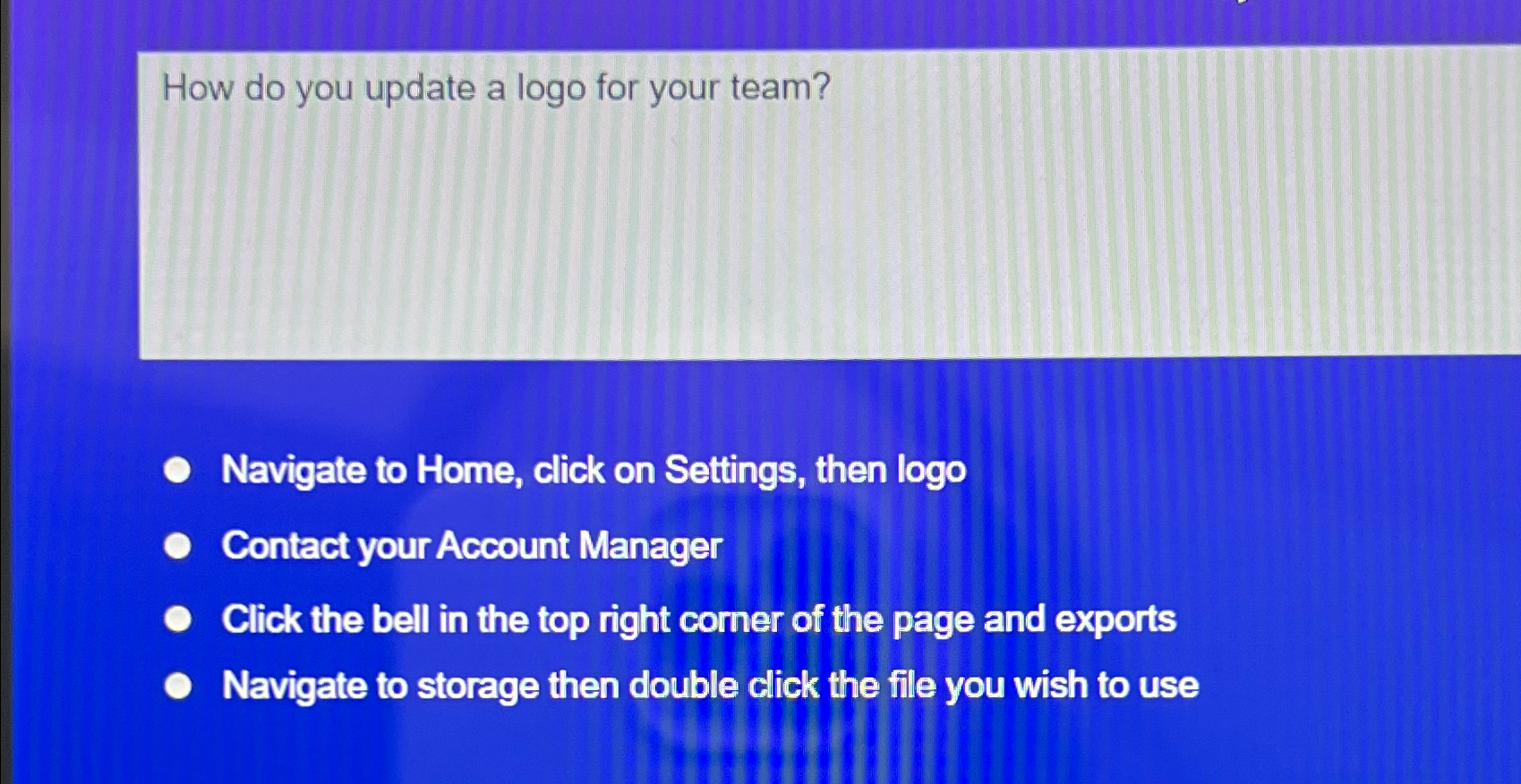
Question: How do you update a logo for your team? Navigate to Home, click on Settings, then logo Contact your Account Manager Click the bell in
How do you update a logo for your team?
Navigate to Home, click on Settings, then logo
Contact your Account Manager
Click the bell in the top right comer of the page and exports
Navigate to storage then double click the file you wish to use
Step by Step Solution
There are 3 Steps involved in it
1 Expert Approved Answer
Step: 1 Unlock

Question Has Been Solved by an Expert!
Get step-by-step solutions from verified subject matter experts
Step: 2 Unlock
Step: 3 Unlock
 Study Help