





Question: How to do this on excel ? Each week we need to send creatives (actual commercials) to one of our data partners. We only send

How to do this on excel ?
How to do this on excel ? Each week we need to

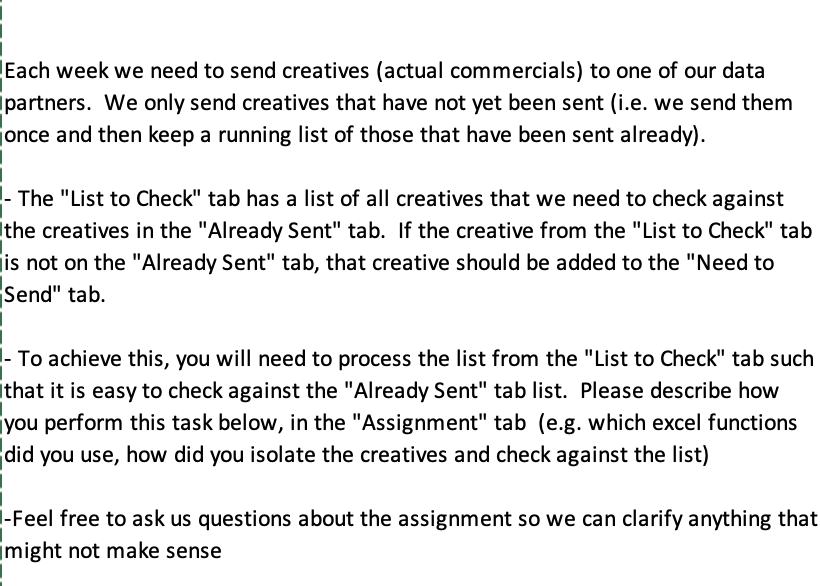
Each week we need to send creatives (actual commercials) to one of our data partners. We only send creatives that have not yet been sent (i.e. we send them once and then keep a running list of those that have been sent already). - The "List to Check" tab has a list of all creatives that we need to check against the creatives in the "Already sent" tab. If the creative from the "List to Check" tab is not on the "Already sent" tab, that creative should be added to the "Need to Send" tab. - To achieve this, you will need to process the list from the "List to Check" tab such that it is easy to check against the "Already Sent" tab list. Please describe how you perform this task below, in the "Assignment" tab (e.g. which excel functions did you use, how did you isolate the creatives and check against the list) -Feel free to ask us questions about the assignment so we can clarify anything that might not make sense

Step by Step Solution

There are 3 Steps involved in it

1 Expert Approved Answer
Step: 1 Unlock blur-text-image

Question Has Been Solved by an Expert!

Get step-by-step solutions from verified subject matter experts

Step: 2 Unlock
Step: 3 Unlock

Students Have Also Explored These Related General Management Questions!