







Question: How to do this PHET simulation? https://phet.colorado.edu/en/simulations/geometric-optics Geometric Optics Name: Introduction: Enter the simulation (https://phet.colorado.edu/en/simulations/geometric- optics) and select the following options: Mirror, Pencil, Concave, Many
How to do this PHET simulation? https://phet.colorado.edu/en/simulations/geometric-optics
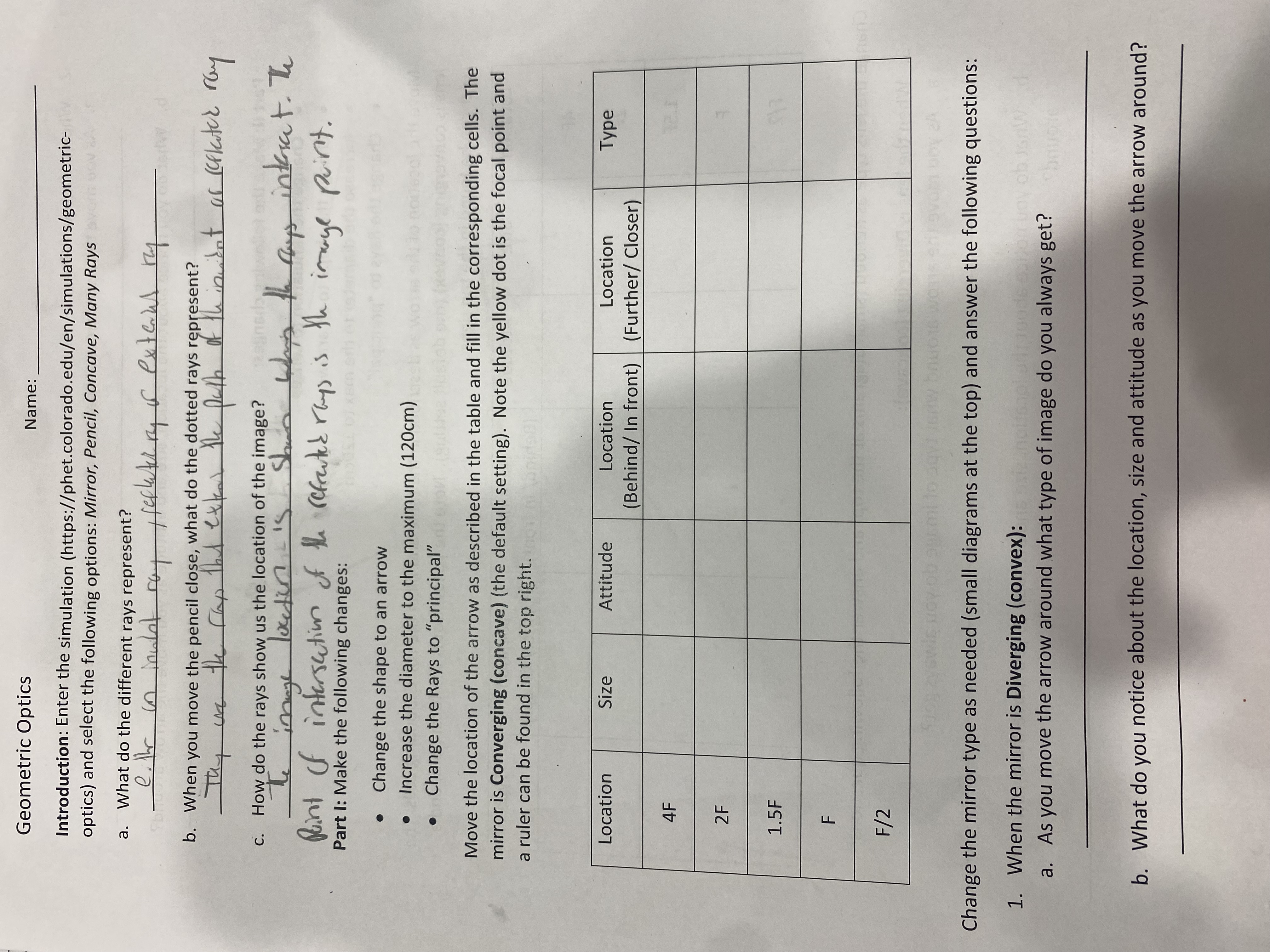
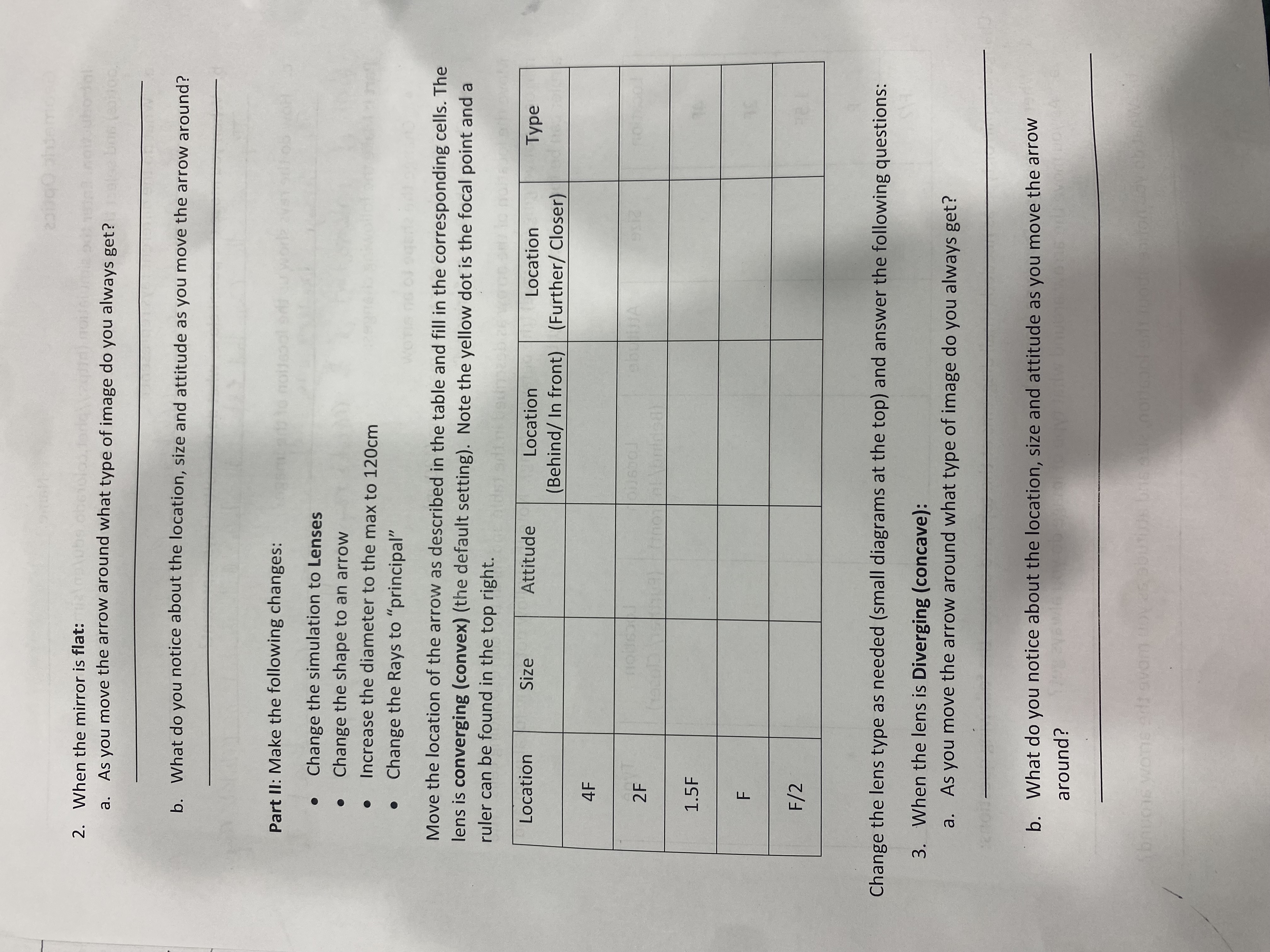
Geometric Optics Name: Introduction: Enter the simulation (https://phet.colorado.edu/en/simulations/geometric- optics) and select the following options: Mirror, Pencil, Concave, Many Rays a. What do the different rays represent? b. When you move the pencil close, what do the dotted rays represent? Thy c. How do the rays show us the location of the image? what the says interact . The point of intersection of the refracted rays is the image point. Part 1: Make the following changes: Change the shape to an arrow Increase the diameter to the maximum (120cm) Change the Rays to "principal" Move the location of the arrow as described in the table and fill in the corresponding cells. The mirror is Converging (concave) (the default setting). Note the yellow dot is the focal point and a ruler can be found in the top right. Location Size Attitude Location Location Type (Behind/ In front) (Further/ Closer) 4F 2 F 1.5F F F /2 Change the mirror type as needed (small diagrams at the top) and answer the following questions: 1. When the mirror is Diverging (convex): objsaw a. As you move the arrow around what type of image do you always get? b. What do you notice about the location, size and attitude as you move the arrow around?2. When the mirror is flat: hell now who dal a. As you move the arrow around what type of image do you always get? b. What do you notice about the location, size and attitude as you move the arrow around? Part II: Make the following changes: Change the simulation to Lenses Change the shape to an arrow . . Increase the diameter to the max to 120cm Change the Rays to "principal" Move the location of the arrow as described in the table and fill in the corresponding cells. The lens is converging (convex) (the default setting). Note the yellow dot is the focal point and a ruler can be found in the top right. Location Size Attitude Location Location Type (Behind/ In front) (Further/ Closer) 4F 2F 1.5F F F/2 Change the lens type as needed (small diagrams at the top) and answer the following questions: 3. When the lens is Diverging (concave): a. As you move the arrow around what type of image do you always get? b. What do you notice about the location, size and attitude as you move the arrow around? bauers wore add avam
Step by Step Solution
There are 3 Steps involved in it

Get step-by-step solutions from verified subject matter experts
 Study Help