







Question: How to solve Create a graphic. Guidelines for Formatting Graphics Make sure graphics are neat and simple. Provide keys to measurements. Integrate graphics with text.
How to solve
Create a graphic.
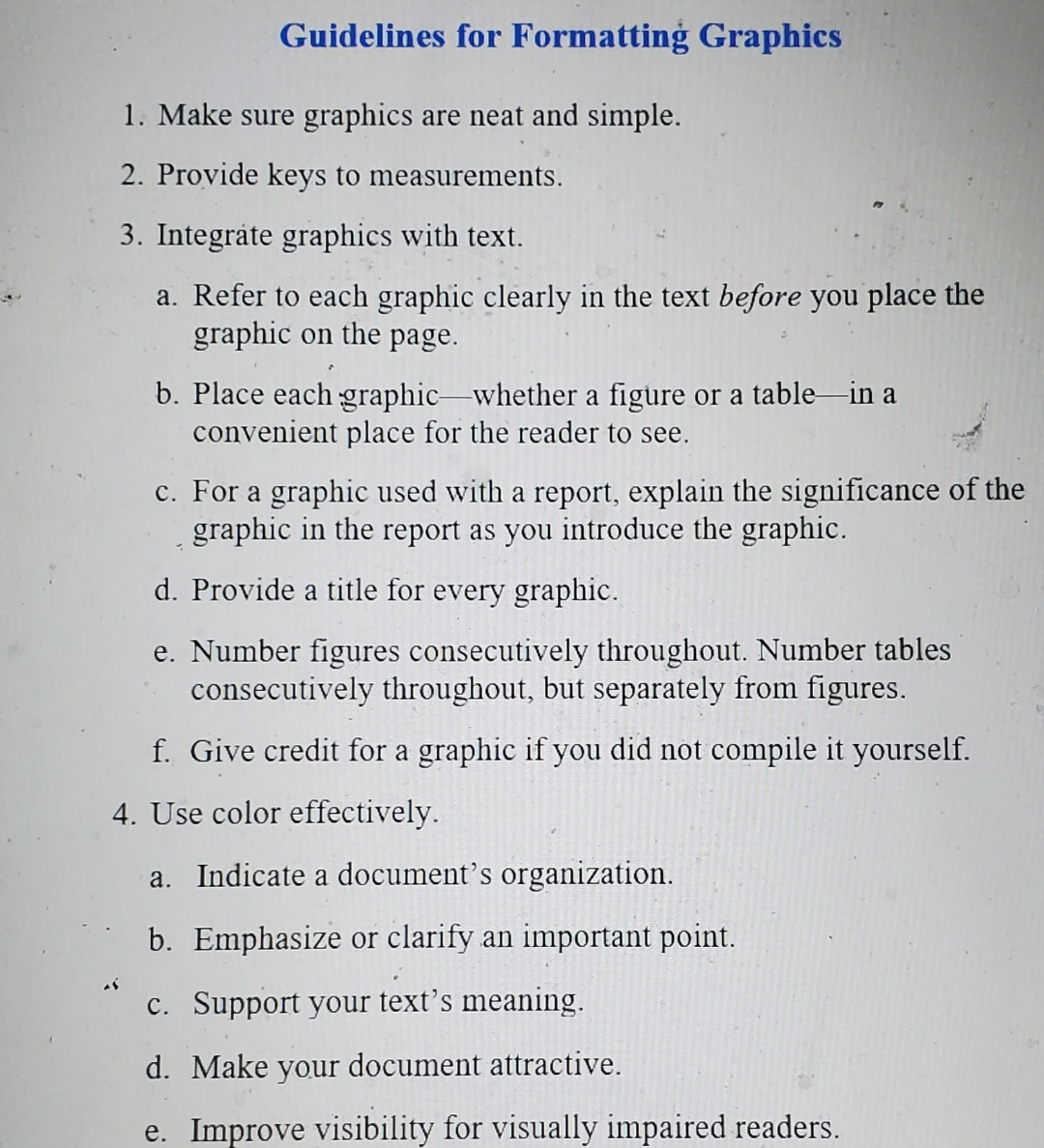
Guidelines for Formatting Graphics
Make sure graphics are neat and simple.
Provide keys to measurements.
Integrate graphics with text.
a Refer to each graphic clearly in the text before you place the graphic on the page.
b Place each graphic whether a figure or a table in a convenient place for the reader to see.
c For a graphic used with a report, explain the significance of the graphic in the report as you introduce the graphic.
d Provide a title for every graphic.
e Number figures consecutively throughout. Number tables consecutively throughout, but separately from figures.
f Give credit for a graphic if you did not compile it yourself.
Use color effectively.
a Indicate a document's organization.
b Emphasize or clarify an important point.
c Support your text's meaning.
d Make your document attractive.
e Improve visibility for visually impaired readers.
Step by Step Solution
There are 3 Steps involved in it
1 Expert Approved Answer
Step: 1 Unlock

Question Has Been Solved by an Expert!
Get step-by-step solutions from verified subject matter experts
Step: 2 Unlock
Step: 3 Unlock
 Study Help