







Question: How to solve Shopping cart react js with redux dpr atate manamement THE TASK AT HAND For this Capstone Project, you will be tasked to
How to solve Shopping cart react js with redux dpr atate manamement
THE TASK AT HAND
For this Capstone Project, you will be tasked to create a Web Store using React. To be able to successfully do this, you will need to consolidate all the concepts you have learnt about React, JSX and JavaScript.
Create a React app that displays products of a fictional or real, if you have a client in mind online store.
The app you create should meet the following criteria:
It should be created using Create React App.
It should include at least different types of attractively styled components that respond to user interaction. Feel free to use ReactBootstrap or another library andor your own custom stylesheets.
The user should be able to register by entering the following details:
First name
Surname
Username
Email address
A password
Make sure that all input is appropriately validated ie ensure the user has entered a valid email address, a strong password and any other validation checks that you think are necessary
The user should be able to log in by entering a username that is stored in a state and displayed in a header component.
The header component should include a navigation menu and be displayed at the top of the page for all URLs.
The application should contain at least components:
a landing page,
a store or product page that displays the items to the user,
and a cart page.
A number of components should be rendered using the array.Map method. Each component rendered in this way should have a key that uniquely identifies it
User interaction should modify the state of some components.
The application should make use of Redux to manage the state.
The user's purchases should be added to a "cart" state that is used to display the user's selection and the total cost, etc., on the cart page.
The user should be able to select a method of shipment.
The user should easily be able to request "help", which will inform the user about the details of the shipping options.
The UI should be attractive and intuitive.
Initialise a Git repository in your project folder to track changes as you go along.
Ensure that your project folder includes a file called
README.md that explains the application and how to use it
In your editor, create a new file and name it
README.md The md extension stands for Markdown, which is a lightweight markup language used for formatting text and creating documentation.
You can quickly brush up on Markdown syntax for your
README.md file here. Keep it simple! Provide clear instructions that an end user will be able to follow to install and run your app on their local machine. You can also read more about the README GitHub guide here.
The code reviewer should be able to launch your app by typing the following into the command line interface:
@ npm install'
npm start'
The file structure of the project should be well organised and in line with these guidelines. The code should also be easy to read, adhering to Google's style quide about indentation, meaningful variables, component
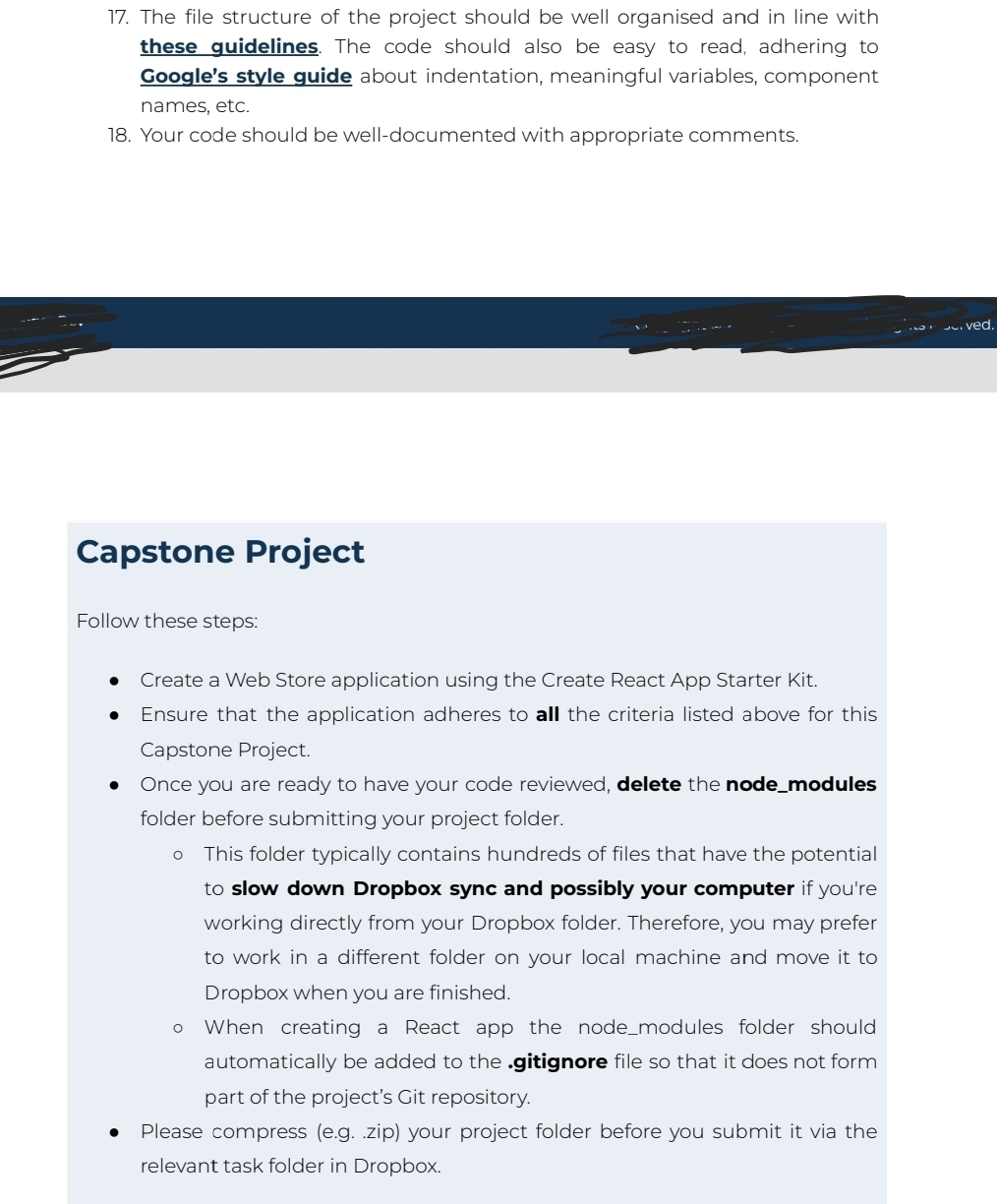
The file structure of the project should be well organised and in line with these guidelines. The code should also be easy to read, adhering to Google's style guide about indentation, meaningful variables, component names, etc.
Your code should be welldocumented with appropriate comments.
Capstone Project
Follow these steps:
Create a Web Store application using the Create React App Starter Kit.
Ensure that the application adheres to all the criteria listed above for this Capstone Project.
Once you are ready to have your code reviewed, delete the nodemodules folder before submitting your project folder.
This folder typically contains hundreds of files that have the potential to slow down Dropbox sync and possibly your computer if you're working directly from your Dropbox folder. Therefore, you may prefer to work in a different folder on your local machine and move it to Dropbox when you are finished.
When creating a React app the nodemodules folder should automatically be added to the gitignore file so that it does not form part of the project's Git repository.
Please compress egzip your project folder before you submit it via the relevant task folder in Dropbox.
Step by Step Solution
There are 3 Steps involved in it
1 Expert Approved Answer
Step: 1 Unlock

Question Has Been Solved by an Expert!
Get step-by-step solutions from verified subject matter experts
Step: 2 Unlock
Step: 3 Unlock
 Study Help