







Question: How to Use the Code Edftor Select the Run Code button to execute the program. Select the Calculate Grade button to generate a score based
How to Use the Code Edftor
Select the "Run Code" button to execute the program.
Select the "Calculate Grade" button to generate a score based on the completed tasks.
Continue to modify, run, and calculate your code until you are happy with the grade.
Select the "Submit" button to turn in the assignment to your instructor.
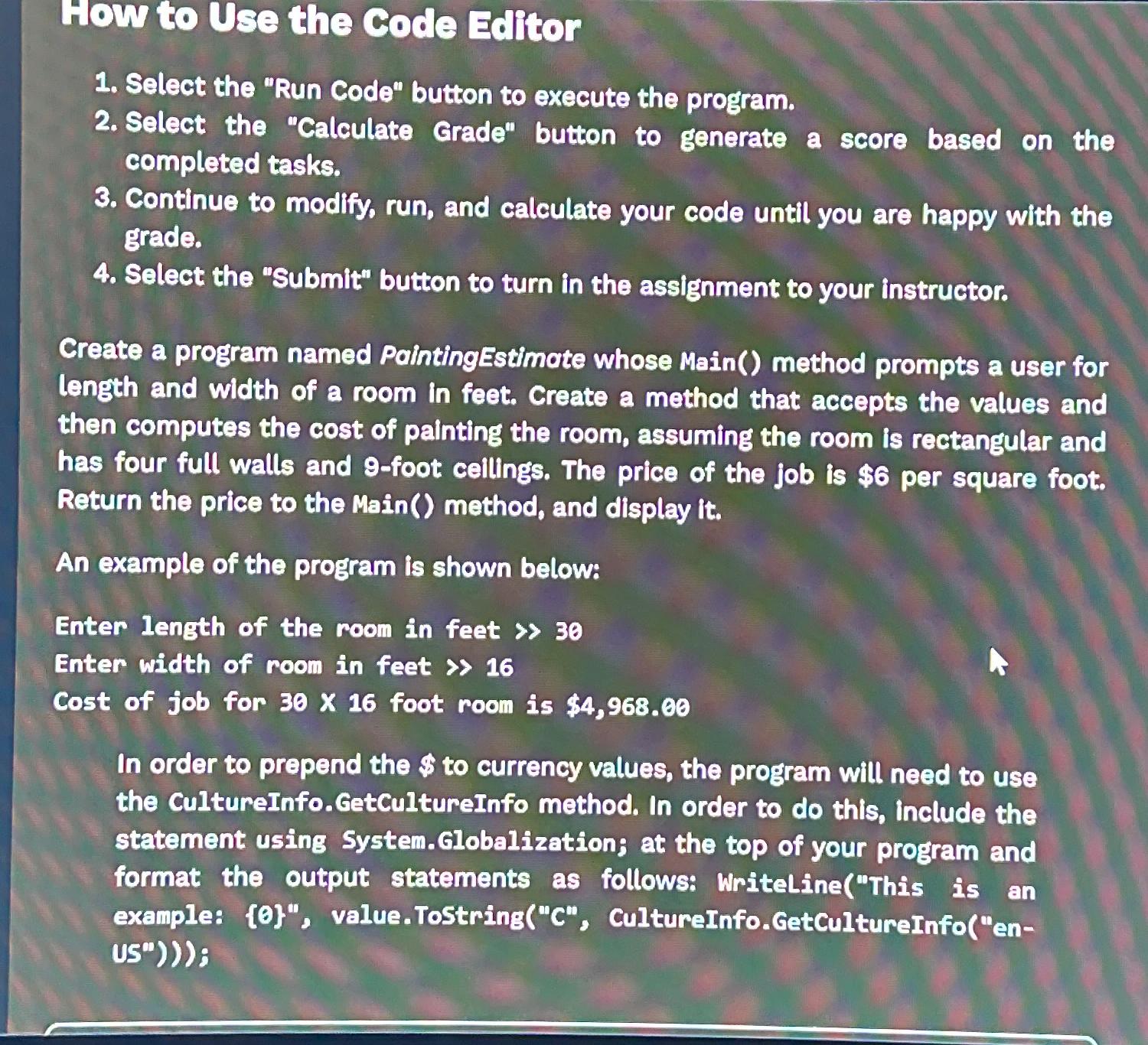
Create a program named PaintingEstimate whose Main method prompts a user for length and width of a room in feet. Create a mathod that accepts the values and then computes the cost of painting the room, assuming the room is rectangular and has four full walls and foot cellings. The price of the job is $ per square foot. Return the price to the Main method, and display it
An example of the program is shown below:
Enter length of the room in feet
Enter width of room in feet
Cost of job for foot room is $
In order to prepend the $ to currency values, the program will need to use the cultureInfo.GetcultureInfo method. In order to do this, include the statement using System.Globalization; at the top of your program and format the output statements as follows: WritelineThis is an example: value.ToStringC cultureInfo.GetCultureInfoen: is
Step by Step Solution
There are 3 Steps involved in it
1 Expert Approved Answer
Step: 1 Unlock

Question Has Been Solved by an Expert!
Get step-by-step solutions from verified subject matter experts
Step: 2 Unlock
Step: 3 Unlock
 Study Help