







Question: How to Use the Code Editor Select the Run Code button to execute the program. Select the Calculate Grade button to generate a score based
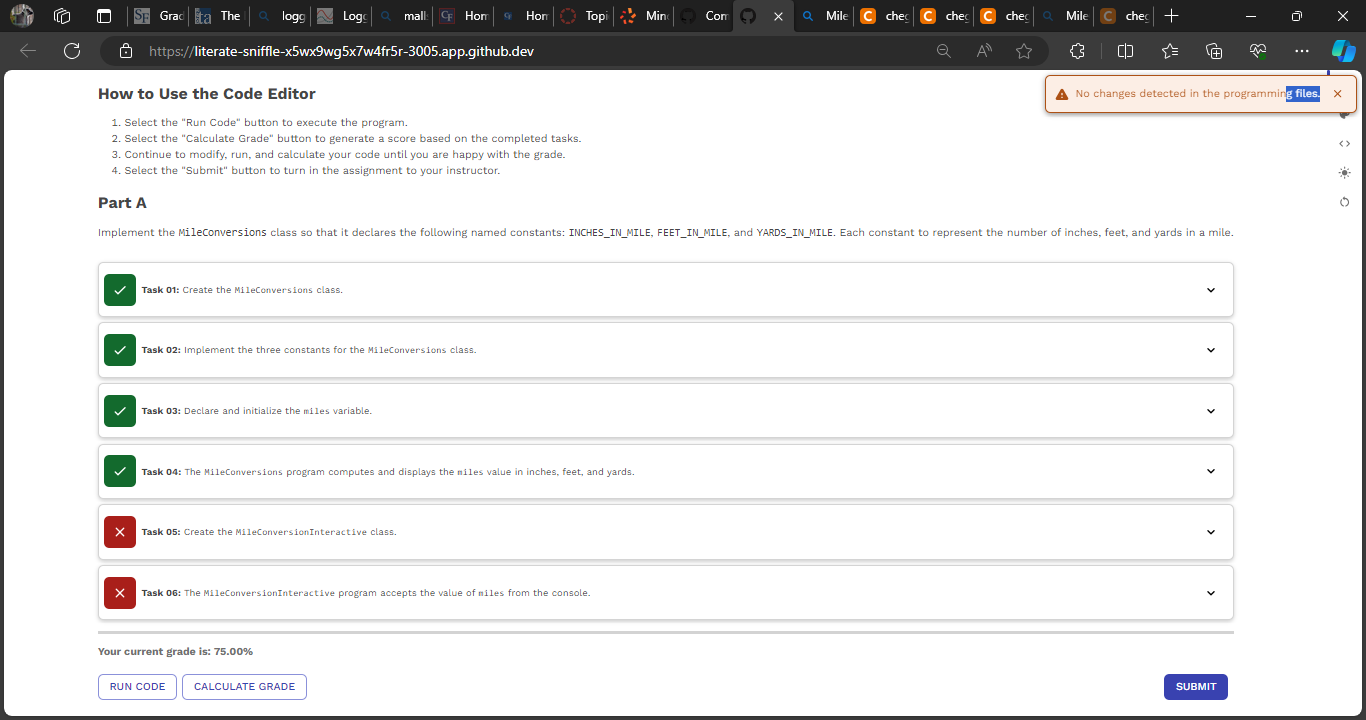
How to Use the Code Editor
Select the "Run Code" button to execute the program.
Select the "Calculate Grade" button to generate a score based on the completed tasks.
Continue to modify, run, and calculate your code until you are happy with the grade.
Select the "Submit" button to turn in the assignment to your instructor.
Part A
Task : Create the MileConversions class.
Task : Implement the three constants for the MileConversions class.
Task : Declare and initialize the miles variable.
Task : The MileConversions program computes and displays the niles value in inches, feet, and yards.
Task : Create the MileConversionInteractive class.
Task : The MileConversioninteractive program accepts the value of niles from the console.
Step by Step Solution
There are 3 Steps involved in it
1 Expert Approved Answer
Step: 1 Unlock

Question Has Been Solved by an Expert!
Get step-by-step solutions from verified subject matter experts
Step: 2 Unlock
Step: 3 Unlock
 Study Help