







Question: How to write the code for this thing , Im confused 3 Audio Signals in MATLAB To read audio signals from. wav files into matlab,
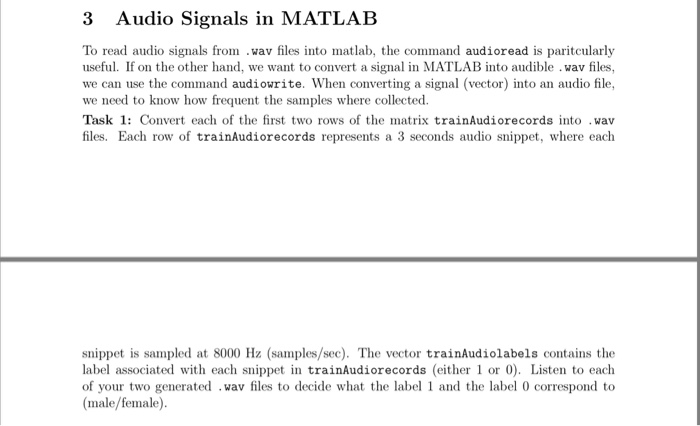
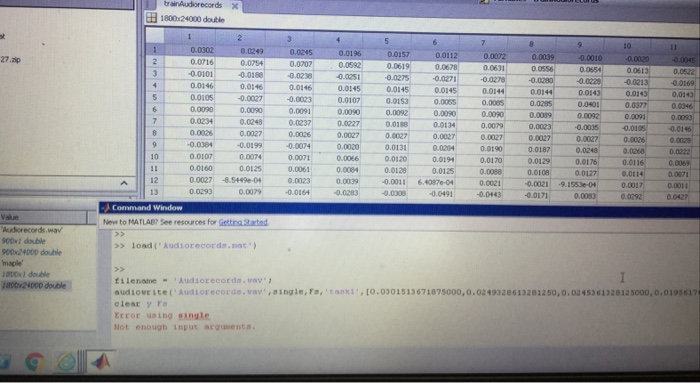
3 Audio Signals in MATLAB To read audio signals from. wav files into matlab, the command audioread is pantcularly useful. If on the other hand, we want to convert a signal in MATLAB into audible .wav files, we can use the command audiowrite. When converting a signal (vector) into an audio file, we need to know how frequent the samples where collected. Task 1: Convert each of the first two rows of the matrix trainAudiorecords into .wav files. Each row of trainAudiorecords represents a 3 seconds audio snippet, where each snippet is sampled at 8000 Hz (samples/sec). The vector trainAudiolabels contains the label associated with each snippet in trainAudiorecords (eithe or 0). Listen to each of your two generated wav files to decide what the label 1 and the label 0 correspond to (male/female)
Step by Step Solution
There are 3 Steps involved in it

Get step-by-step solutions from verified subject matter experts
 Study Help