







Question: HTML Elements /root/sandbox jtc-base.css Setting up Navigation List Within the header element, insert a navigation list ( itc comments jtc index.html nav element contaning an
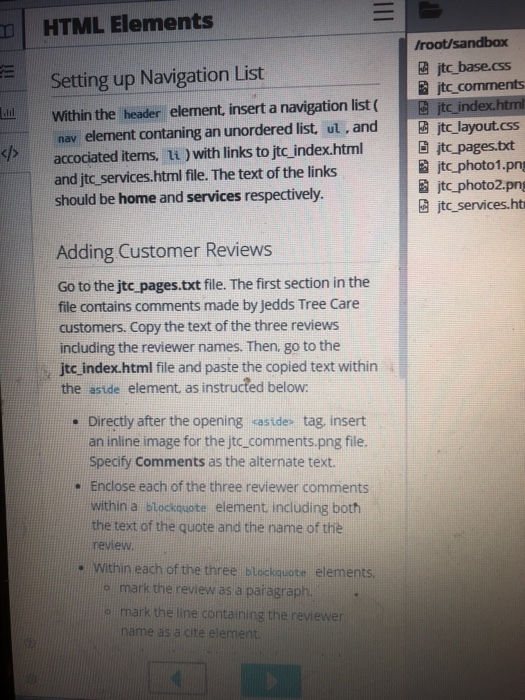
HTML Elements /root/sandbox jtc-base.css Setting up Navigation List Within the header element, insert a navigation list ( itc comments jtc index.html nav element contaning an unordered list, ut, andt layout.css a jtc photo1.pn 2 jtc photo2.png jteservices.ht jtc pages.txt accociated items, 1i ) with links to jtc index.html and jtc _services.html file. The text of the links should be home and services respectively. sh Adding Customer Reviews Go to the jtc pages.txt file. The first section in the file contains comments made by jedds Tree Care customers. Copy the text of the three reviews including the reviewer names. Then, go to the jtc index.html file and paste the copied text within . Directly after the opening castde- tag, insert Specify Comments as the alternate text the astde element. as instructed below an inline image for the jtc_comments.png file Enclose each of the three reviewer comments within a blockouote element including both . the text of the quote and the name of the review . Within each of the three blockquote elements o mark the review as a paragraph. mark the line containing the reviewer name as a cite element HTML Elements /root/sandbox jtc-base.css Setting up Navigation List Within the header element, insert a navigation list ( itc comments jtc index.html nav element contaning an unordered list, ut, andt layout.css a jtc photo1.pn 2 jtc photo2.png jteservices.ht jtc pages.txt accociated items, 1i ) with links to jtc index.html and jtc _services.html file. The text of the links should be home and services respectively. sh Adding Customer Reviews Go to the jtc pages.txt file. The first section in the file contains comments made by jedds Tree Care customers. Copy the text of the three reviews including the reviewer names. Then, go to the jtc index.html file and paste the copied text within . Directly after the opening castde- tag, insert Specify Comments as the alternate text the astde element. as instructed below an inline image for the jtc_comments.png file Enclose each of the three reviewer comments within a blockouote element including both . the text of the quote and the name of the review . Within each of the three blockquote elements o mark the review as a paragraph. mark the line containing the reviewer name as a cite element
Step by Step Solution
There are 3 Steps involved in it

Get step-by-step solutions from verified subject matter experts
 Study Help