







Question: HTML, JS, CSS code. I appreciate your help. The homework is to add 2 new eis web pages to the ejsApp2 program we went over
![recording that show you how to do the steps. (K-NodeWebServerPart2.mp4) [1] at](https://dsd5zvtm8ll6.cloudfront.net/si.experts.images/questions/2024/09/66f59ad6c87a2_99066f59ad65fb3b.jpg)
HTML, JS, CSS code. I appreciate your help.
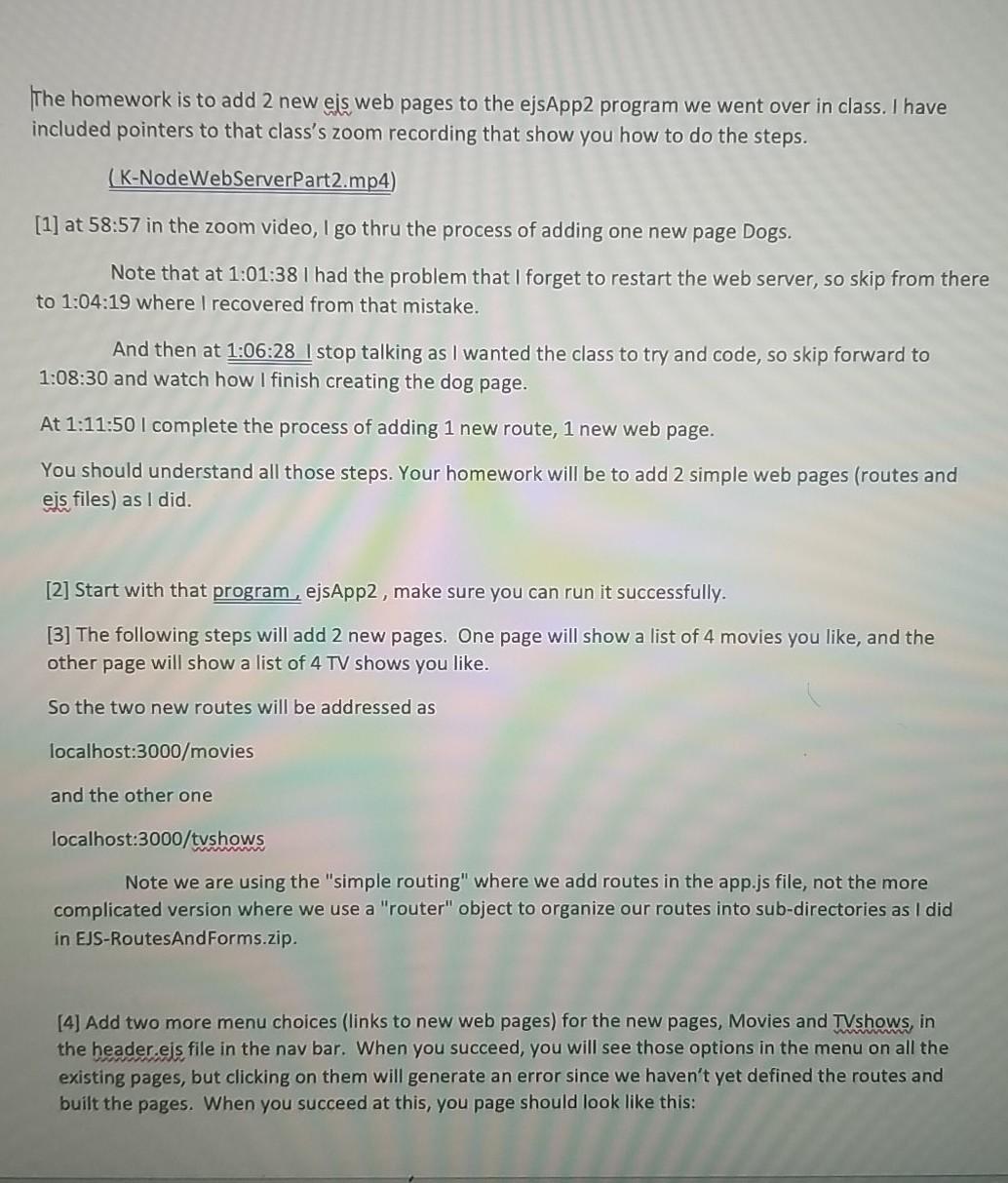
The homework is to add 2 new eis web pages to the ejsApp2 program we went over in class. I have included pointers to that class's zoom recording that show you how to do the steps. (K-NodeWebServerPart2.mp4) [1] at 58:57 in the zoom video, I go thru the process of adding one new page Dogs. Note that at 1:01:38 I had the problem that I forget to restart the web server, so skip from there to 1:04:19 where I recovered from that mistake. And then at 1:06:28 I stop talking as I wanted the class to try and code, so skip forward to 1:08:30 and watch how I finish creating the dog page. At 1:11:50 I complete the process of adding 1 new route, 1 new web page. You should understand all those steps. Your homework will be to add 2 simple web pages (routes and eis files) as I did. [2] Start with that program , ejsApp2, make sure you can run it successfully. [3] The following steps will add 2 new pages. One page will show a list of 4 movies you like, and the other page will show a list of 4 TV shows you like. So the two new routes will be addressed as localhost:3000/movies and the other one localhost:3000/tvshows Note we are using the "simple routing" where we add routes in the app.js file, not the more complicated version where we use a "router" object to organize our routes into sub-directories as I did in EJS-RoutesAndForms.zip. [4] Add two more menu choices (links to new web pages) for the new pages, Movies and TVshows, in the header eis file in the nav bar. When you succeed, you will see those options in the menu on all the existing pages, but clicking on them will generate an error since we haven't yet defined the routes and built the pages. When you succeed at this, you page should look like this: = Super Awesome localhost 1000 As Node Projects clusters Atis. Dashboard Angular Get... Reading and Reading and Easy Google A... Google OAuth EJS IS Fun Home About Era uploadData Movs Tushions This is great Welcome to templating using EJS Copyright 2014 The Awesome Peole [5] Go to the app.js file, and create the 2 new routes that render 2 new movies,eis and tvshows:eis. Refer to the video to see how to do this. [6] Now create those 2 files, movies,eis and tvshows:eis, by copying the about.eis file, pasting it, and renaming it 2 times. At this point you should be able to run the web server, and your two new navigation menu choices should work, and take you to the new 2 pages, which both show what looks like the about page. [7] As I did, edit those new els files and remove most of the content and just add a
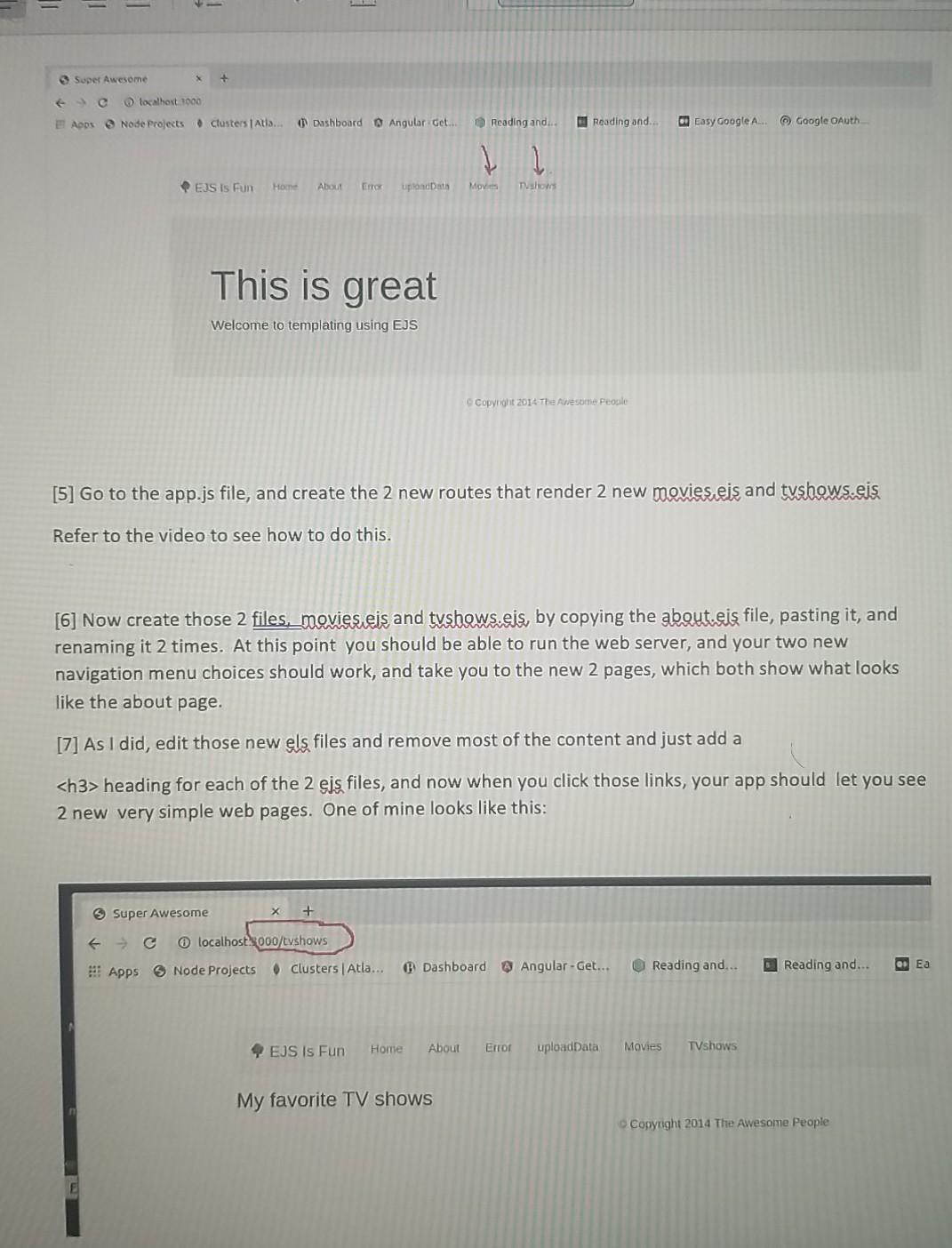
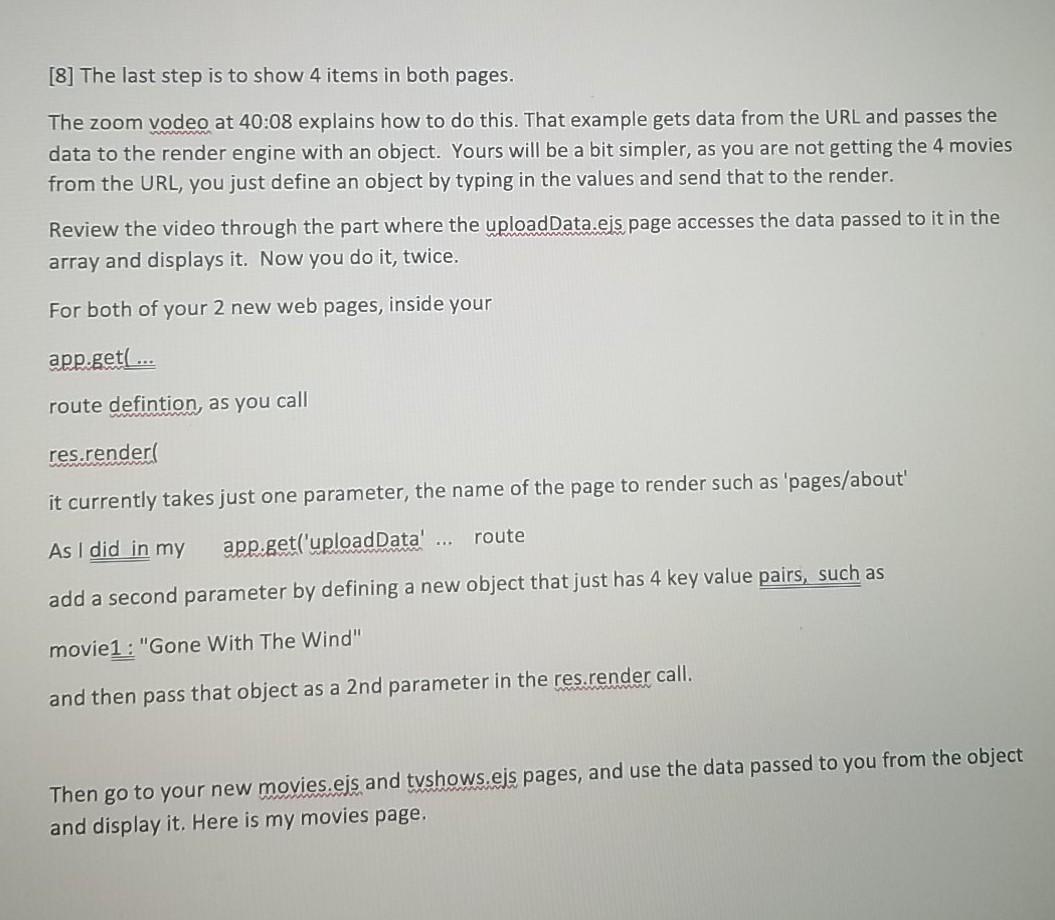
heading for each of the 2 eis files, and now when you click those links, your app should let you see 2 new very simple web pages. One of mine looks like this: 3 Super Awesome + localhost.s000/tvshows Dashboard @ Angular-Get... * Apps Node Projects Clusters | Atla... Reading and... Reading and... Q. Ea EJS Is Fun Home About Error uploadData Movies TVshows My favorite TV shows Copyright 2014 The Awesome People [8] The last step is to show 4 items in both pages. The zoom vodeo at 40:08 explains how to do this. That example gets data from the URL and passes the data to the render engine with an object. Yours will be a bit simpler, as you are not getting the 4 movies from the URL, you just define an object by typing in the values and send that to the render. Review the video through the part where the uploadData.eis page accesses the data passed to it in the array and displays it. Now you do it, twice. For both of your 2 new web pages, inside your app.get(... route defintion, as you call res.render it currently takes just one parameter, the name of the page to render such as 'pages/about' route As I did in my app.get('upload Data' add a second parameter by defining a new object that just has 4 key value pairs, such movie1: "Gone With The Wind" wwwwwwww and then pass that object as a 2nd parameter in the res.render call. Then go to your new movies.ejs and tvshows.ejs pages, and use the data passed to you from the object and display it. Here is my movies page. Super Awesome + localhost 3000/movies Apps Node Projects Clusters | Atla... Dashboard Angular - Get. EJS Is Fun Home About Error uploadData My favorite movies Moonstruck Raising Arizona Wild at Heart Midnight Run
Step by Step Solution
There are 3 Steps involved in it

Get step-by-step solutions from verified subject matter experts
 Study Help