







Question: https://phet.colorado.edu/sims/html/charges-and-fields/latest/charges-and-fields_en.htmlPlease use the simulation to answer the questions, thanks Activity 2: Electric Field Lines and Equipotential Lines for a Negative Point Charge Turn off 'Electric
https://phet.colorado.edu/sims/html/charges-and-fields/latest/charges-and-fields_en.htmlPlease use the simulation to answer the questions, thanks
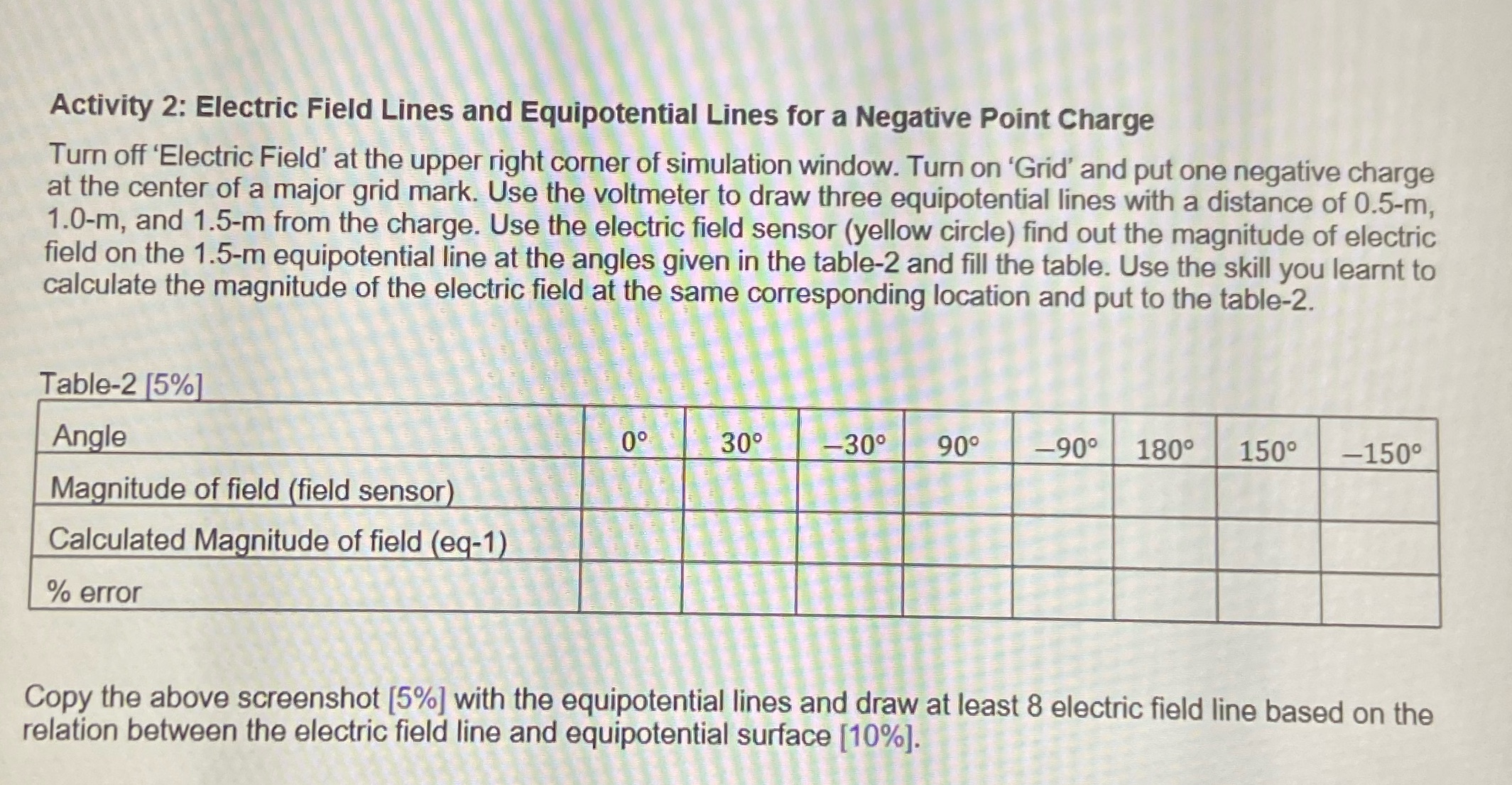
Activity 2: Electric Field Lines and Equipotential Lines for a Negative Point Charge Turn off 'Electric Field' at the upper right corner of simulation window. Turn on 'Grid' and put one negative charge at the center of a major grid mark. Use the voltmeter to draw three equipotential lines with a distance of 0.5-m, 1.0-m, and 1.5-m from the charge. Use the electric field sensor (yellow circle) find out the magnitude of electric field on the 1.5-m equipotential line at the angles given in the table-2 and fill the table. Use the skill you learnt to calculate the magnitude of the electric field at the same corresponding location and put to the table-2. Table-2 [5%] Angle 30 -30 90 -90 180 150 -150 Magnitude of field (field sensor) Calculated Magnitude of field (eq-1) % error Copy the above screenshot [5%] with the equipotential lines and draw at least 8 electric field line based on the relation between the electric field line and equipotential surface [10%]
Step by Step Solution
There are 3 Steps involved in it

Get step-by-step solutions from verified subject matter experts
 Study Help