







Question: http://www.mysqltutorial.org/tryit/ Now that you know your way around the interface, let's work through a few exercises. 1) List all the records in the Payments table.
http://www.mysqltutorial.org/tryit/
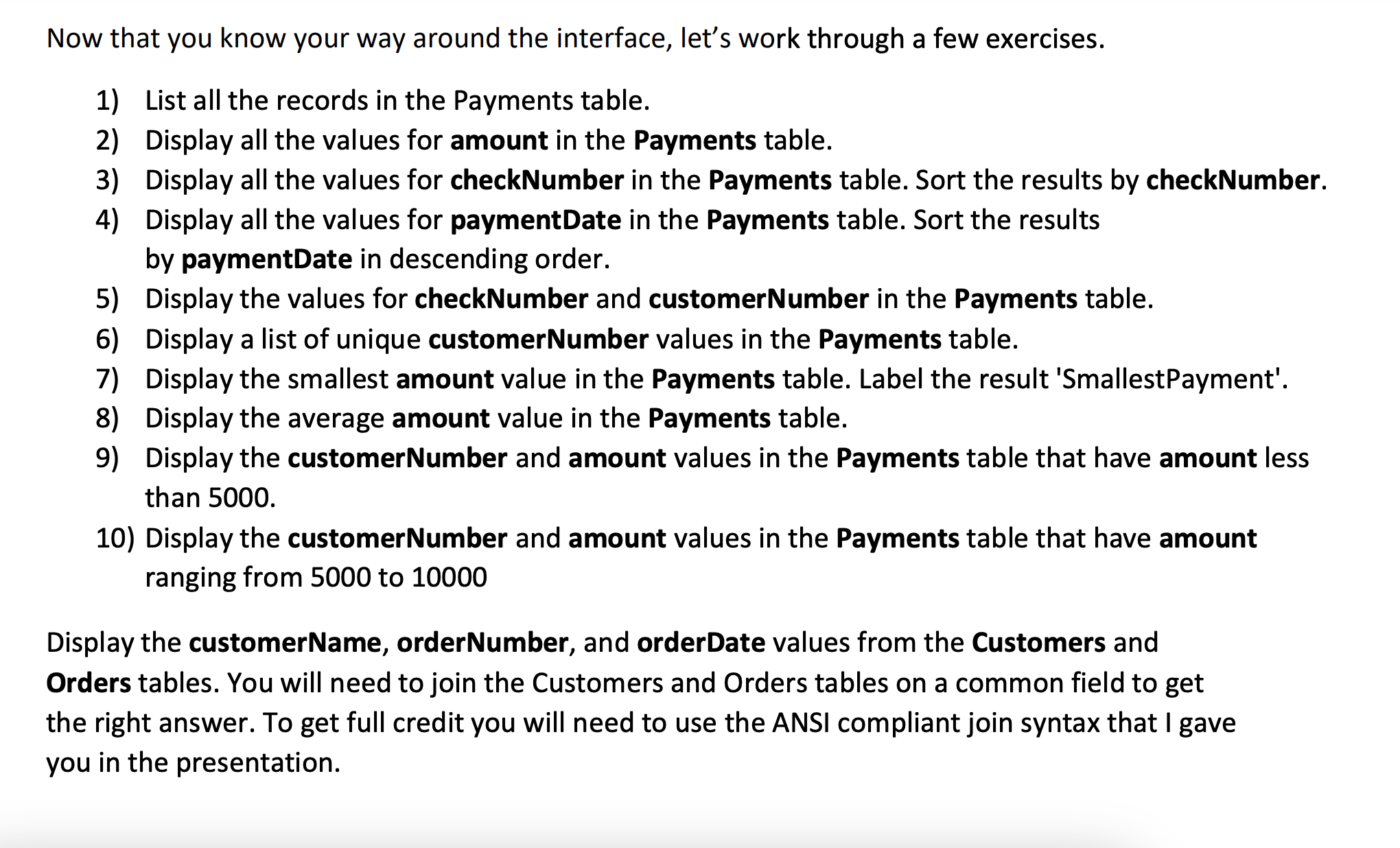
Now that you know your way around the interface, let's work through a few exercises. 1) List all the records in the Payments table. 2) Display all the values for amount in the Payments table. 3) Display all the values for checkNumber in the Payments table. Sort the results by checkNumber. 4) Display all the values for paymentDate in the Payments table. Sort the results by paymentDate in descending order. 5) Display the values for checkNumber and customerNumber in the Payments table. 6) Display a list of unique customerNumber values in the Payments table. 7) Display the smallest amount value in the Payments table. Label the result 'SmallestPayment'. 8) Display the average amount value in the Payments table. 9) Display the customerNumber and amount values in the Payments table that have amount less than 5000. 10) Display the customerNumber and amount values in the Payments table that have amount ranging from 5000 to 10000 Display the customerName, orderNumber, and orderDate values from the Customers and Orders tables. You will need to join the Customers and Orders tables on a common field to get the right answer. To get full credit you will need to use the ANSI compliant join syntax that I gave you in the presentation
Step by Step Solution
There are 3 Steps involved in it

Get step-by-step solutions from verified subject matter experts
 Study Help