







Question: HW6 Assignment (20 points) Rubric: 10 points for installing and running simulator and 10 points for answering questions Instructions for installing and running ARC Simulator:
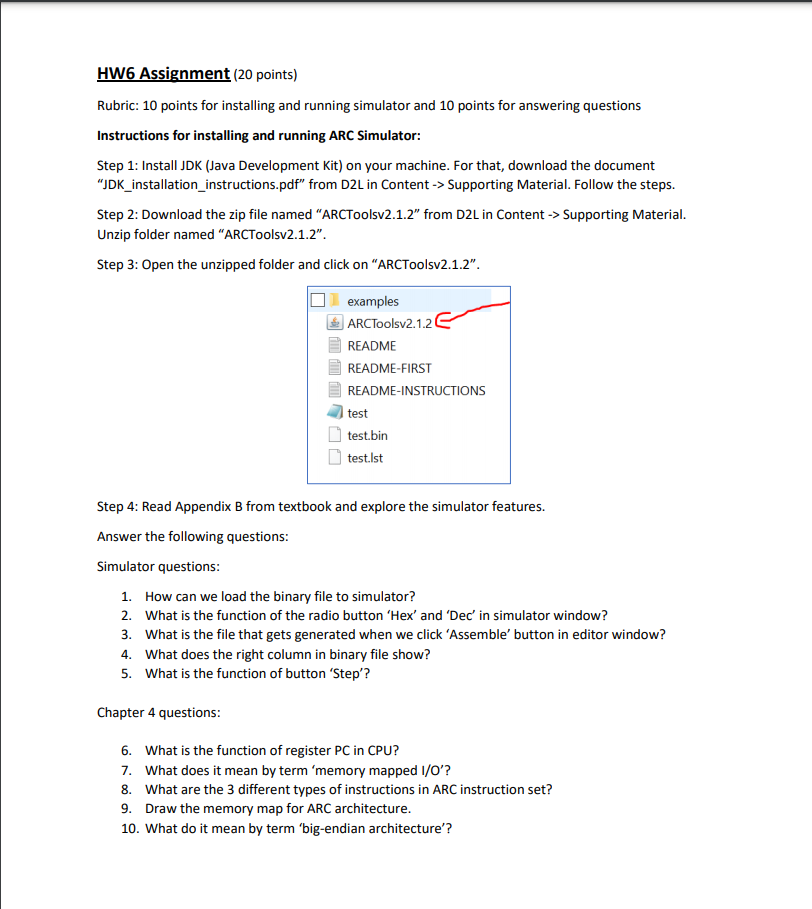
HW6 Assignment (20 points) Rubric: 10 points for installing and running simulator and 10 points for answering questions Instructions for installing and running ARC Simulator: Step 1: Install JDK (Java Development Kit) on your machine. For that, download the document JDK_installation_instructions.pdf" from D2L in Content -> Supporting Material. Follow the steps. Step 2: Download the zip file named ARCToolsv2.1.2" from D2L in Content -> Supporting Material. Unzip folder named "ARCToolsv2.1.2". Step 3: Open the unzipped folder and click on "ARCToolsv2.1.2". examples ARCTools 2.1.2 README README-FIRST README-INSTRUCTIONS test test.bin test.Ist Step 4: Read Appendix B from textbook and explore the simulator features. Answer the following questions: Simulator questions: 1. How can we load the binary file to simulator? 2. What is the function of the radio button 'Hex' and 'Dec' in simulator window? 3. What is the file that gets generated when we click 'Assemble' button in editor window? 4. What does the right column in binary file show? 5. What is the function of button 'Step? Chapter 4 questions: 6. What is the function of register PC in CPU? 7. What does it mean by term 'memory mapped I/O'? 8. What are the 3 different types of instructions in ARC instruction set? 9. Draw the memory map for ARC architecture. 10. What do it mean by term 'big-endian architecture
Step by Step Solution
There are 3 Steps involved in it

Get step-by-step solutions from verified subject matter experts
 Study Help