







Question: I am currently writing this code but usually fail to debug my own codes because im still new to coding. Can anyone write this code
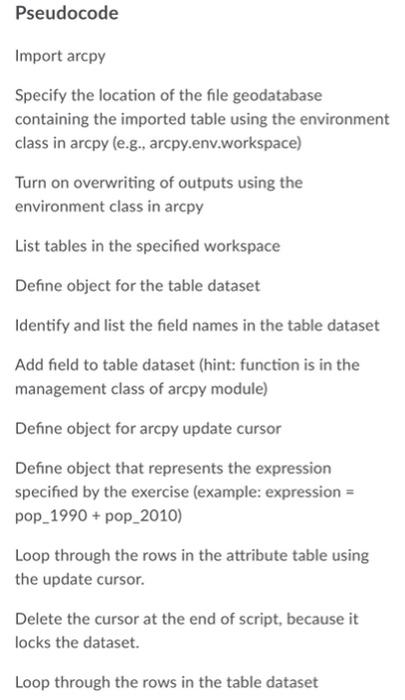
Pseudocode Import arcpy Specify the location of the file geodatabase containing the imported table using the environment class in arcpy (e.g., arcpy.env.workspace) Turn on overwriting of outputs using the environment class in arcpy List tables in the specified workspace Define object for the table dataset Identify and list the field names in the table dataset Add field to table dataset (hint: function is in the management class of arcpy module) Define object for arcpy update cursor Define object that represents the expression specified by the exercise (example: expression = pop_1990 + pop_2010) Loop through the rows in the attribute table using the update cursor. Delete the cursor at the end of script, because it locks the dataset. Loop through the rows in the table dataset Pseudocode Import arcpy Specify the location of the file geodatabase containing the imported table using the environment class in arcpy (e.g., arcpy.env.workspace) Turn on overwriting of outputs using the environment class in arcpy List tables in the specified workspace Define object for the table dataset Identify and list the field names in the table dataset Add field to table dataset (hint: function is in the management class of arcpy module) Define object for arcpy update cursor Define object that represents the expression specified by the exercise (example: expression = pop_1990 + pop_2010) Loop through the rows in the attribute table using the update cursor. Delete the cursor at the end of script, because it locks the dataset. Loop through the rows in the table dataset
Step by Step Solution
There are 3 Steps involved in it

Get step-by-step solutions from verified subject matter experts
 Study Help